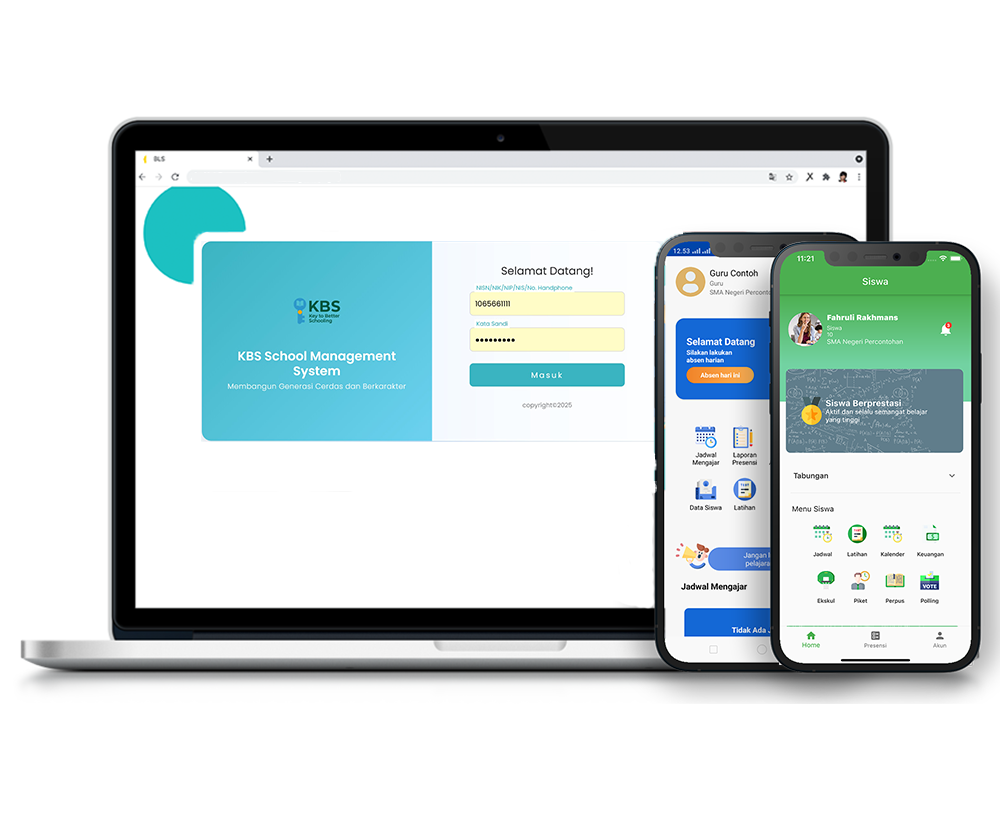
Wali kelas
Description
This tutorial video explains the easy and practical way to assign a teacher as a homeroom teacher. Users are guided from accessing the Homeroom Teacher menu through the Instructor feature, selecting a teacher's name from the available class list, to the automatic saving process managed by the system.
Step-by-Step Usage Guide
-
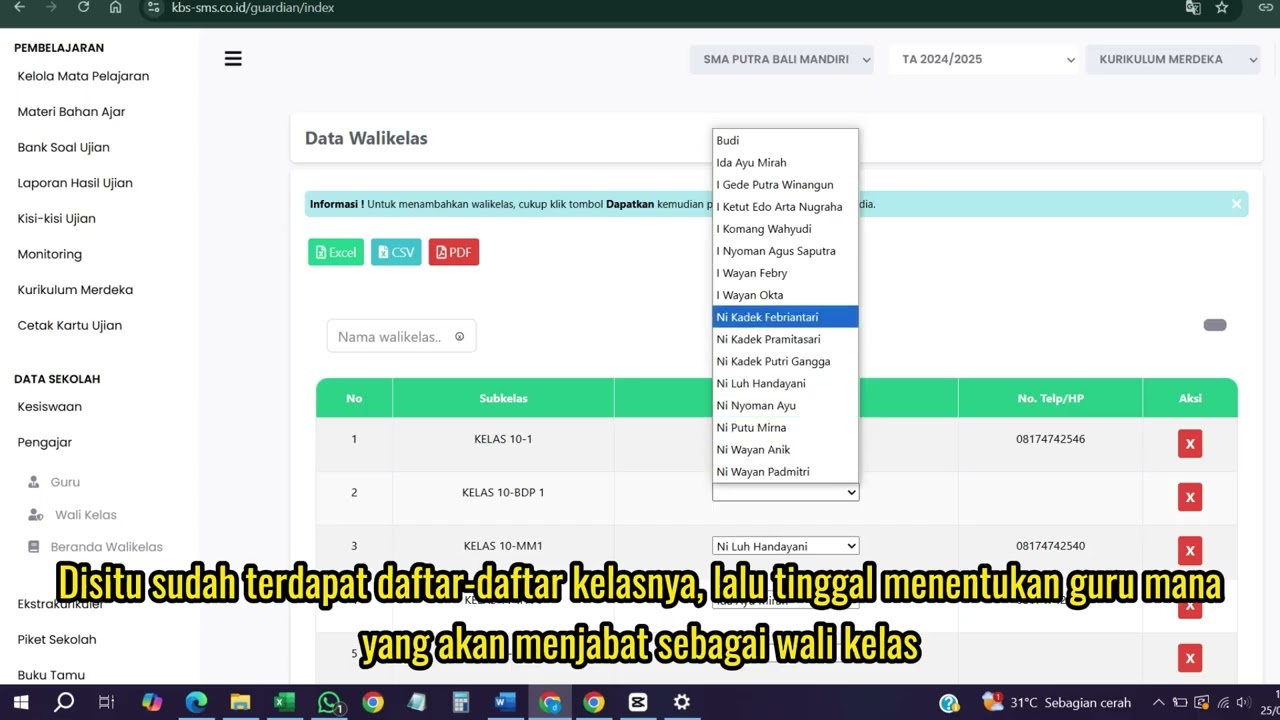
Menu Navigation: From the main menu on the left side of the screen, select the Instructor (Pengajar) feature, then click the Homeroom Teacher (Wali Kelas) menu.
-
Selecting Homeroom Teacher: The page will display a list of classes. Assign a homeroom teacher by clicking the teacher's name column, then select the appropriate teacher's name from the dropdown list.
-
Saving Data: Once a teacher's name is selected, the data will be automatically saved into the system. When the notification pop-up appears on the screen, simply click the OK button.
School Data
16 videos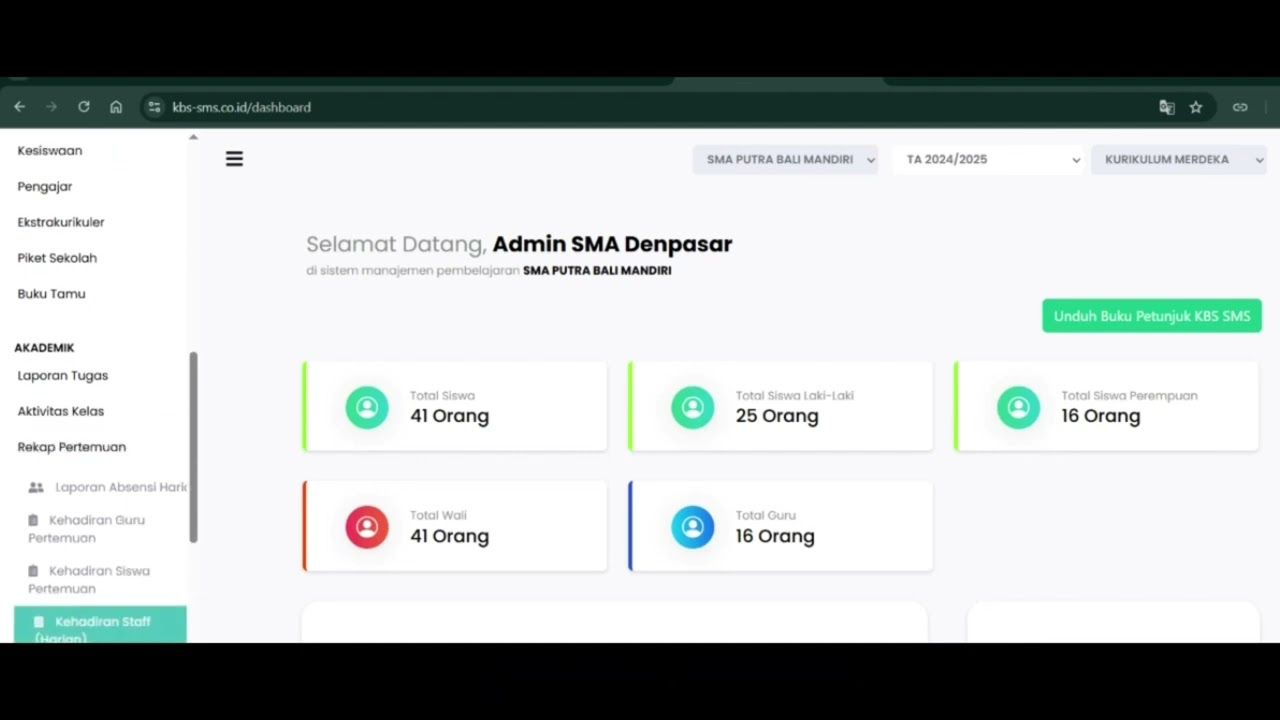 0:42
0:42
Daily Staff Attendance
92 views
 0:44
0:44
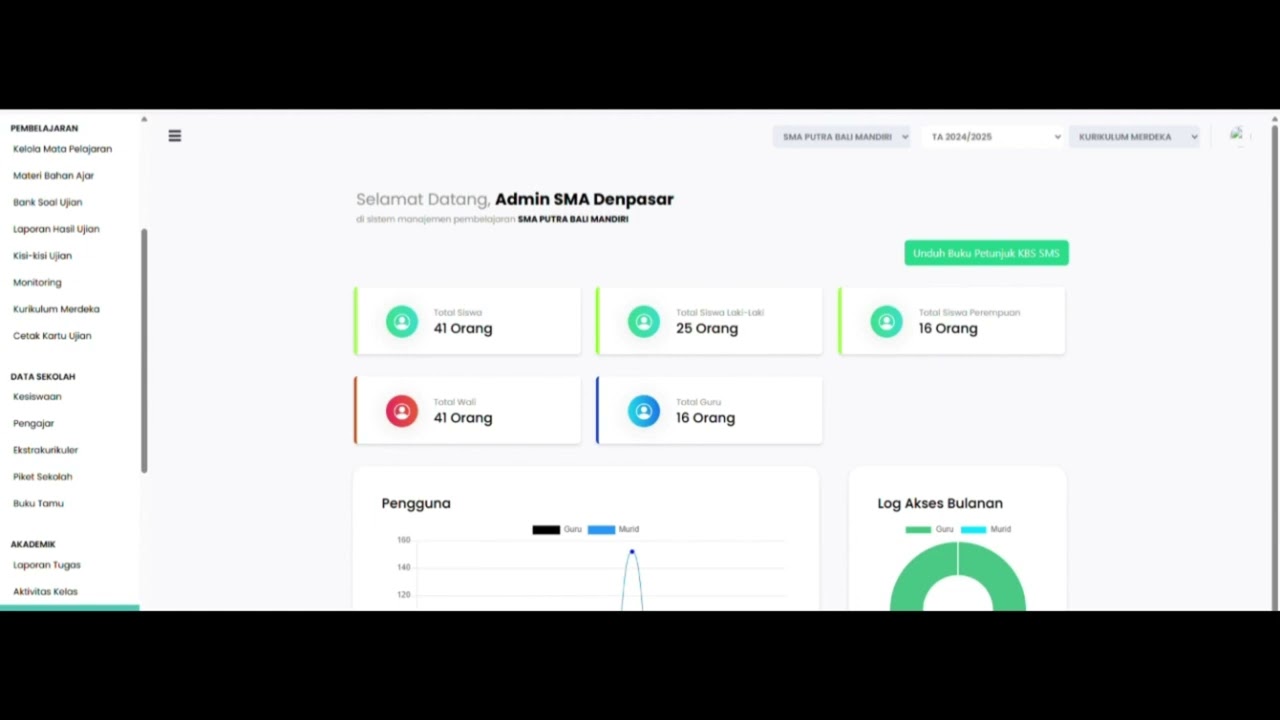
Teacher Attendance at Meetings
85 views
 0:43
0:43
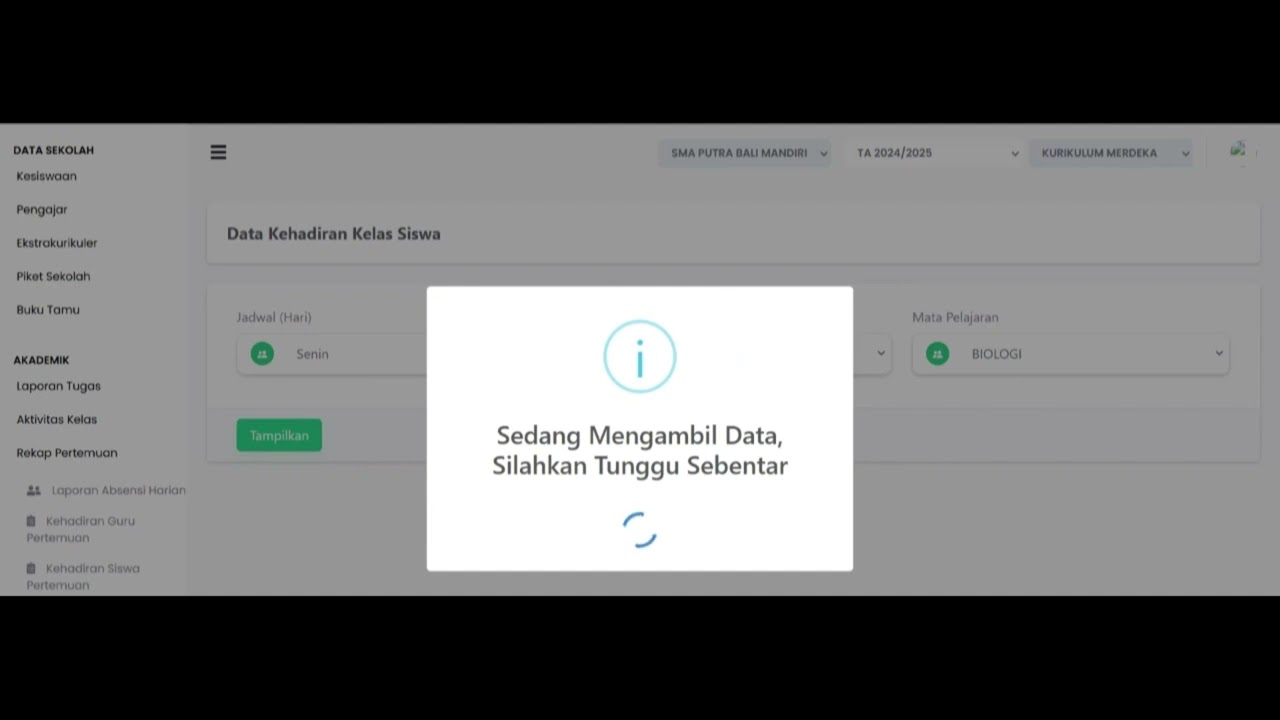
student attendance at meetings
81 views
 1:01
1:01
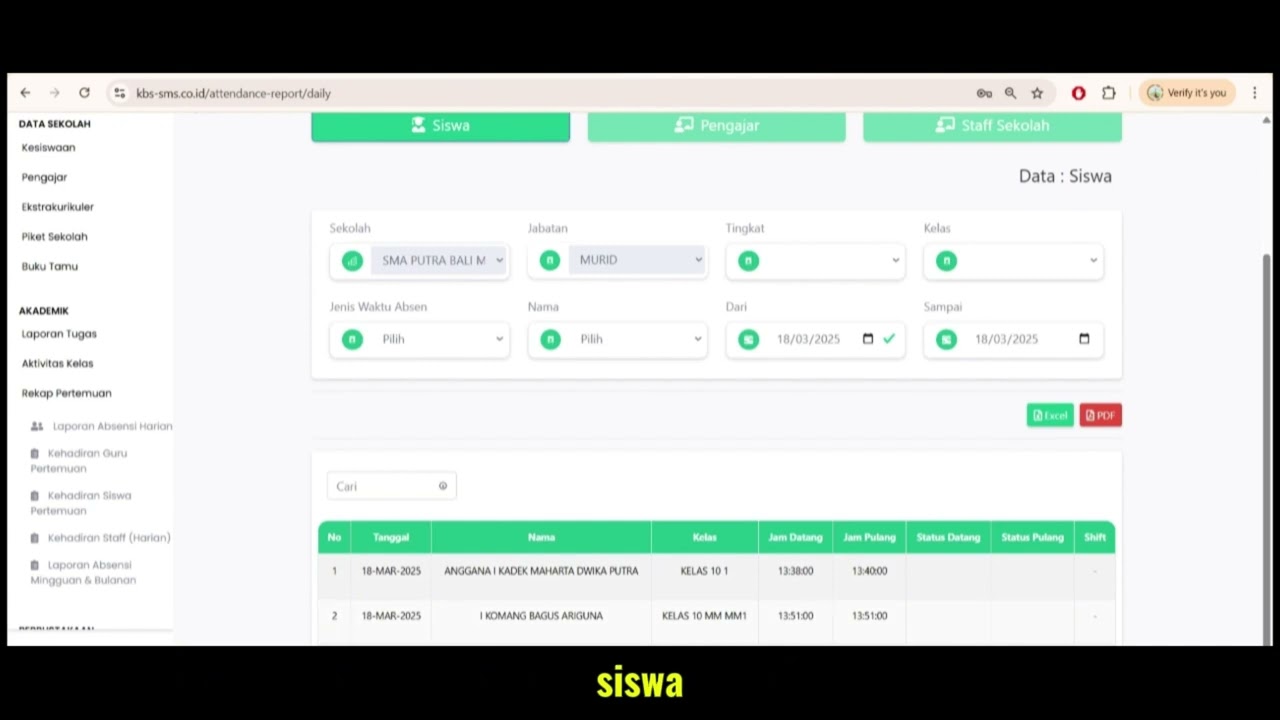
Daily Attendance Report
94 views
 2:11
2:11
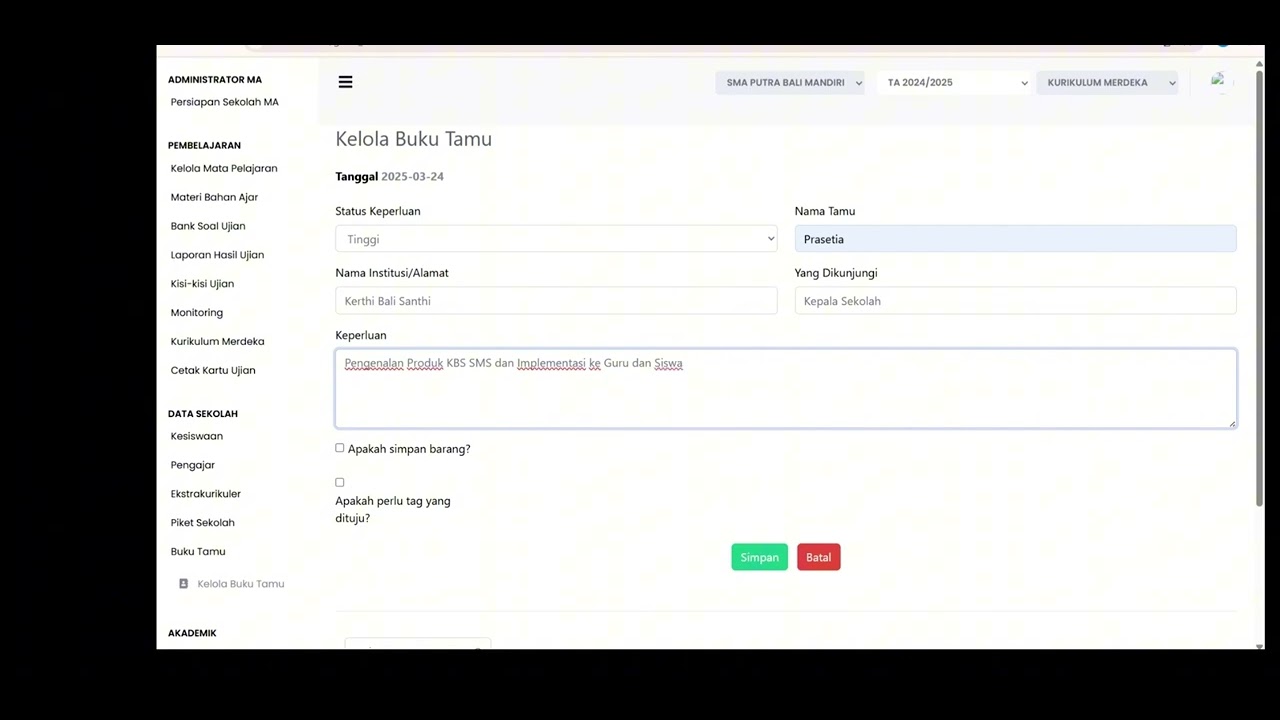
Guest Book Features
92 views
 3:16
3:16
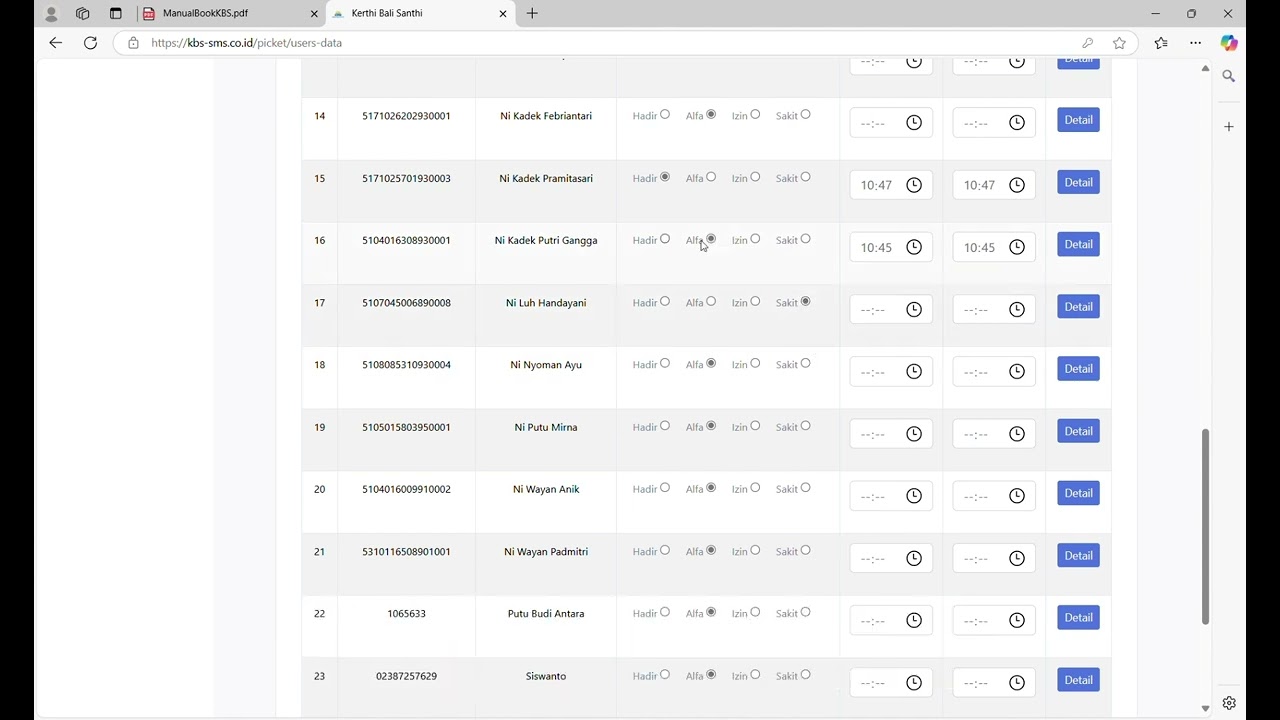
School Duty
87 views
 1:15
1:15
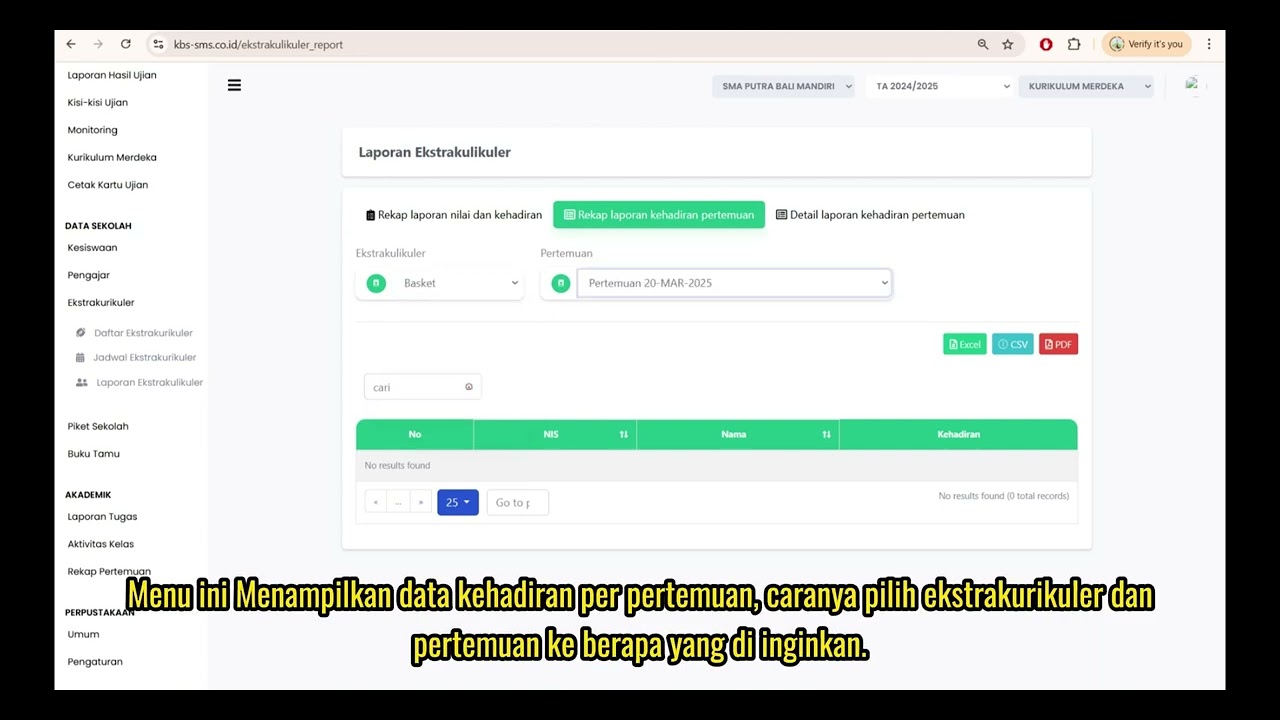
Extracurricular Report
87 views
 4:32
4:32
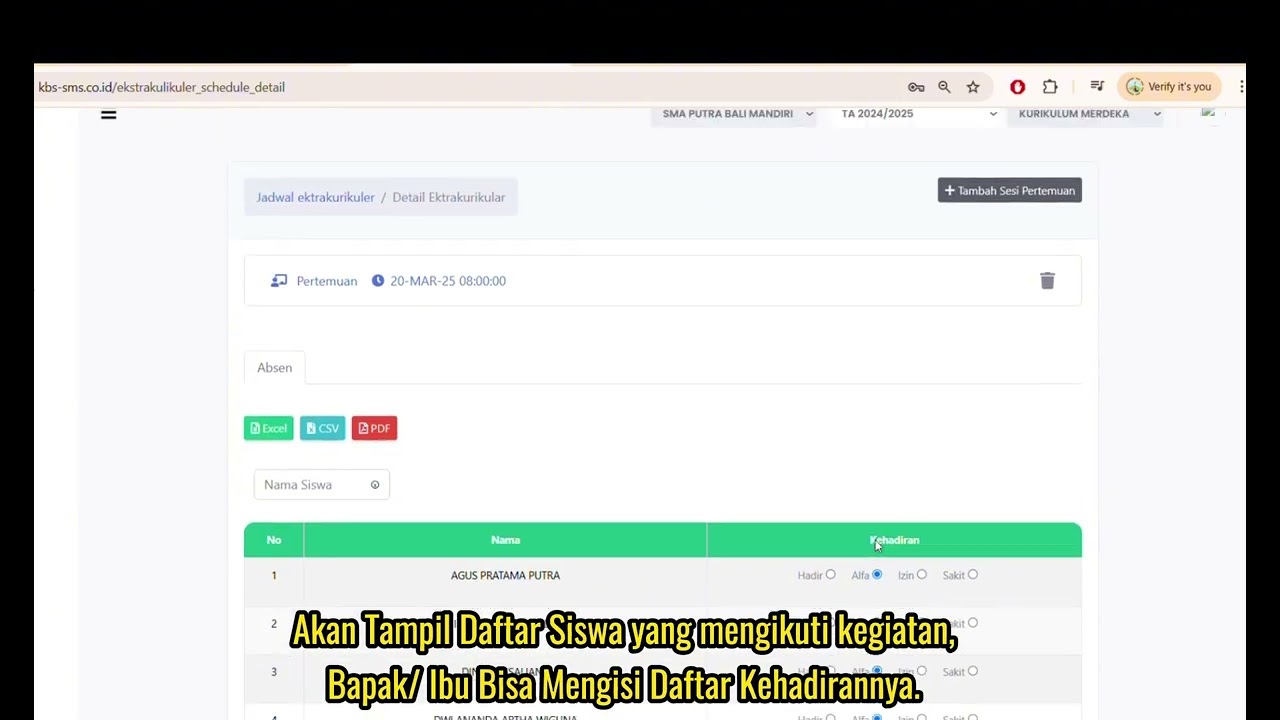
Jadwal Ekstrakulikuler
74 views
 7:32
7:32
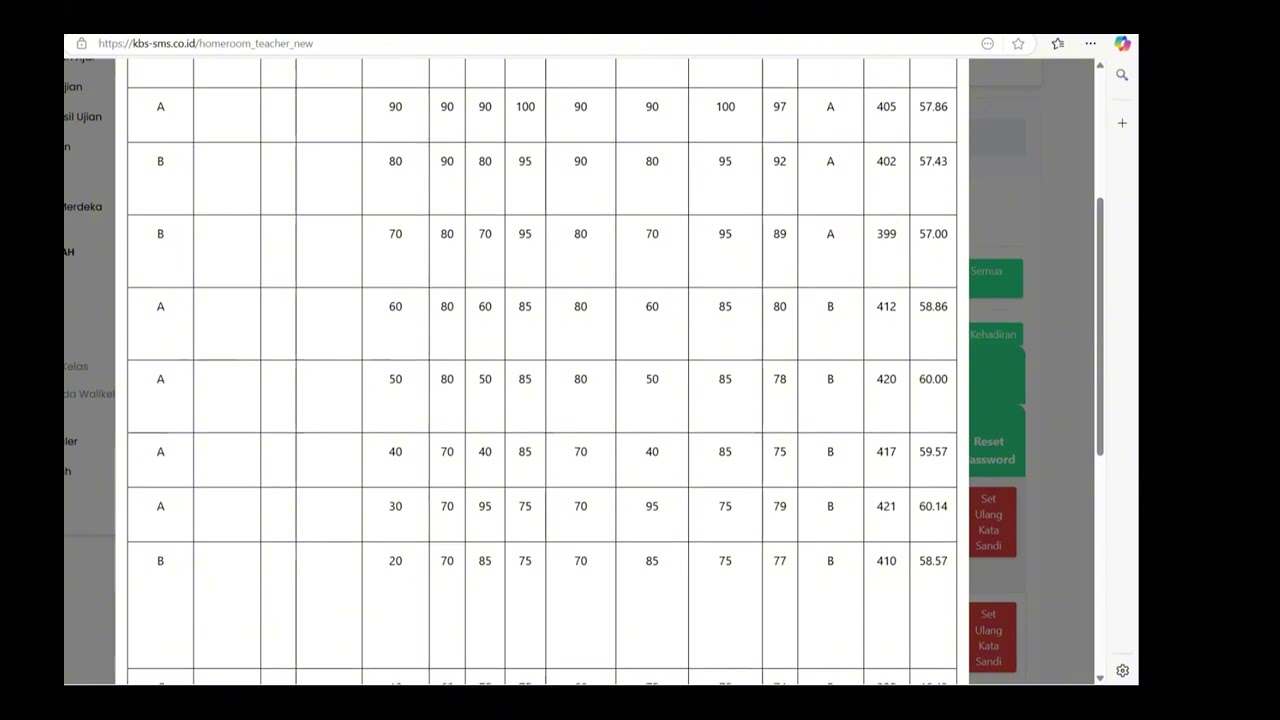
Beranda Walikelas
77 views
Wali kelas
76 views
 1:04
1:04
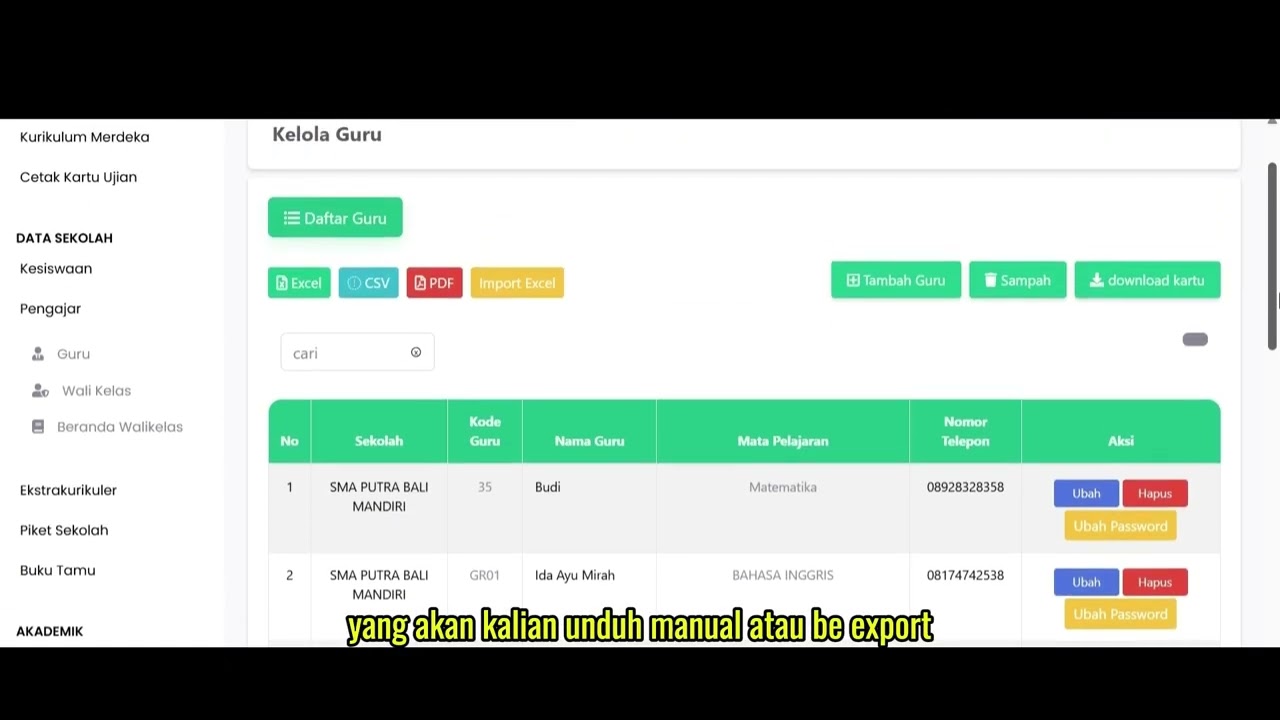
Data Rombel Guru
99 views
 0:53
0:53
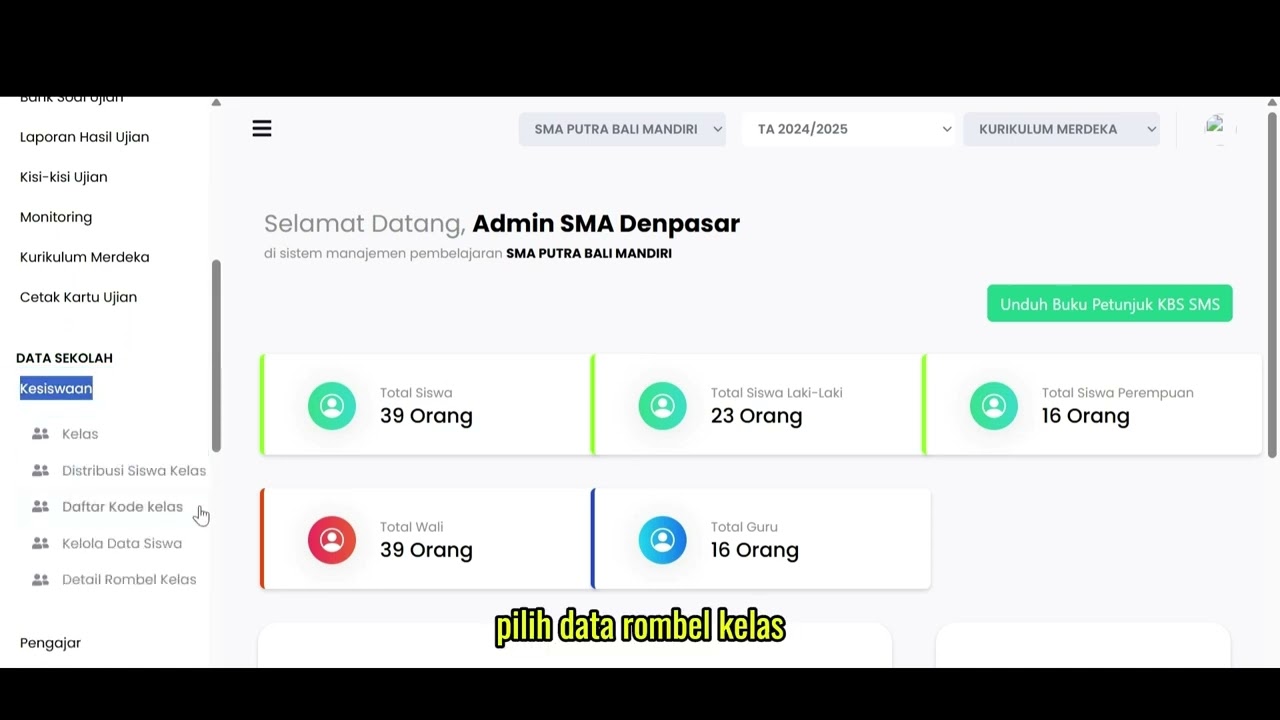
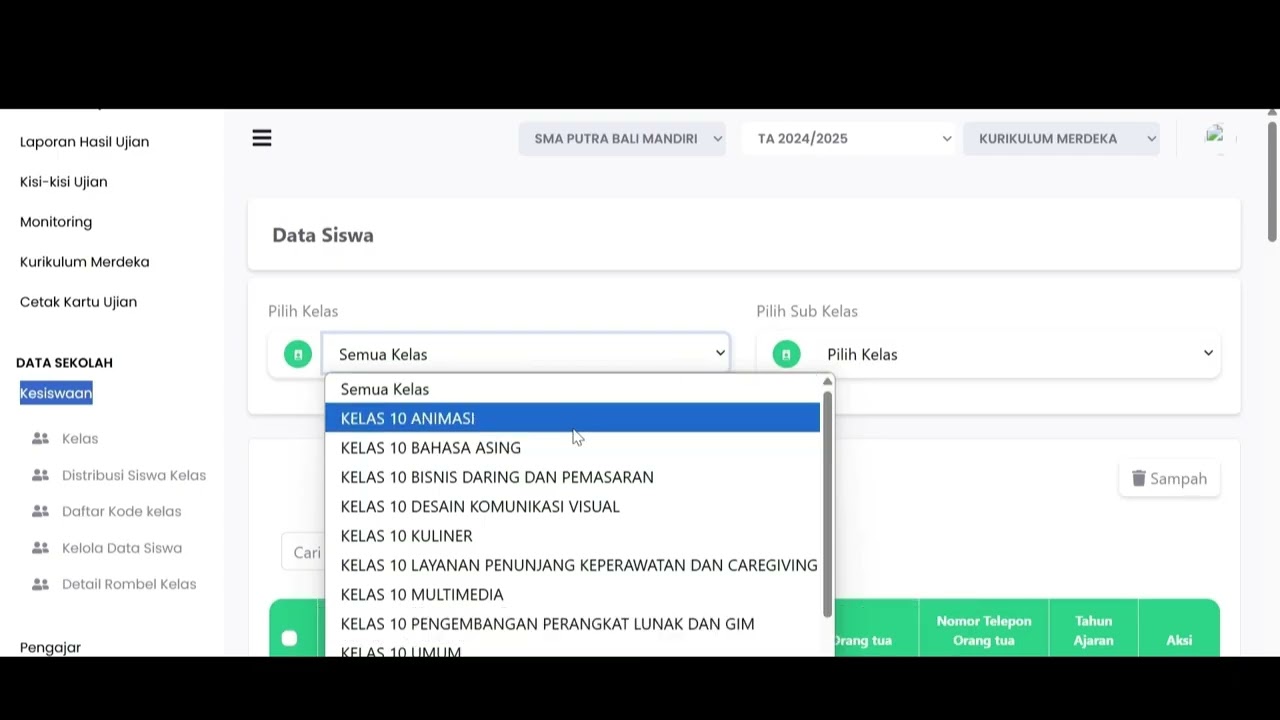
Data Rombel kelas
88 views
 1:02
1:02
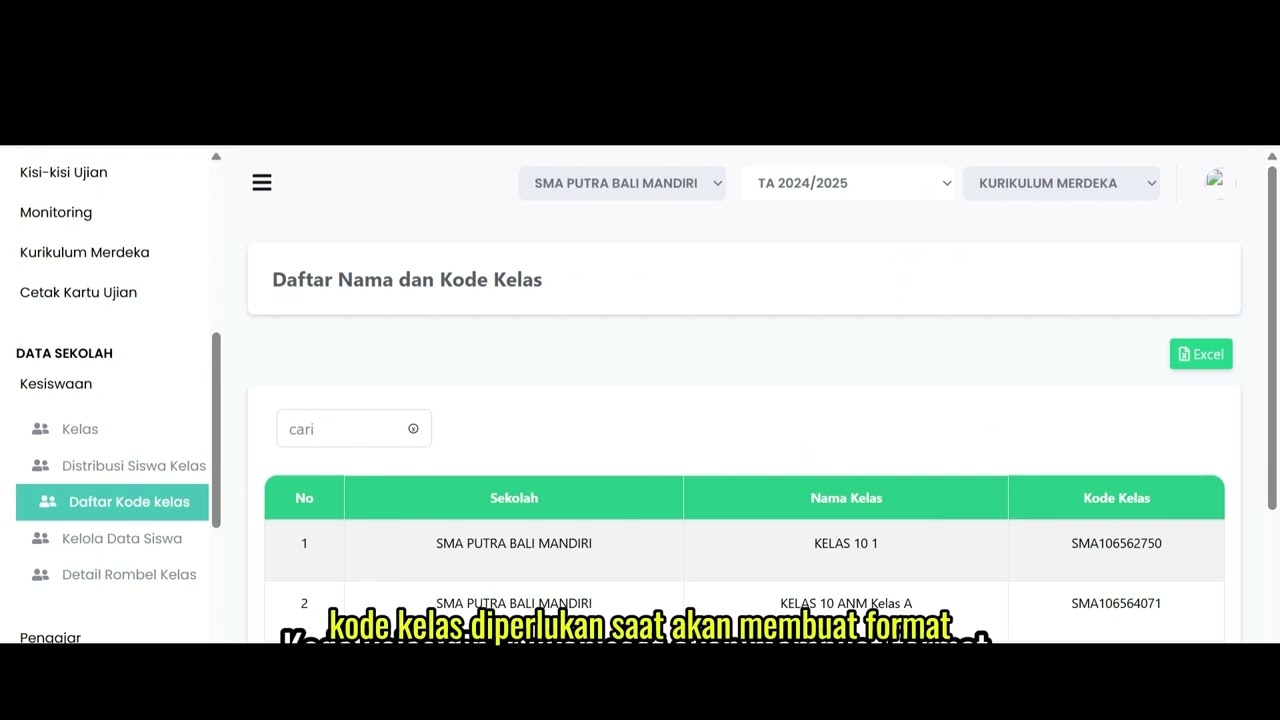
Kelola Data Siswa
92 views
 2:47
2:47
Distribusi Siswa Kelas
79 views
 6:22
6:22
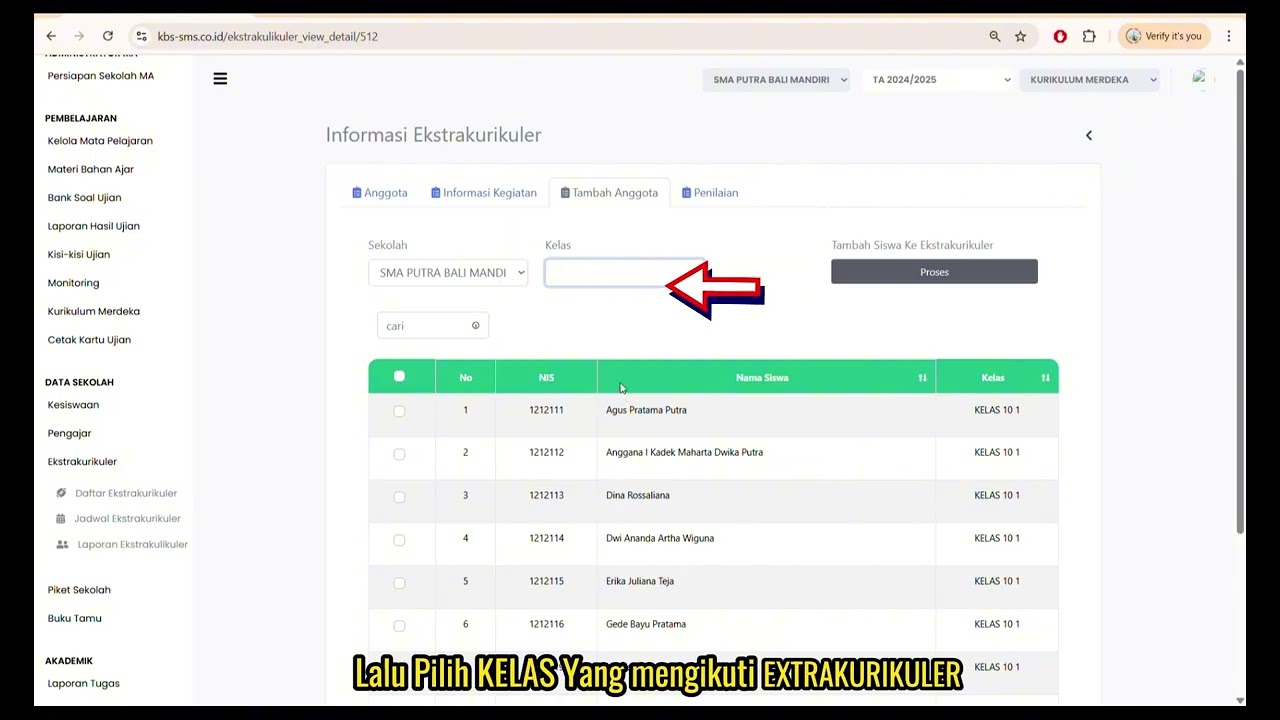
Daftar Ekstrakulikuler
91 views
 3:32
3:32
Tutorial Kesiswaan
88 views
Related Videos
Daily Staff Attendance
92 views • 8 months ago
Teacher Attendance at Meetings
85 views • 8 months ago
student attendance at meetings
81 views • 8 months ago
Daily Attendance Report
94 views • 8 months ago
Guest Book Features
92 views • 8 months ago
School Duty
87 views • 8 months ago