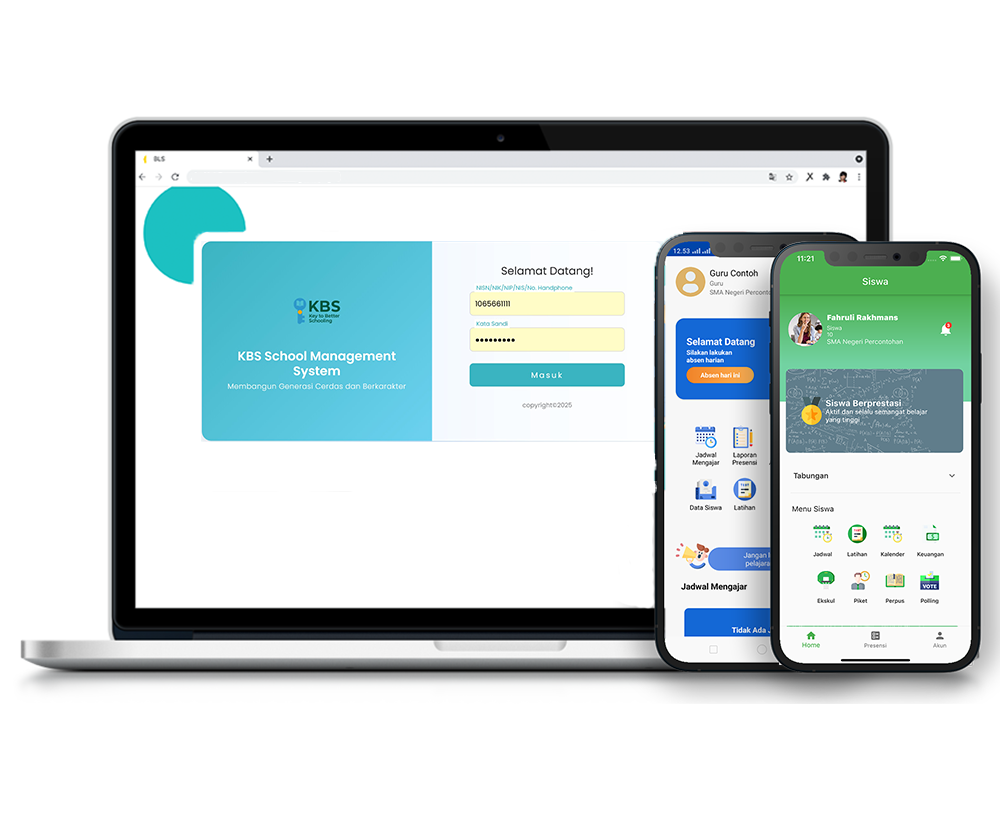
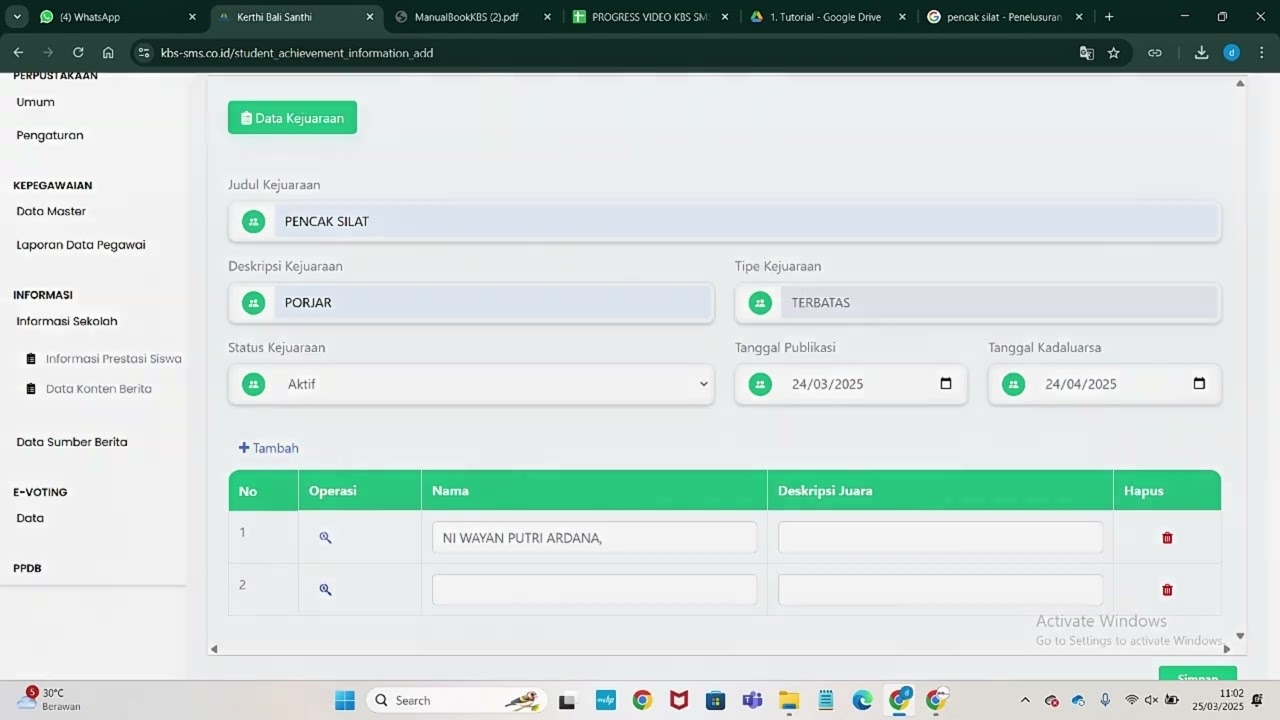
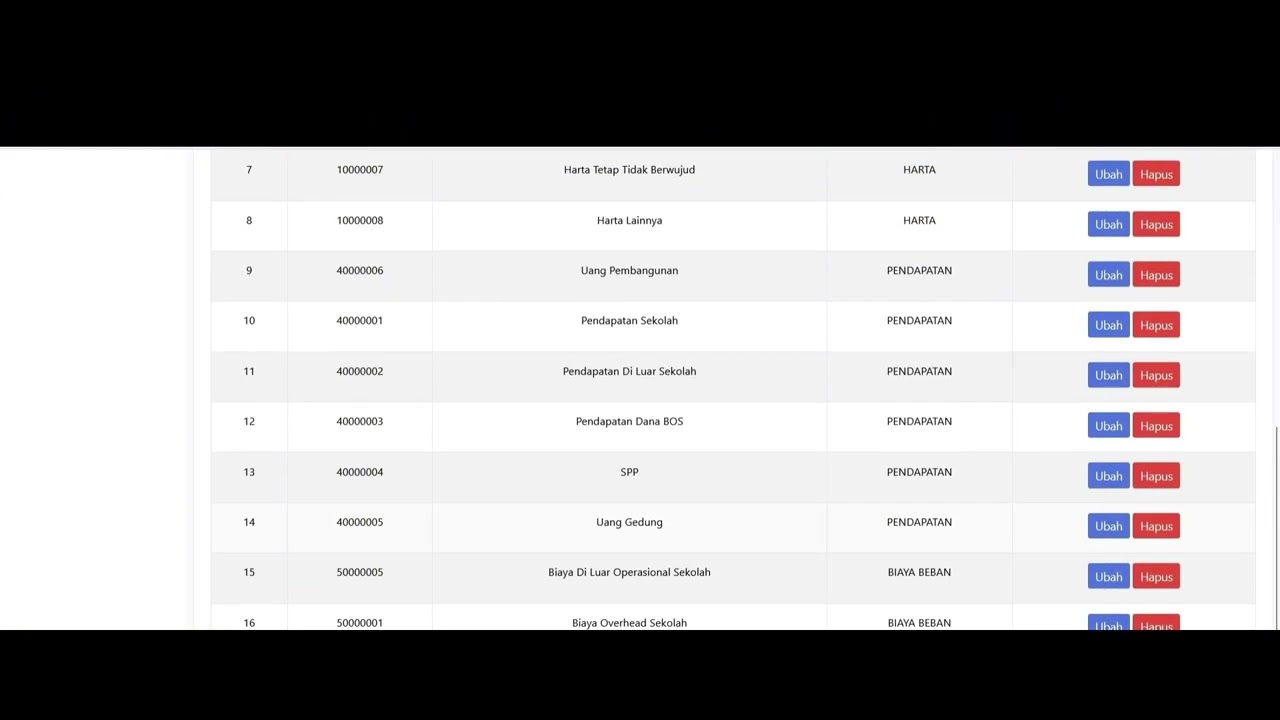
How do I use KBS SMS?
Feature Guidance
Understand feature functions, menu locations, user roles, prerequisites, and usage steps.
Try Feature Guidance →
One assistant to help users understand features, find guidance, watch official videos, and resolve KBS SMS usage issues.
Ask. Learn. Solve.
KBS SMS AI Support Assistant
● Ready to help
Feature Guidance
I will guide you through the menu, prerequisites, and usage steps.There is no need to choose an agent or category. KBS SMS AI understands your needs and directs them to the appropriate assistance flow.
How do I use KBS SMS?
Understand feature functions, menu locations, user roles, prerequisites, and usage steps.
Try Feature Guidance →Why is this not working?
Identify the issue, try safe solutions, confirm the result, and escalate the case when it remains unresolved.
Try Issue Guidance →Guidance is based on approved KBS SMS manuals and product knowledge, so users receive the right context.
✓Feature explanations
✓Menu navigation
✓Role-based guidance
✓Prerequisite guidance
✓Step-by-step guidance
✓Related tutorial videos

Example question
“How do I view the attendance summary?”
AI explains the menu, access rights, steps, and relevant tutorial videos.
Troubleshooting flow
AI finds the matching FAQ, presents troubleshooting steps and videos, and then confirms whether the issue has been resolved.
Human Support remains available. Unresolved, complex, or high-risk cases are directed to a human support channel.
Choose a suggested question or describe your own needs through KBS SMS AI.
Write your question or issue.
AI understands the context and role.
Guidance and videos are presented.
Resolve it or continue to support.
KBS SMS AI is not a separate module. It assists users across the entire school management ecosystem.
and Curriculum
Assessment and Exams
Operations
and Administration
and Engagement
AI connections are processed through the KBS SMS server. Internal information is not exposed in the browser, and AI answers should still be used thoughtfully.
✓Server-side integration
✓Validation and rate limiting
✓Safe errors and fallbacks
✓Human escalation is available
Ask. Learn. Solve.
Explore KBS SMS through AI assistance or schedule a demo with our team.
Panduan fitur & bantuan kendala KBS SMS
Apakah solusi ini menyelesaikan kendala Anda?
Download and get the KBS SMS app. Enjoy the experience of using the app easily and quickly.