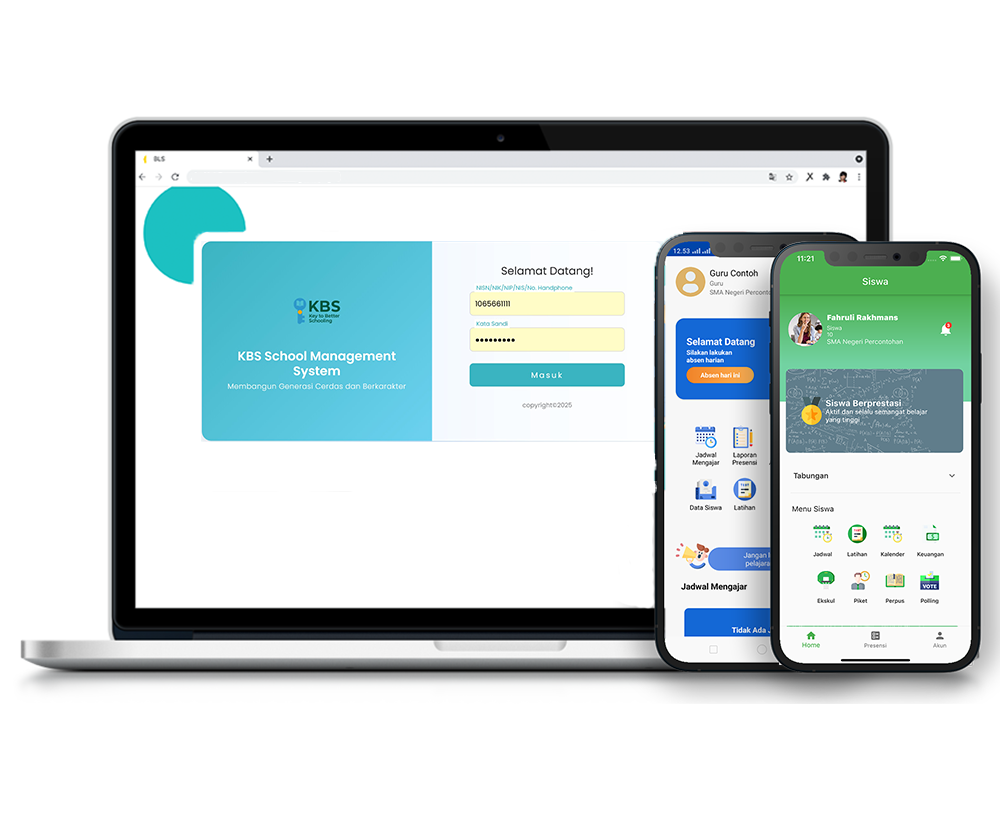
School Duty
Description
The School Duty Roster feature is used to record, manage, and monitor daily student and teacher absences, as well as the duty teacher’s log, within the KBS SMS system. Through this feature, duty teachers can record students or teachers who are absent (due to leave, illness, or unexcused absence), note the date and reason for the absence, and print the duty teacher’s log in a practical and organized manner.
This video tutorial provides a step-by-step guide for duty teachers to navigate the School Duty menu, record student absences, record teacher absences, and monitor and print the duty teacher’s log in the KBS SMS system.
Timestamps / Video Sections:
- Feature Introduction: Explanation of the School Duty feature’s functions for recording absences and managing the duty teacher’s log.
- Step 1: Log In & Navigate the Menu: Log in as a Teacher, then click the Academic > School Duty menu.
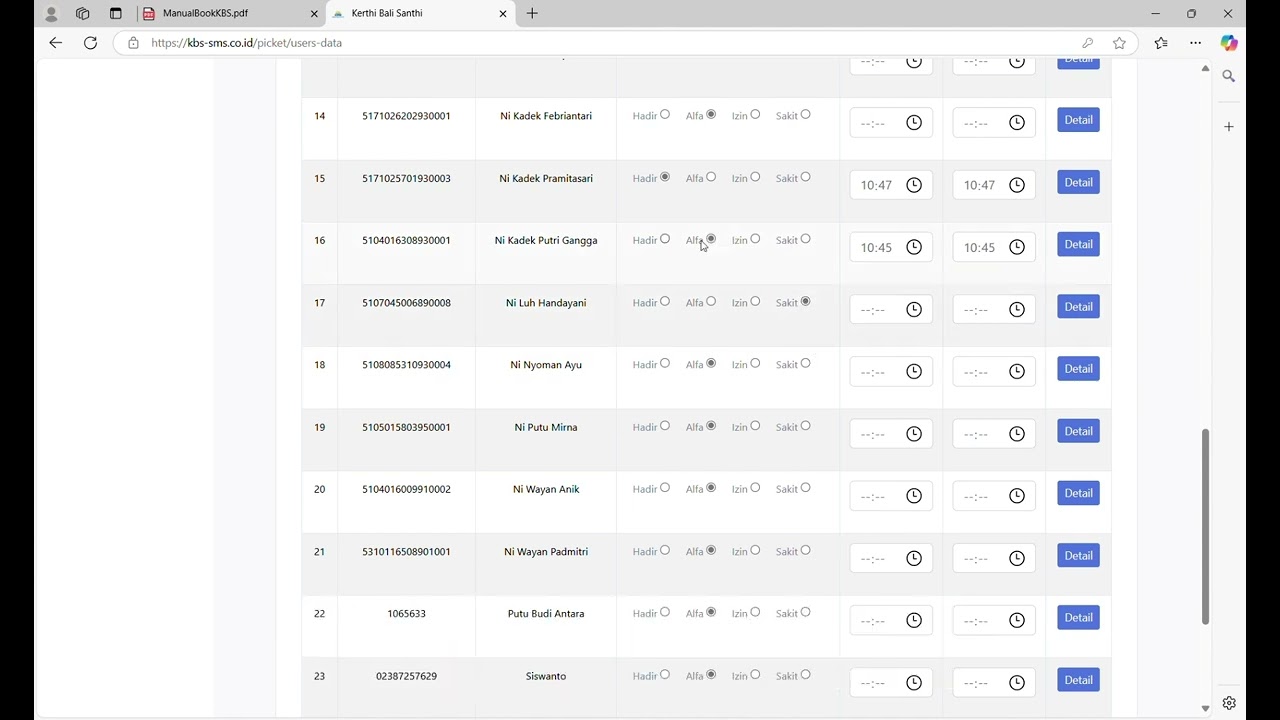
- Step 2: Record Student Absences: Enter data for absent students by selecting Class, Student Name, Absence Reason (Excused, Sick, or Unexcused), Date, and Remarks, then click the ‘Save’ button.
- Step 3: Record Teacher Absences: Click the “Teacher Absent” menu option, select the Teacher’s Name, Reason for Absence (Leave, Sick, or Unexcused), Date, and Detailed Notes, then click the “Save” button.
- Step 4: Viewing & Printing the Duty Teacher Log: Click the “Duty Teacher Log” menu to view the daily summary, then click the “Print Log” button if you want to download or print the log document.
Important Note: Make sure the absence status (Leave, Sick, or Absent), date, and description fields are filled out completely before clicking the “Save” button, and use the “Print Log” button to print the summary of daily school duty records.
School Data
16 videos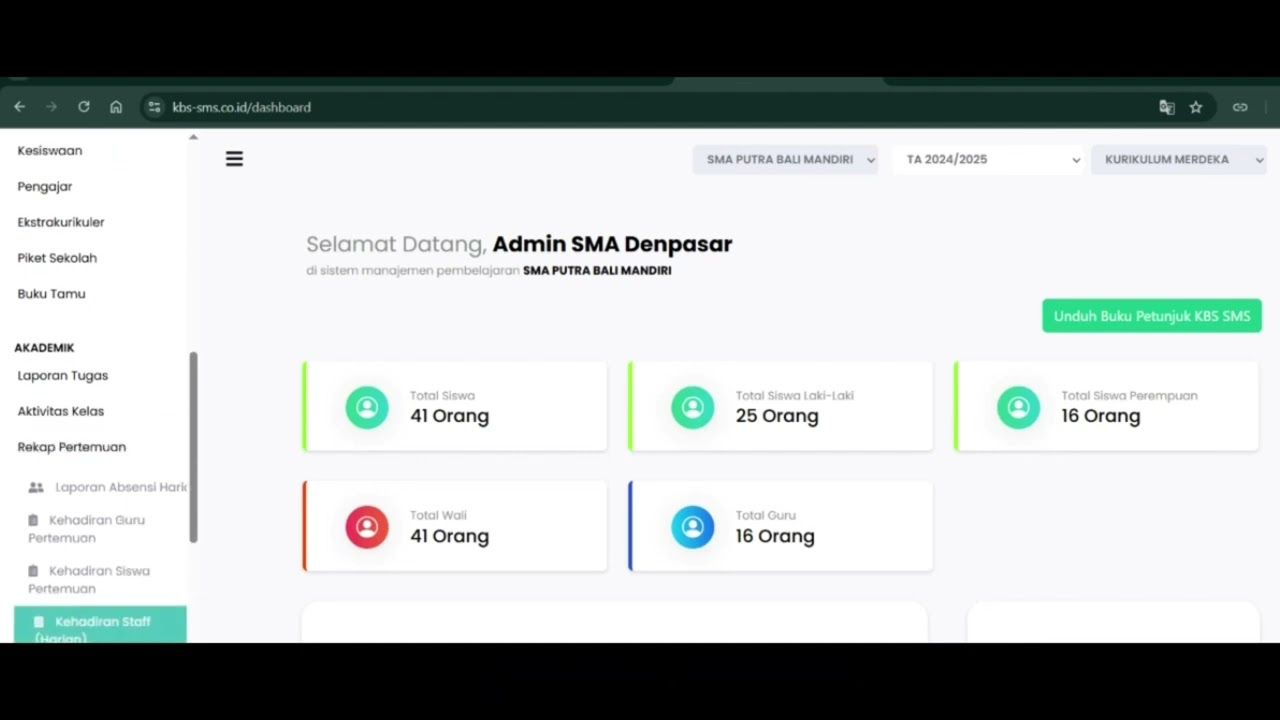 0:42
0:42
Daily Staff Attendance
92 views
 0:44
0:44
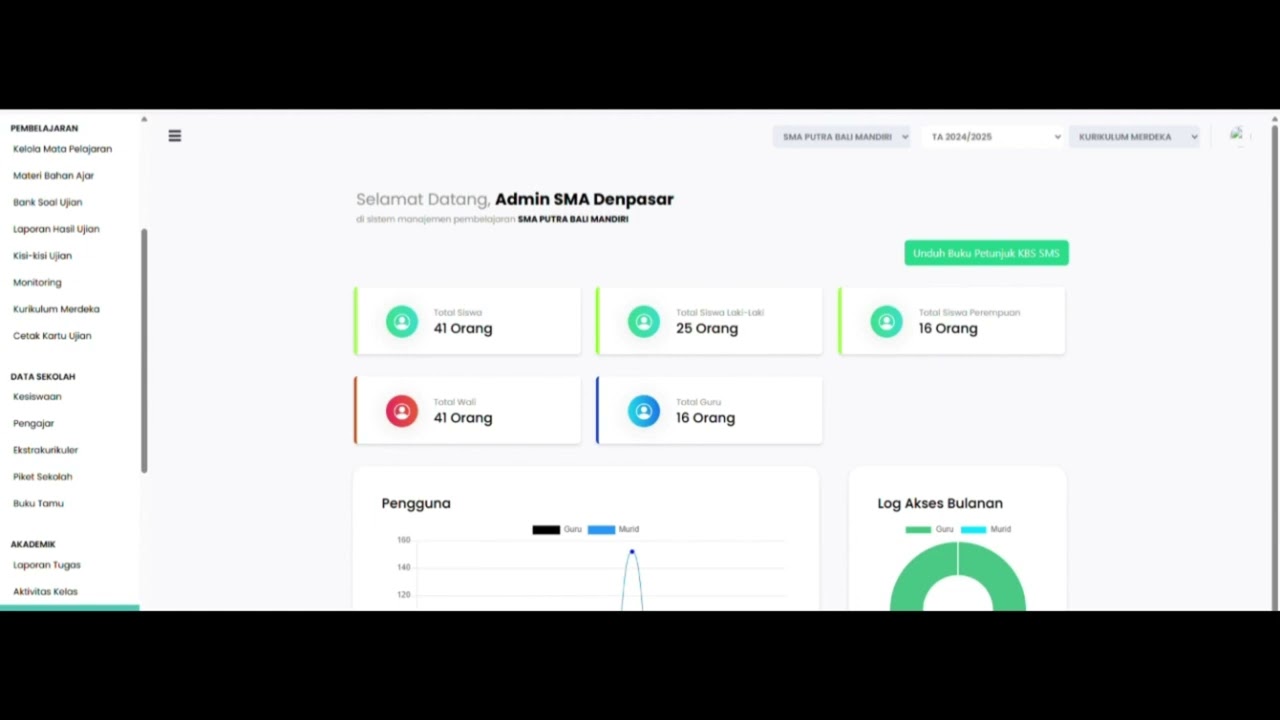
Teacher Attendance at Meetings
85 views
 0:43
0:43
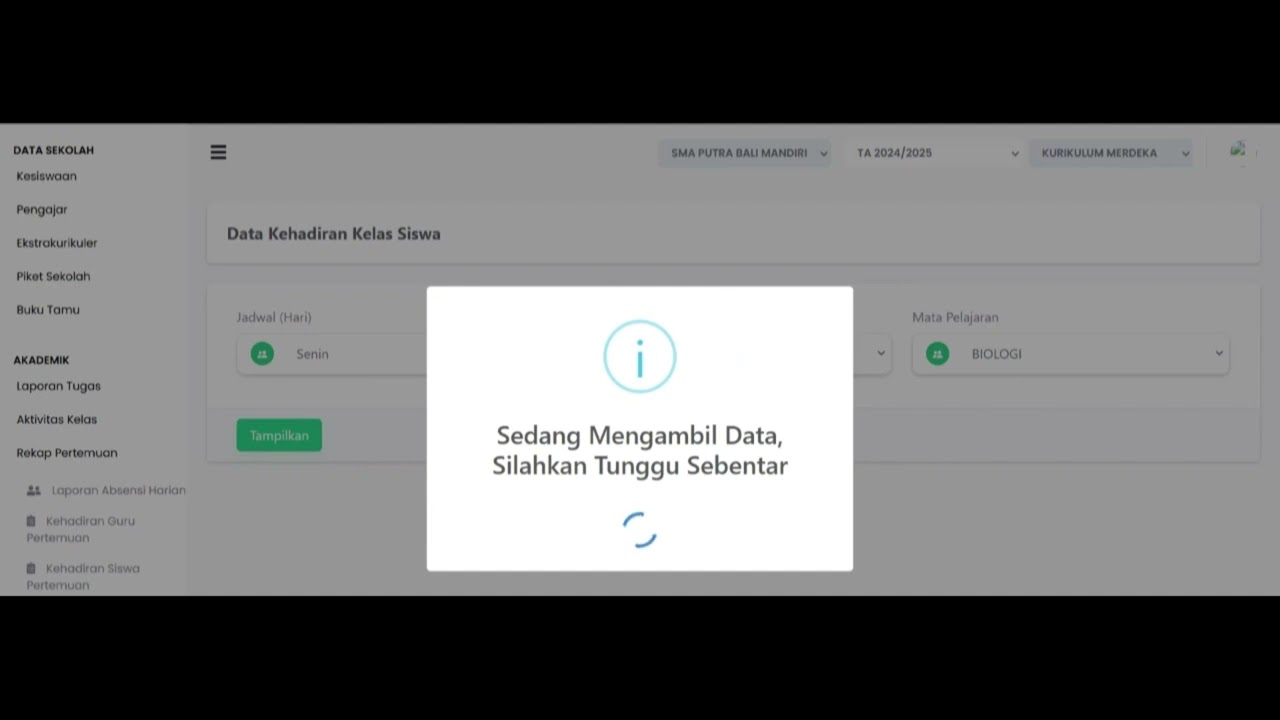
student attendance at meetings
81 views
 1:01
1:01
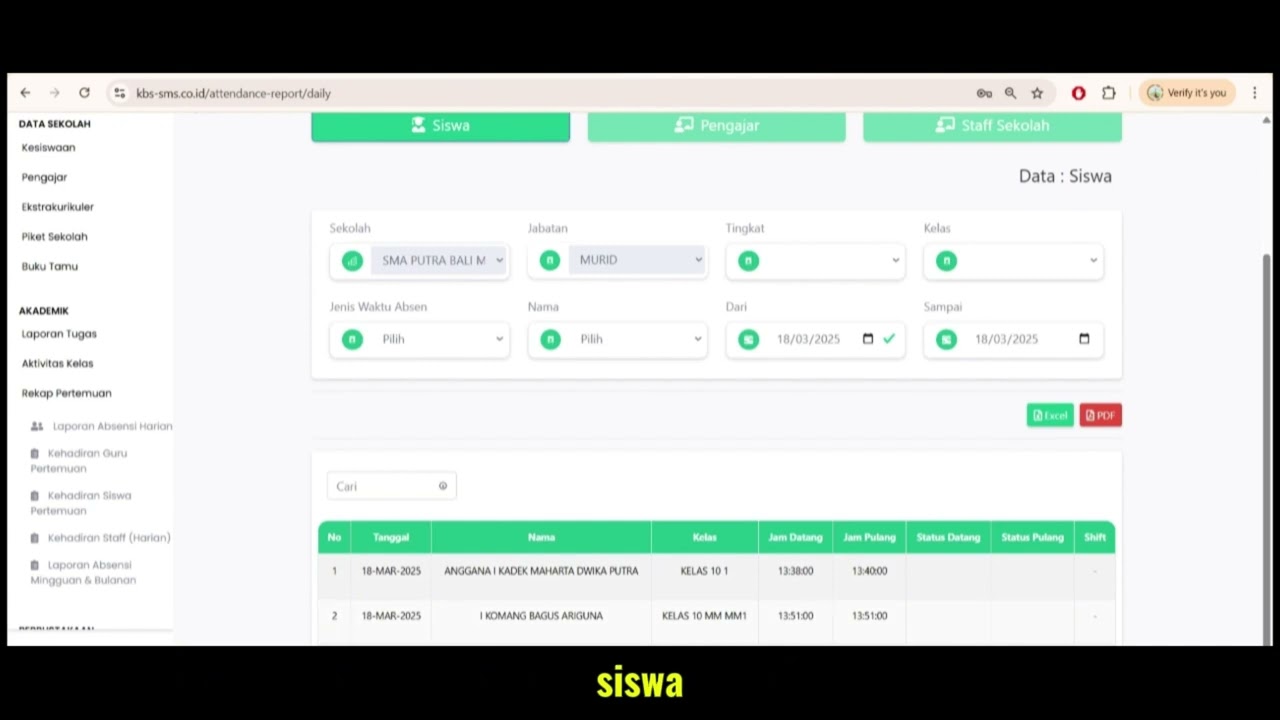
Daily Attendance Report
94 views
 2:11
2:11
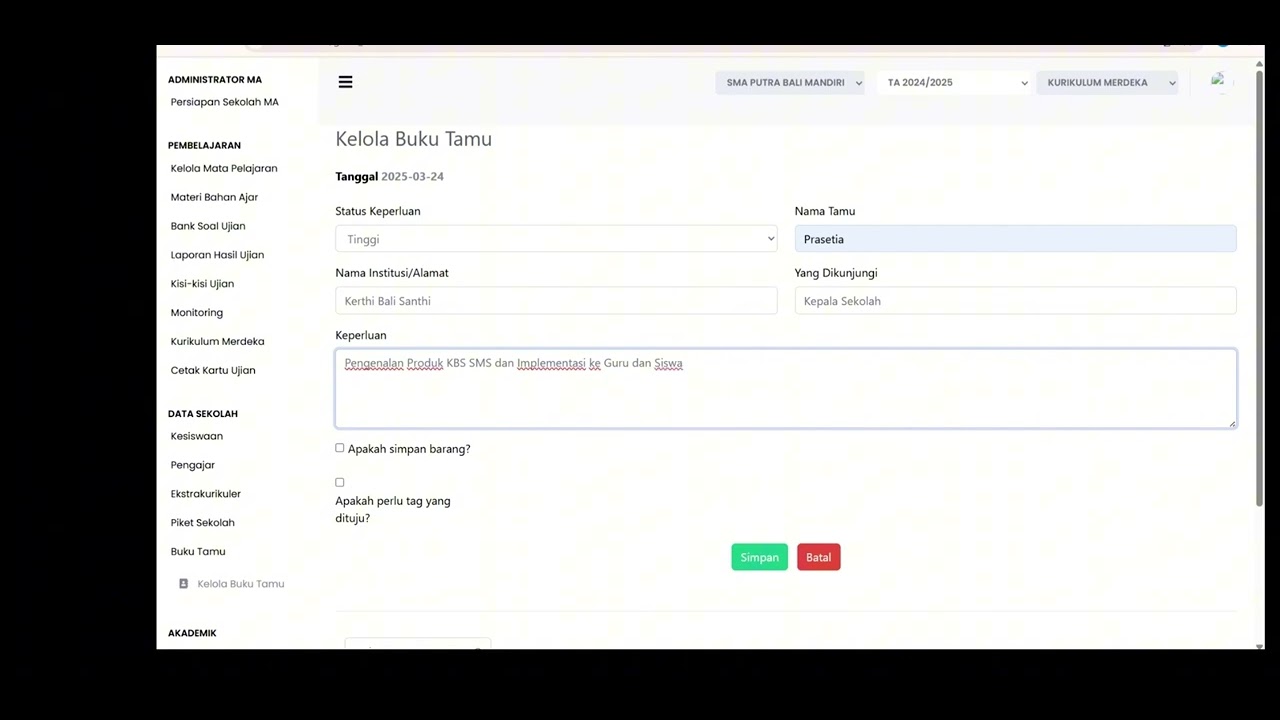
Guest Book Features
92 views
School Duty
88 views
 1:15
1:15
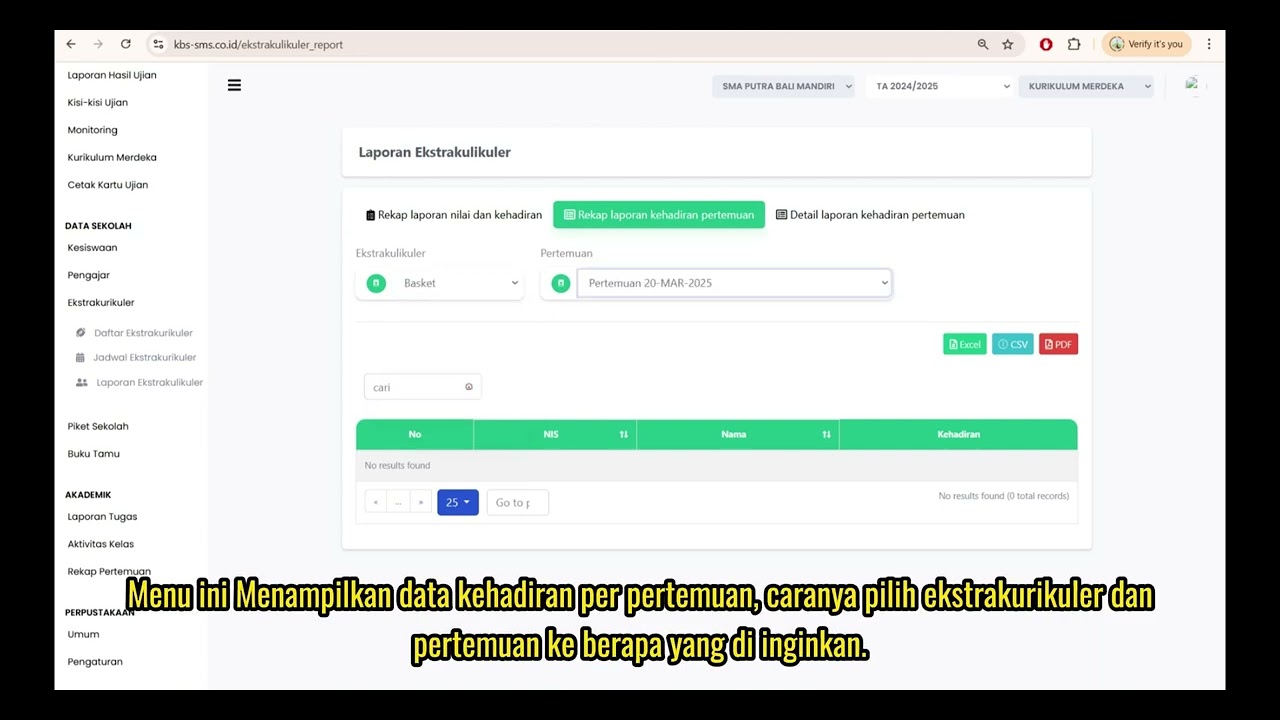
Extracurricular Report
87 views
 4:32
4:32
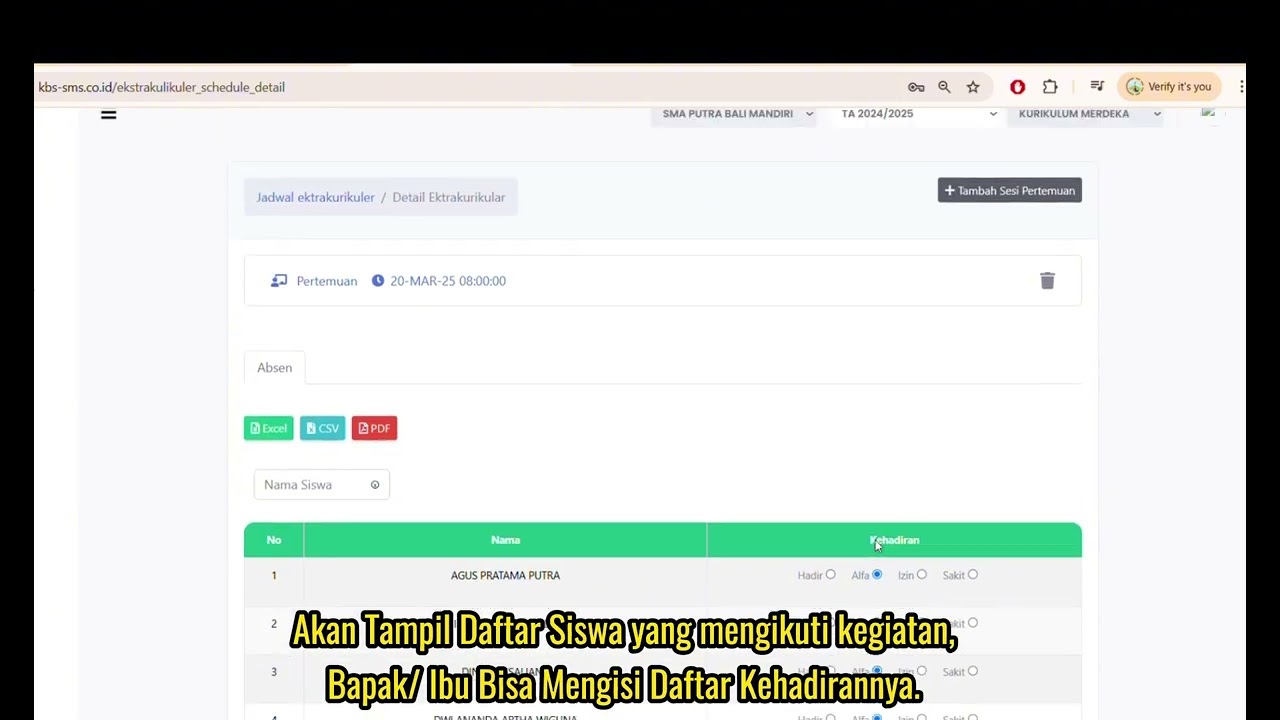
Jadwal Ekstrakulikuler
74 views
 7:32
7:32
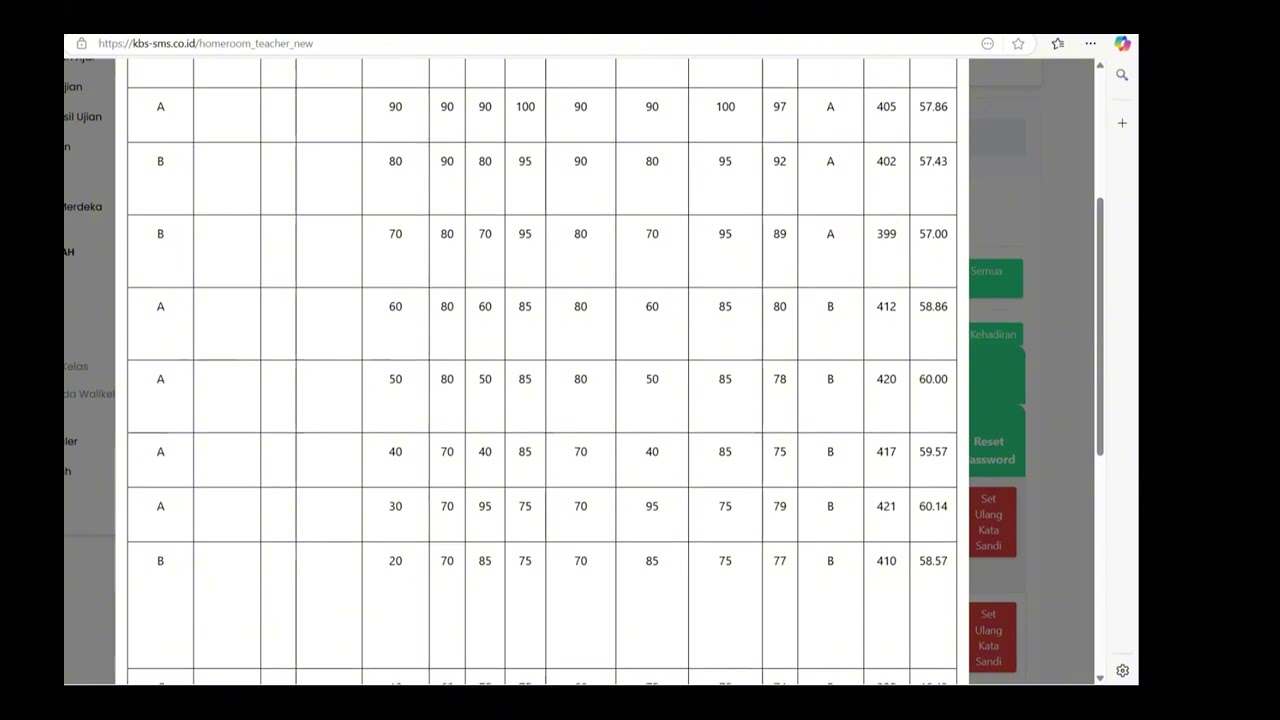
Beranda Walikelas
77 views
 0:55
0:55
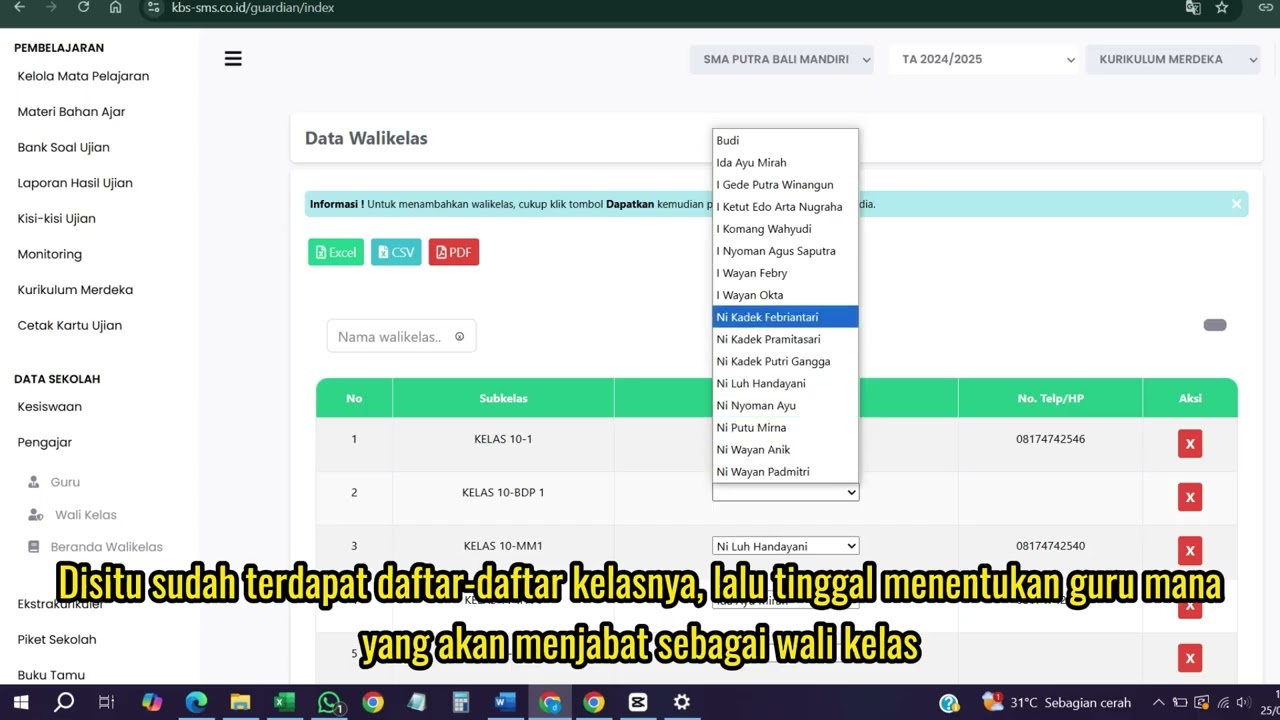
Wali kelas
76 views
 1:04
1:04
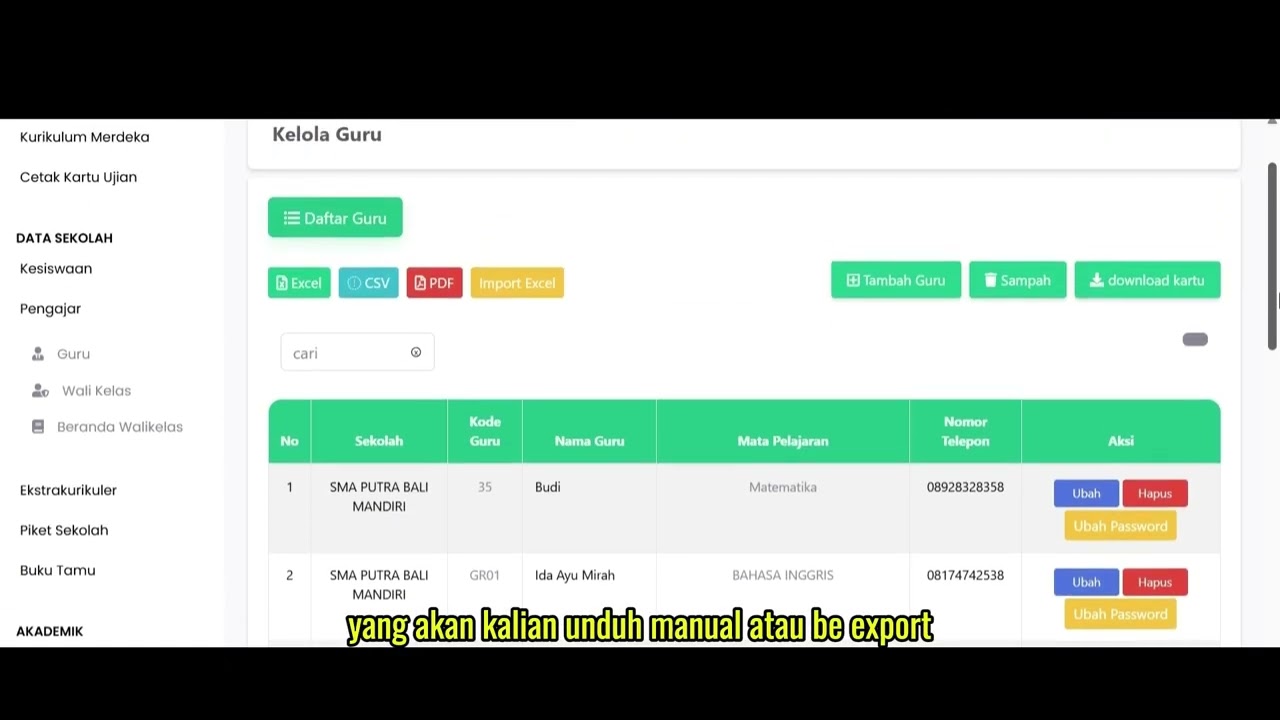
Data Rombel Guru
99 views
 0:53
0:53
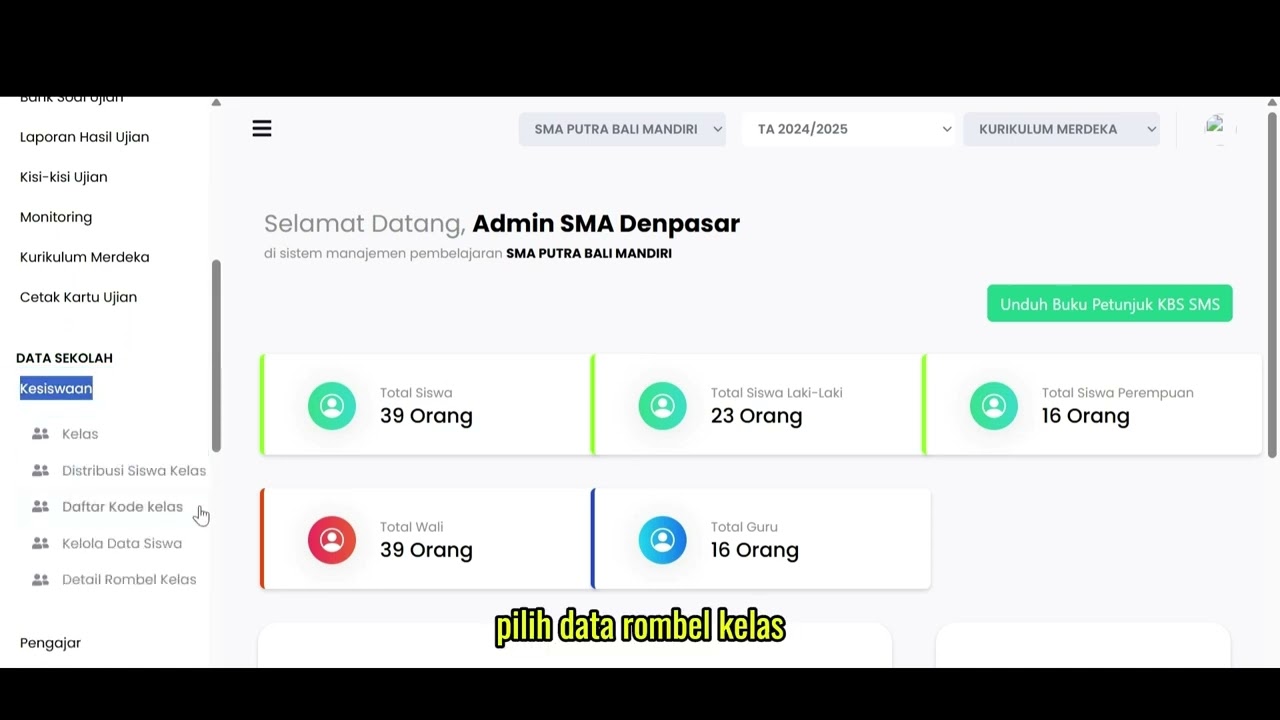
Data Rombel kelas
88 views
 1:02
1:02
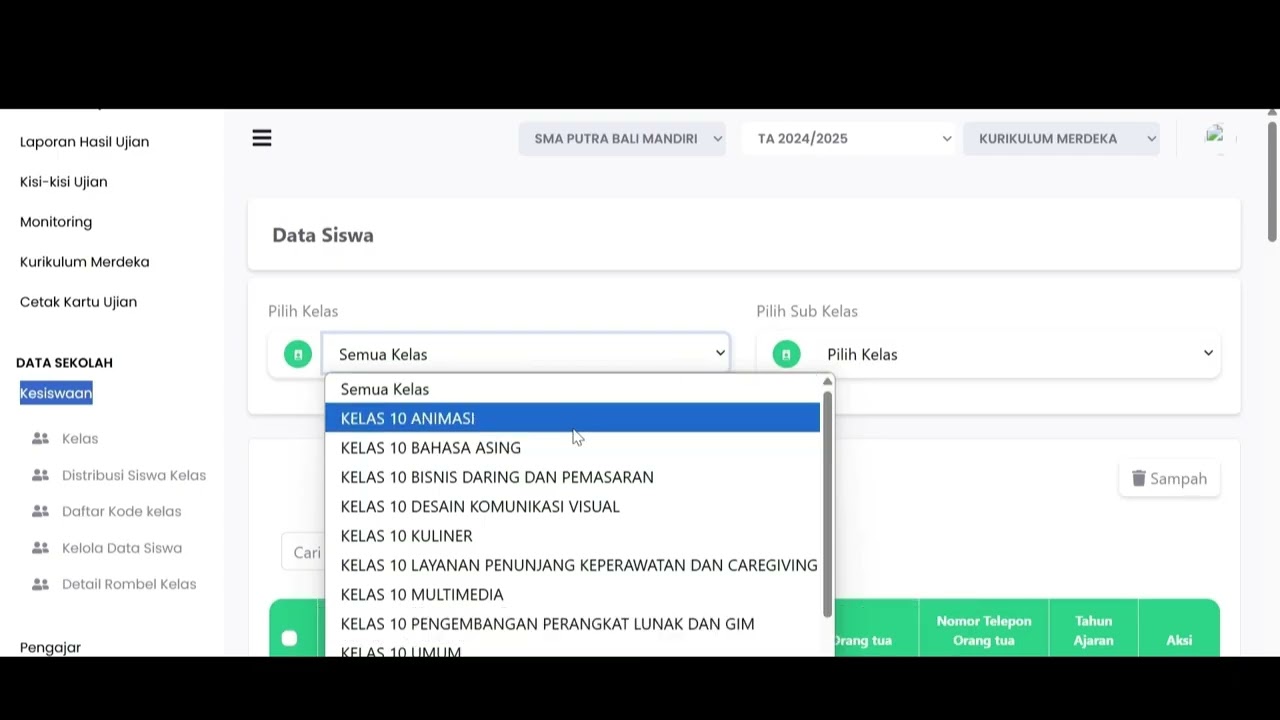
Kelola Data Siswa
93 views
 2:47
2:47
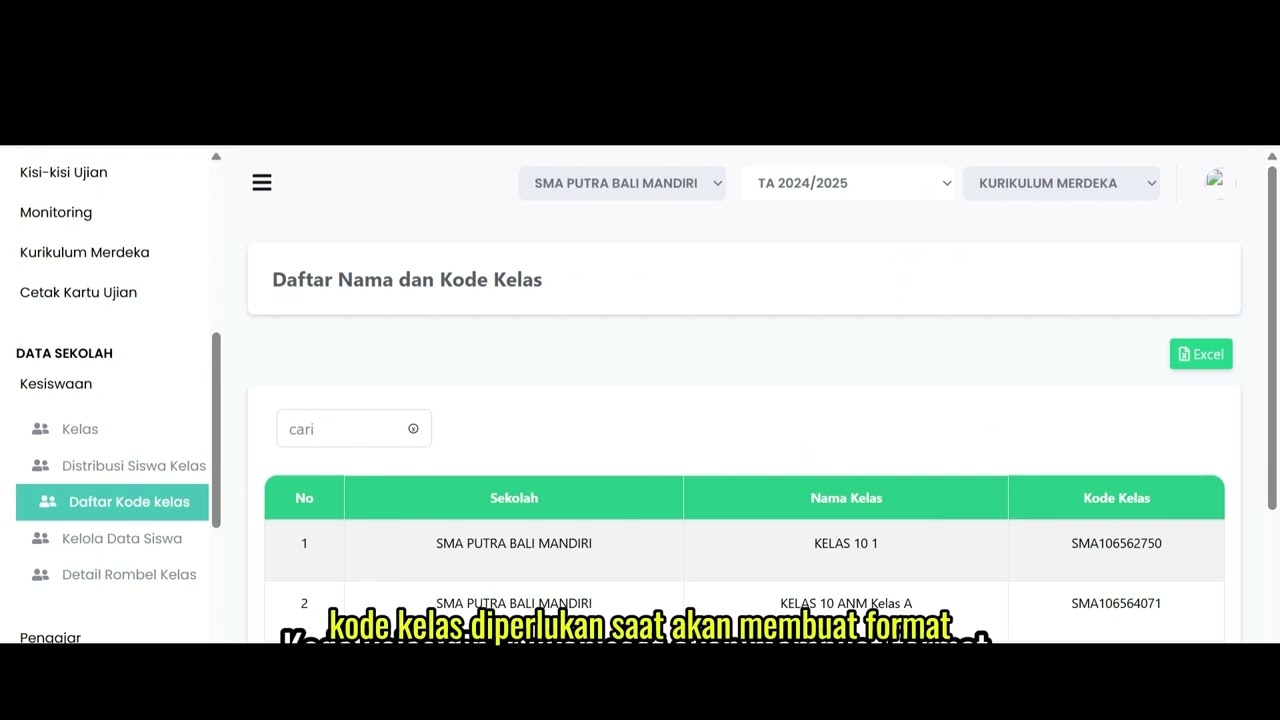
Distribusi Siswa Kelas
80 views
 6:22
6:22
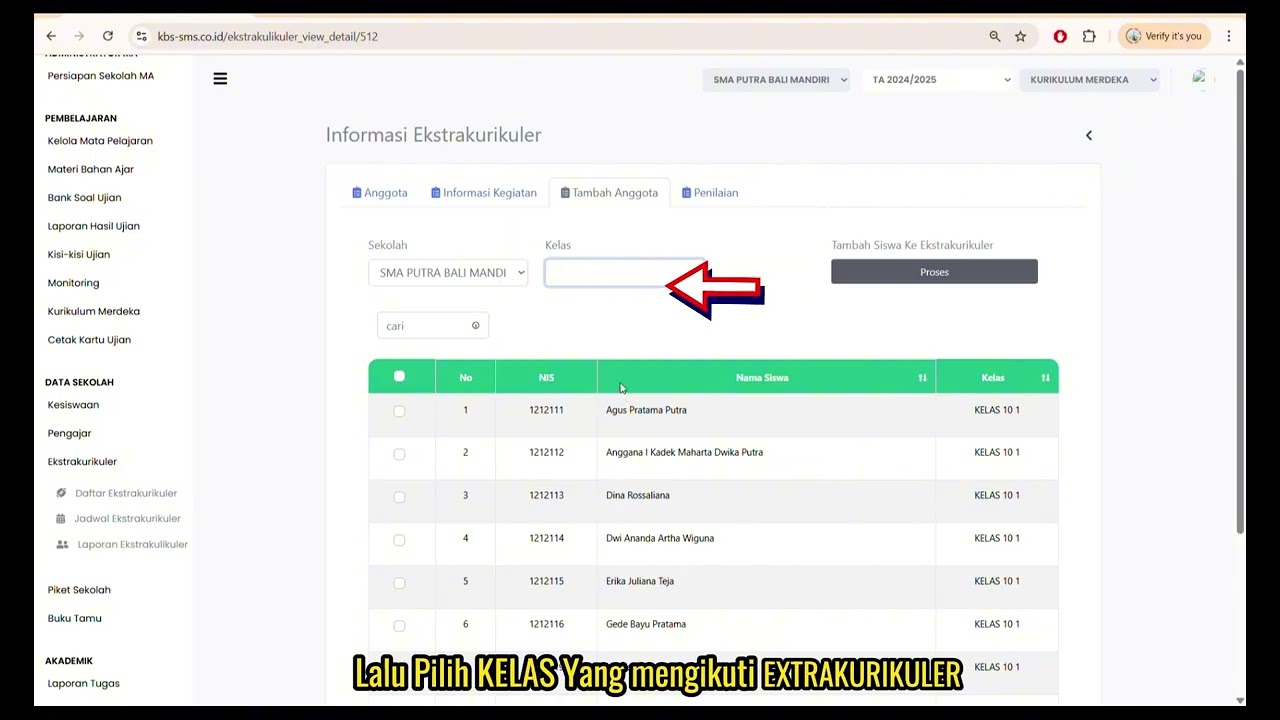
Daftar Ekstrakulikuler
91 views
 3:32
3:32
Tutorial Kesiswaan
89 views
Related Videos
Daily Staff Attendance
92 views • 8 months ago
Teacher Attendance at Meetings
85 views • 8 months ago
student attendance at meetings
81 views • 8 months ago
Daily Attendance Report
94 views • 8 months ago
Guest Book Features
92 views • 8 months ago
Extracurricular Report
87 views • 8 months ago