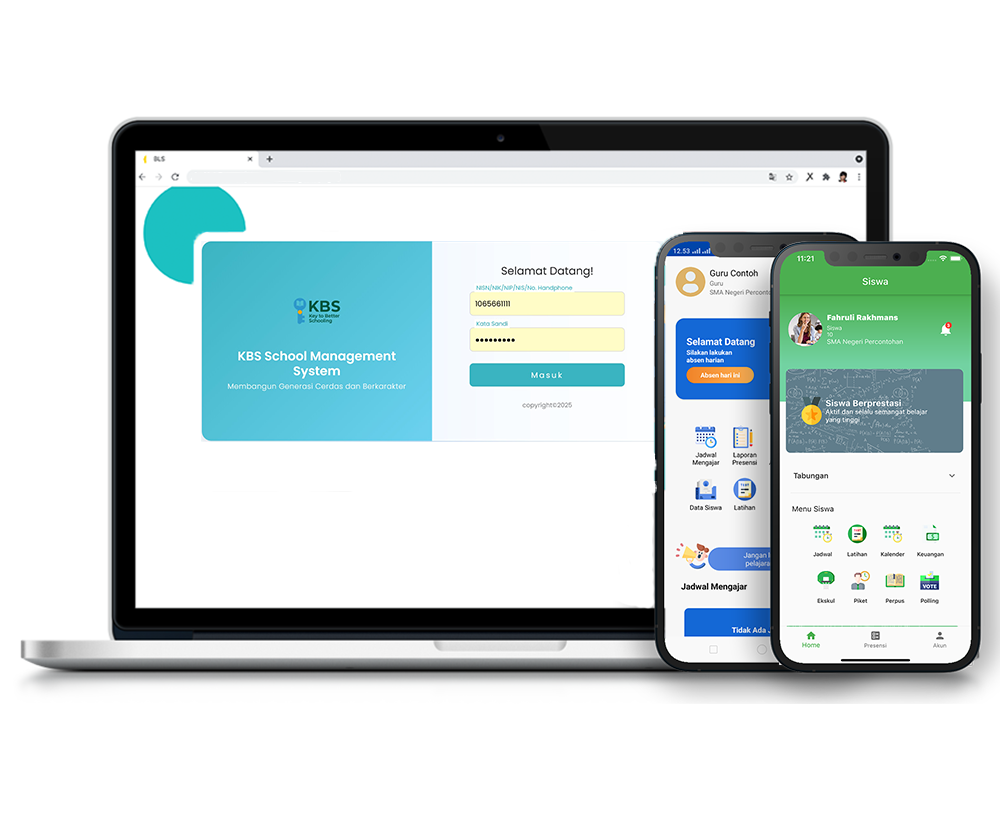
Data Rombel kelas
Description
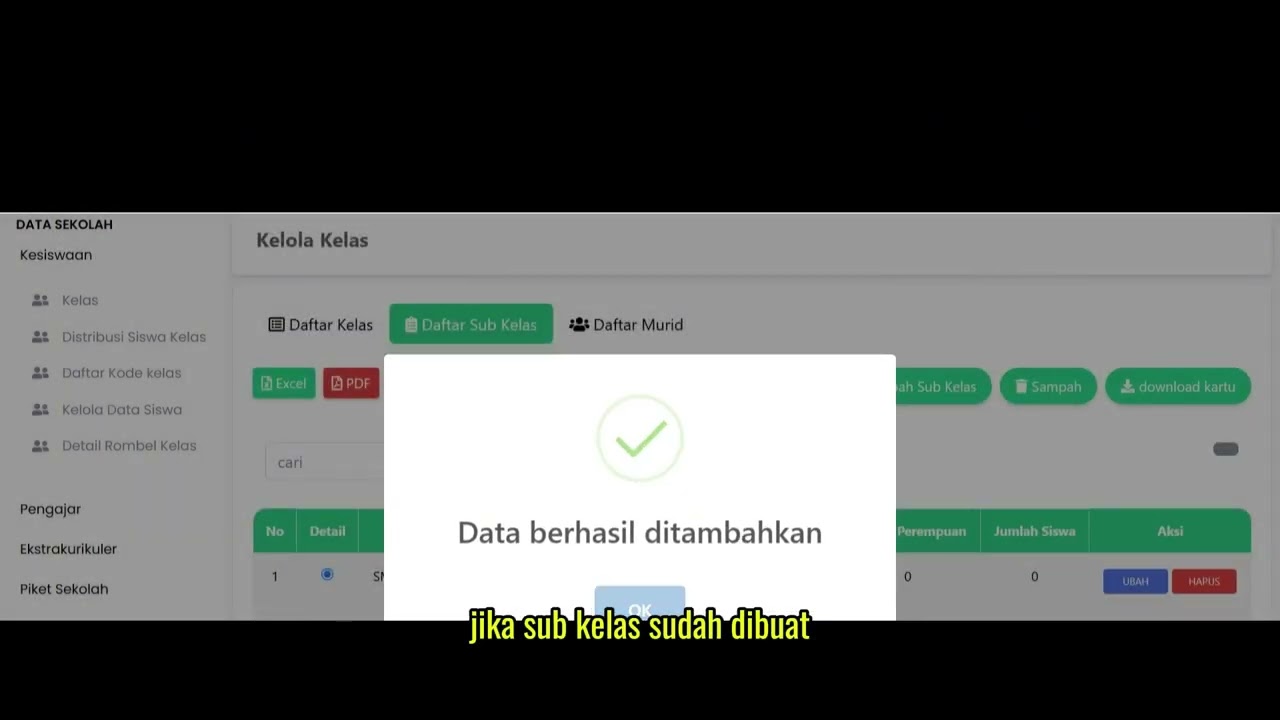
This tutorial video provides a brief guide on how to access the class study group (rombel) details menu through the Student Affairs feature. It also demonstrates practical steps for users to download the student recap data to their devices in Excel or PDF document formats.
Step-by-Step Usage Guide
-
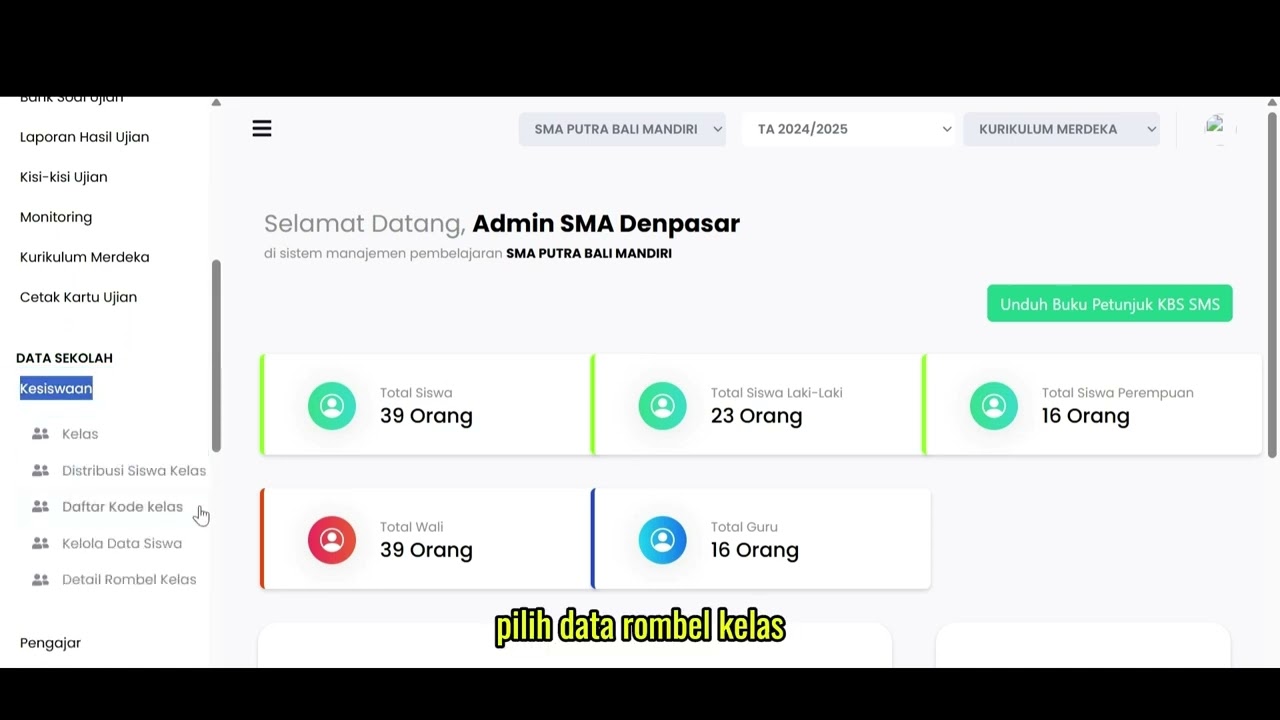
Menu Navigation: On the left menu bar, select the School Data (Data Sekolah) feature, then click the Student Affairs (Kesiswaan) menu.
-
Opening Rombel Data: In the resulting student affairs submenu, click the Class Rombel Details (Detail Rombel Kelas) menu.
-
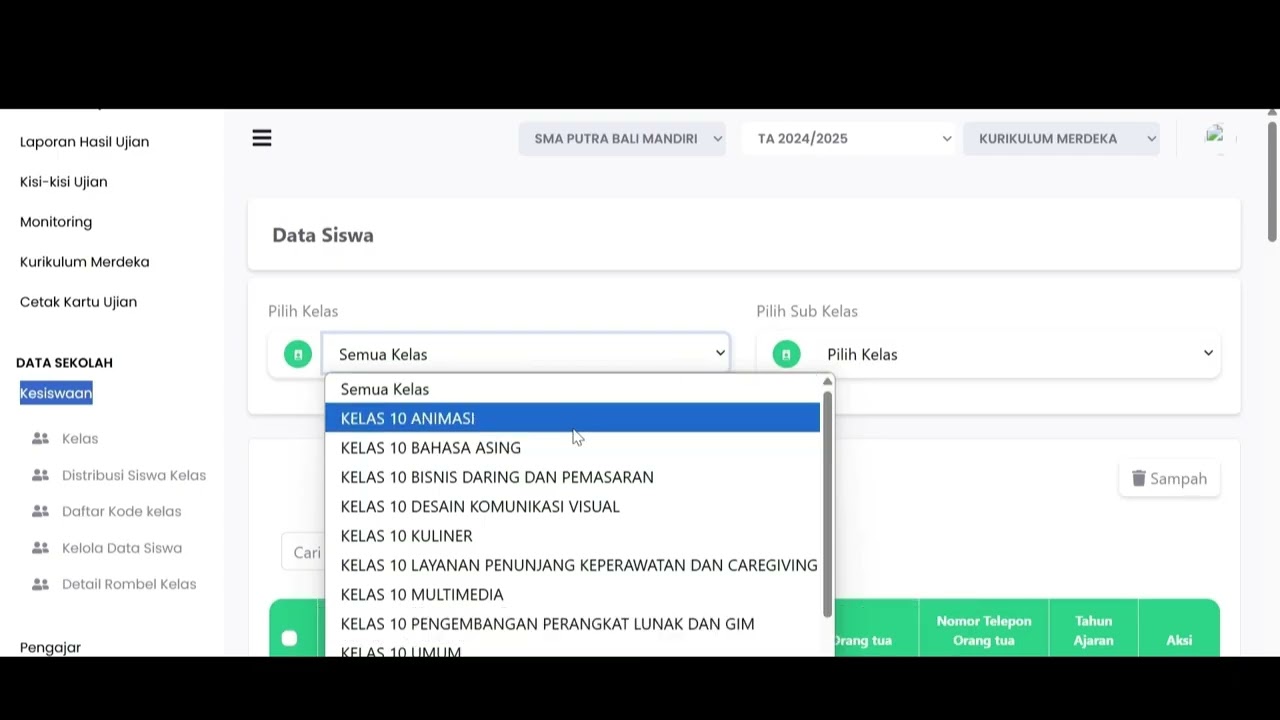
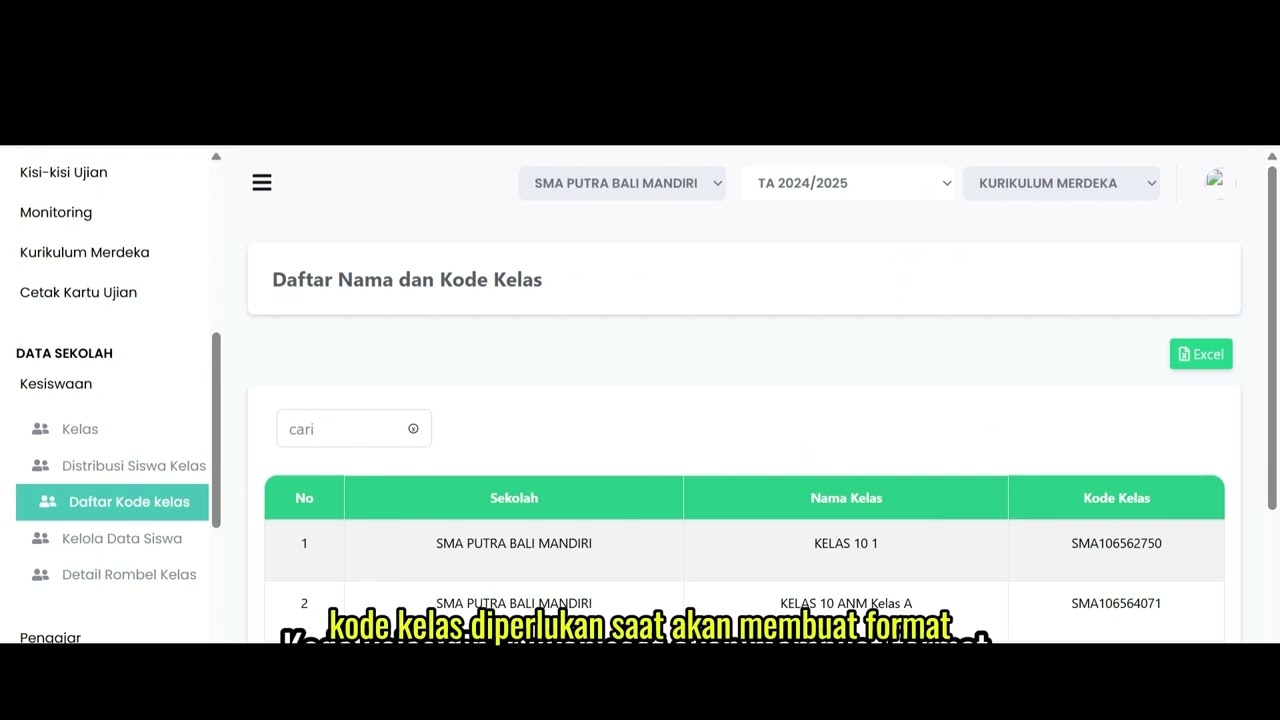
Viewing Data Display: The system will immediately display a detailed table containing the number of students per class study group.
-
Downloading Data: To save this data to your device, select the download options available at the top of the table. You can click the Excel button (green) or the PDF button (red) according to your needs.
School Data
16 videos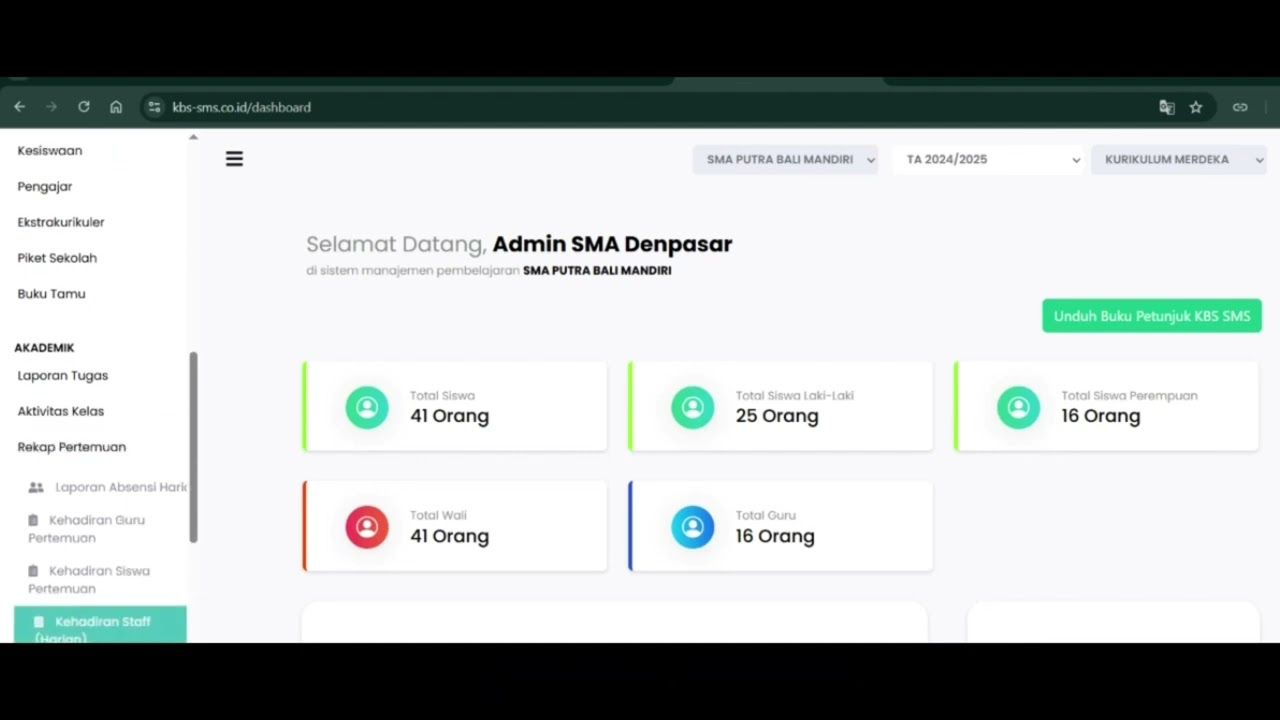 0:42
0:42
Daily Staff Attendance
92 views
 0:44
0:44
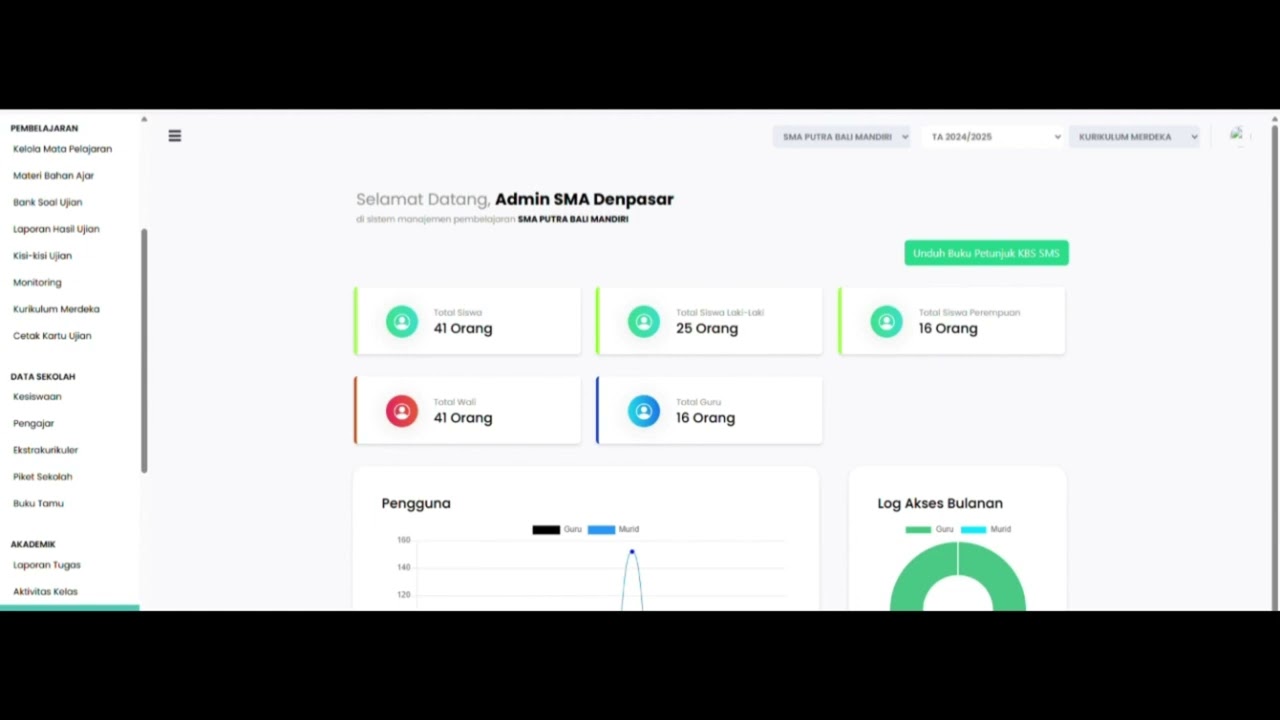
Teacher Attendance at Meetings
85 views
 0:43
0:43
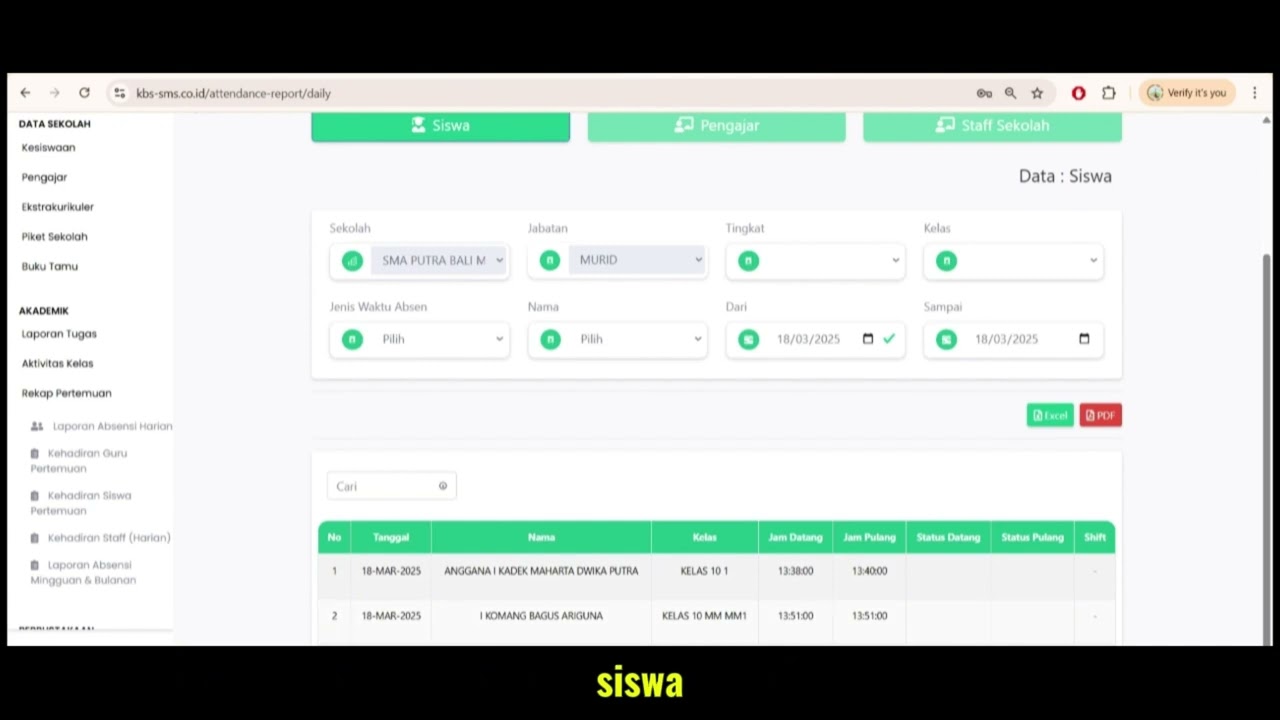
student attendance at meetings
81 views
 1:01
1:01
Daily Attendance Report
94 views
 2:11
2:11
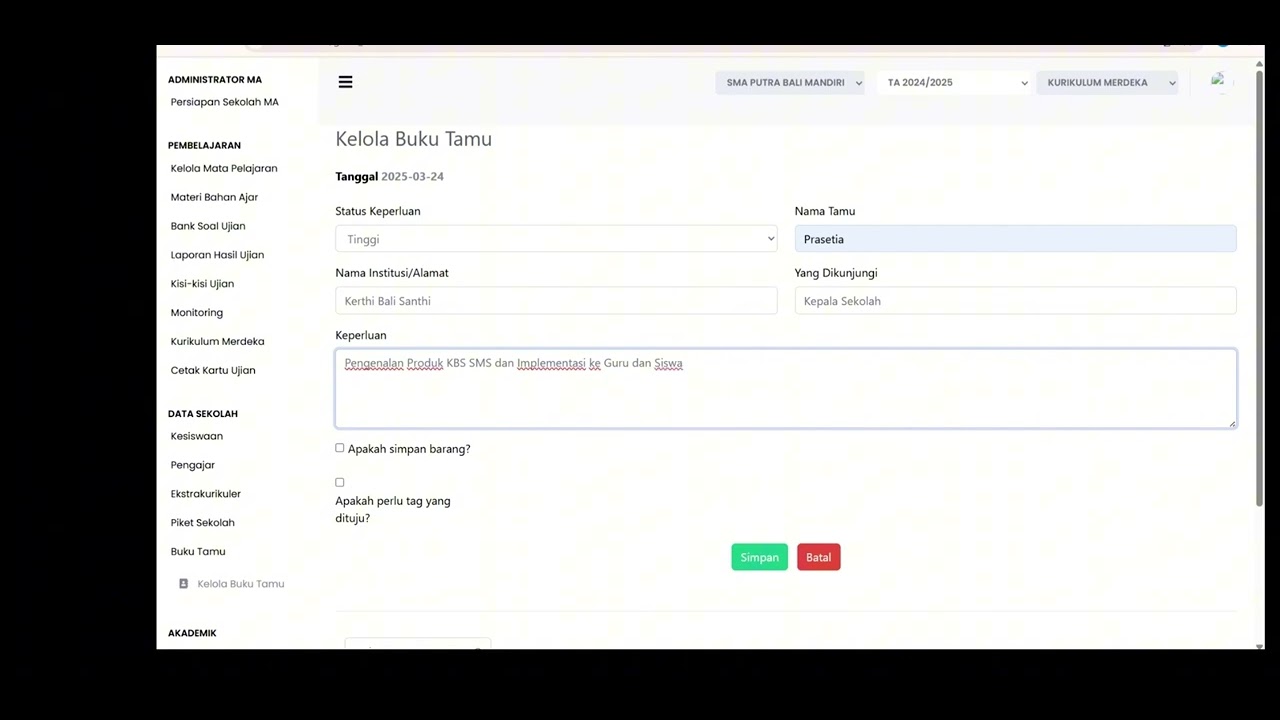
Guest Book Features
92 views
 3:16
3:16
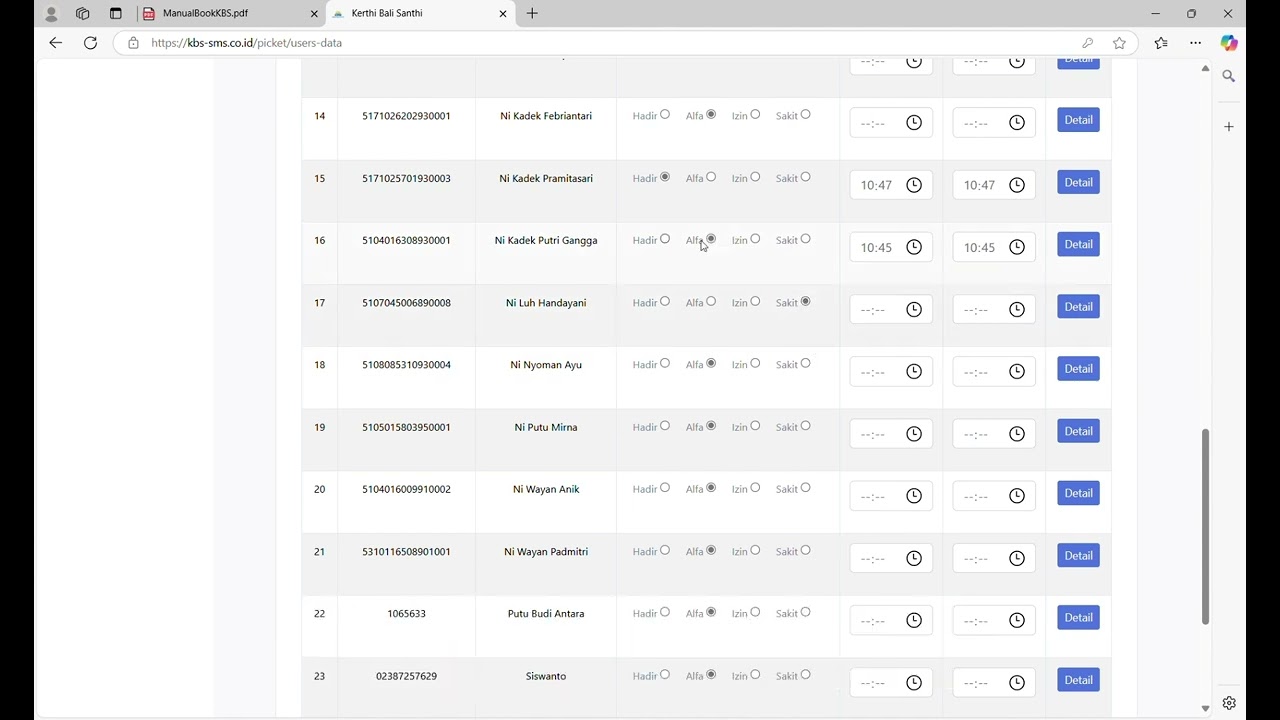
School Duty
87 views
 1:15
1:15
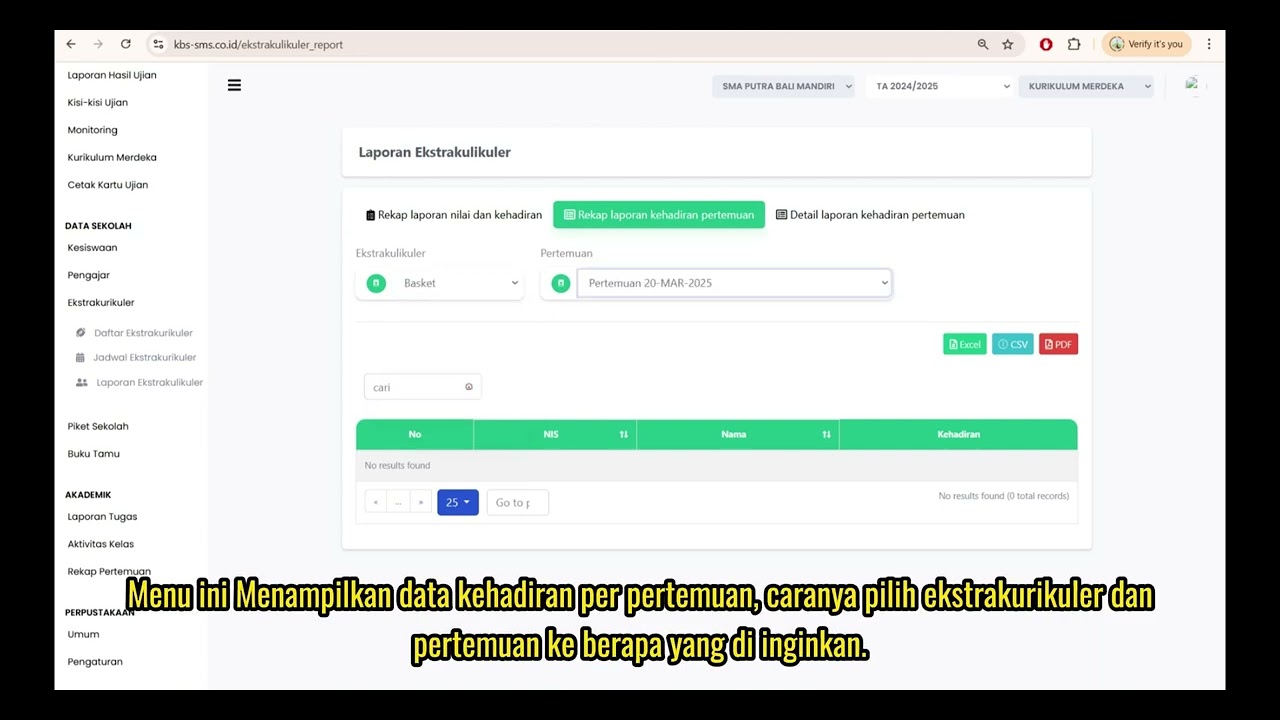
Extracurricular Report
87 views
 4:32
4:32
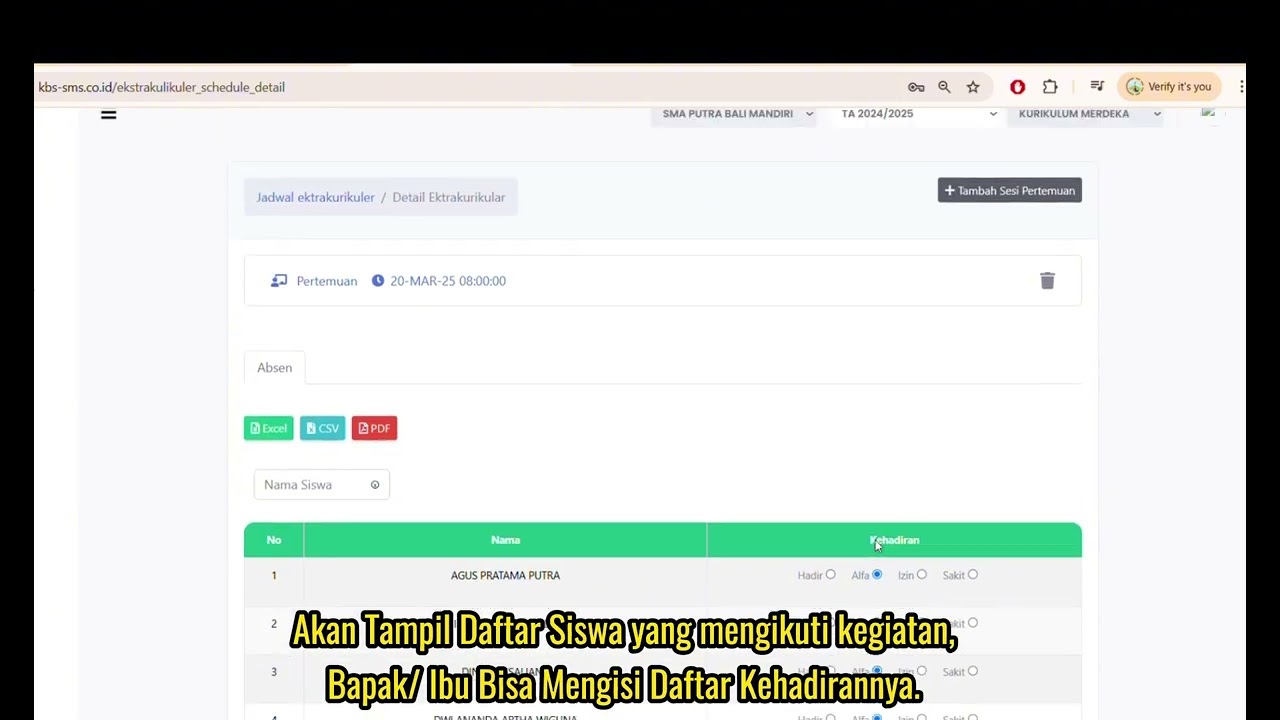
Jadwal Ekstrakulikuler
73 views
 7:32
7:32
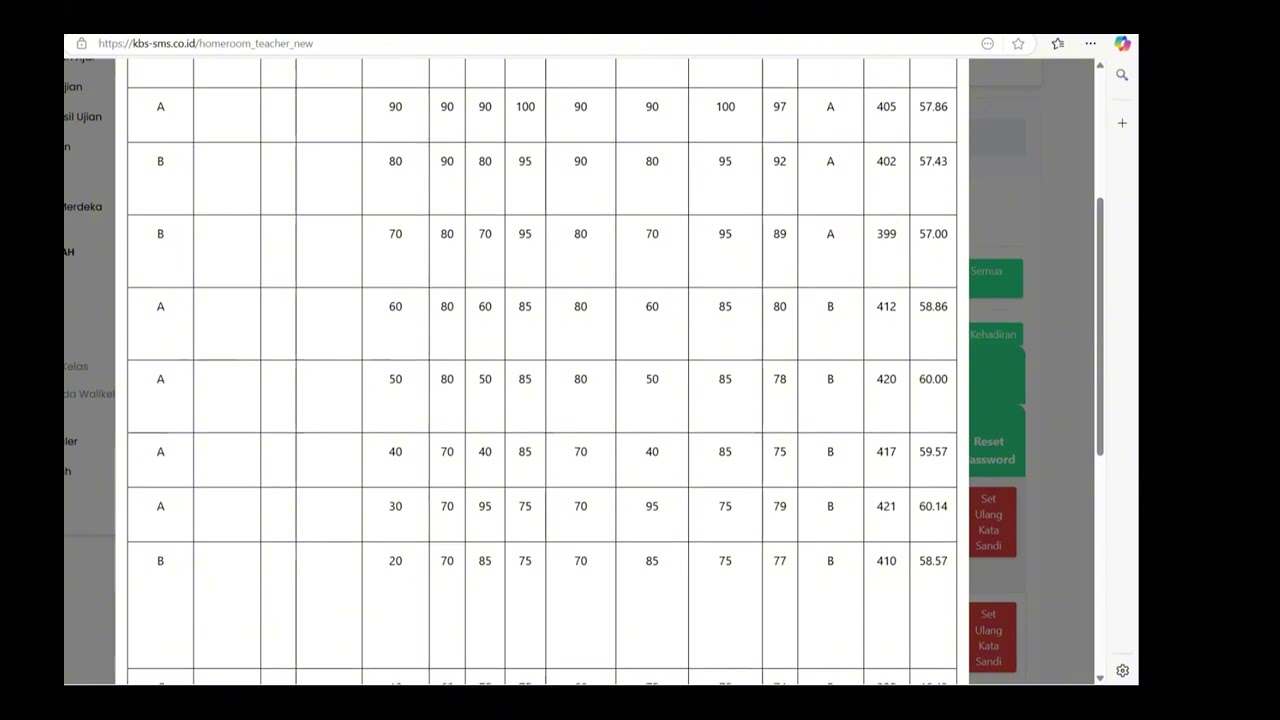
Beranda Walikelas
76 views
 0:55
0:55
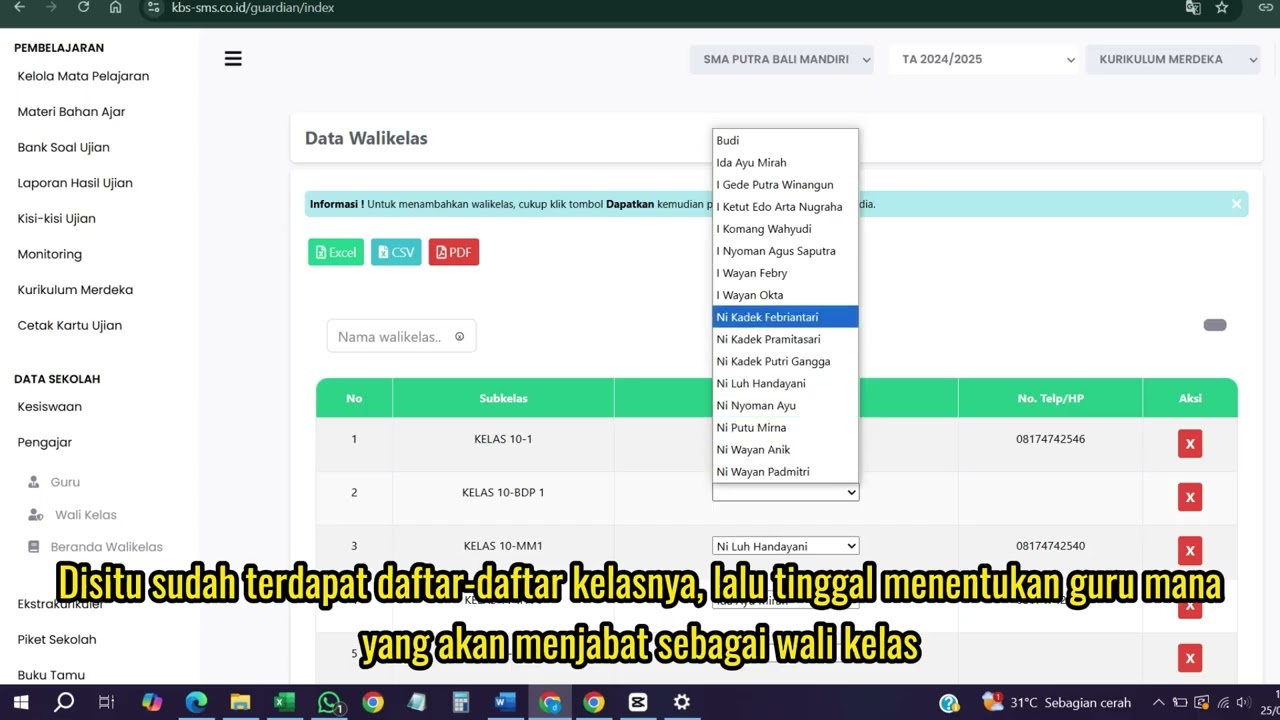
Wali kelas
75 views
 1:04
1:04
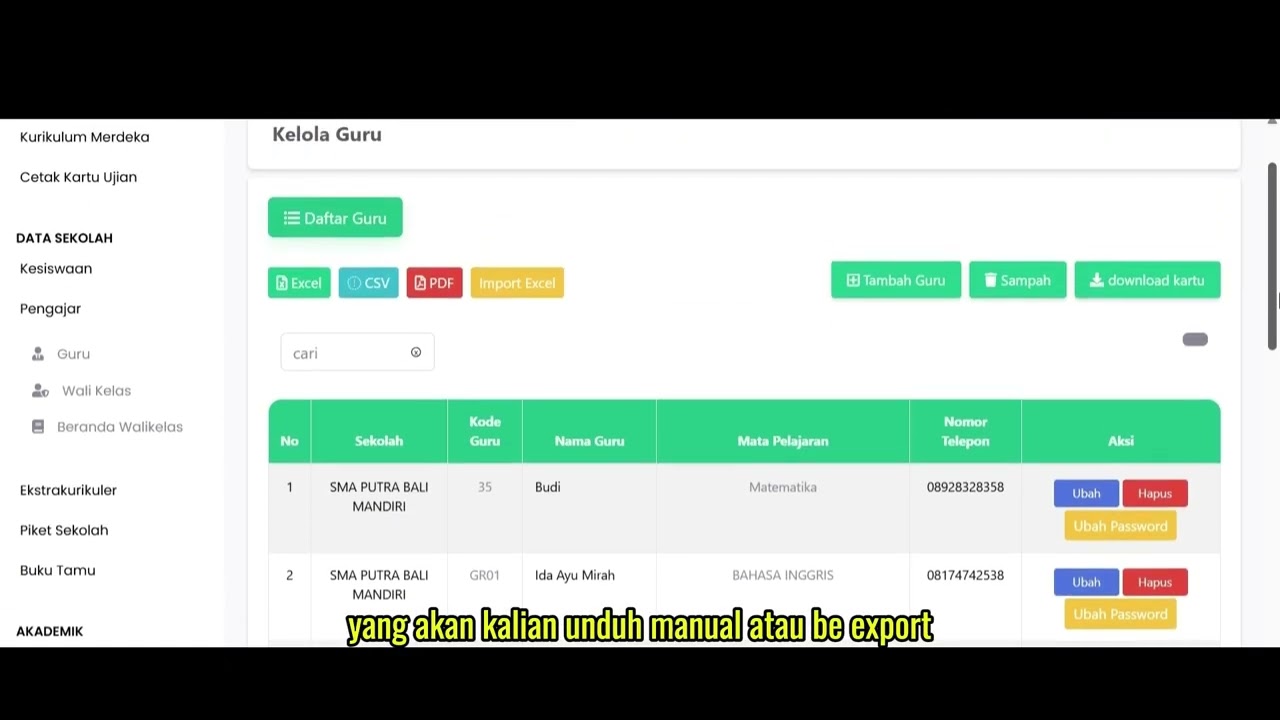
Data Rombel Guru
98 views
Data Rombel kelas
88 views
 1:02
1:02
Kelola Data Siswa
92 views
 2:47
2:47
Distribusi Siswa Kelas
79 views
 6:22
6:22
Daftar Ekstrakulikuler
90 views
 3:32
3:32
Tutorial Kesiswaan
88 views
Related Videos
Daily Staff Attendance
92 views • 8 months ago
Teacher Attendance at Meetings
85 views • 8 months ago
student attendance at meetings
81 views • 8 months ago
Daily Attendance Report
94 views • 8 months ago
Guest Book Features
92 views • 8 months ago
School Duty
87 views • 8 months ago