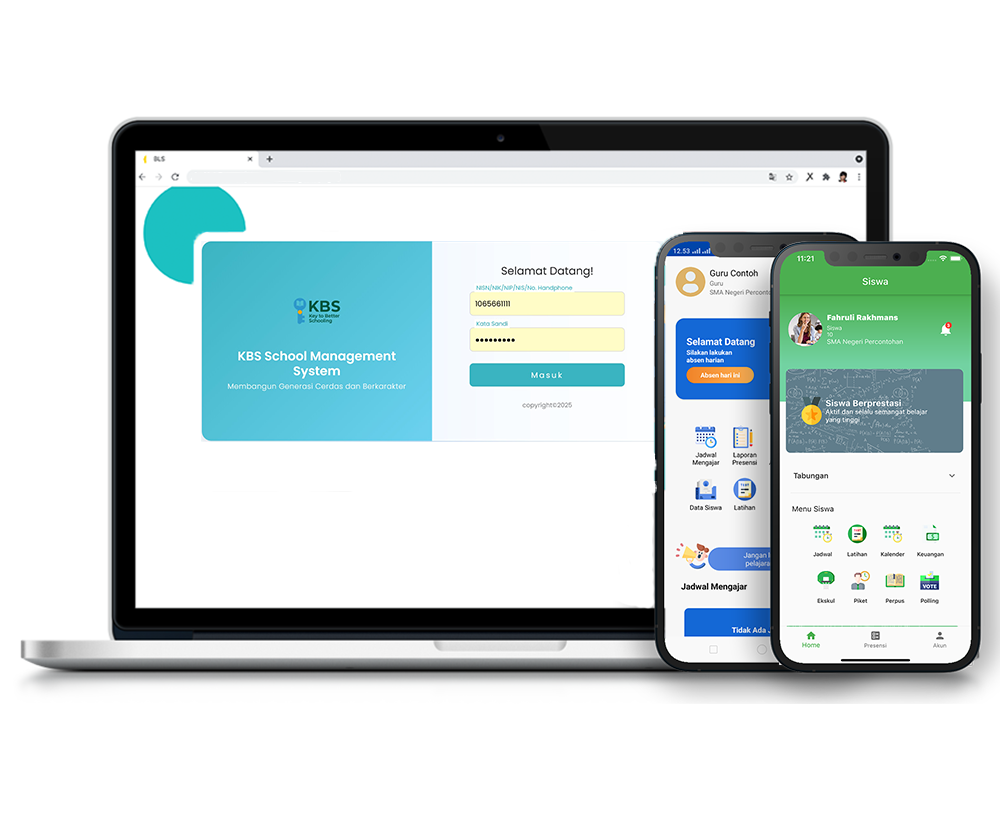
Tutorial Pencarian Buku
Description
The Book Search feature in the KBS SMS system is designed to facilitate students and school staff in independently exploring and finding library book collections. Through this feature, checking stock availability and detailed book information can be done instantly.
This tutorial video provides a practical guide for Users to utilize the Book Search menu, starting from entering keywords or specific filters (title, author, publisher), displaying search results, to viewing complete book details.
Timestamps / Video Sections:
- Introduction to Feature [00:00]: Explaining how to search for library books via the KBS SMS application.
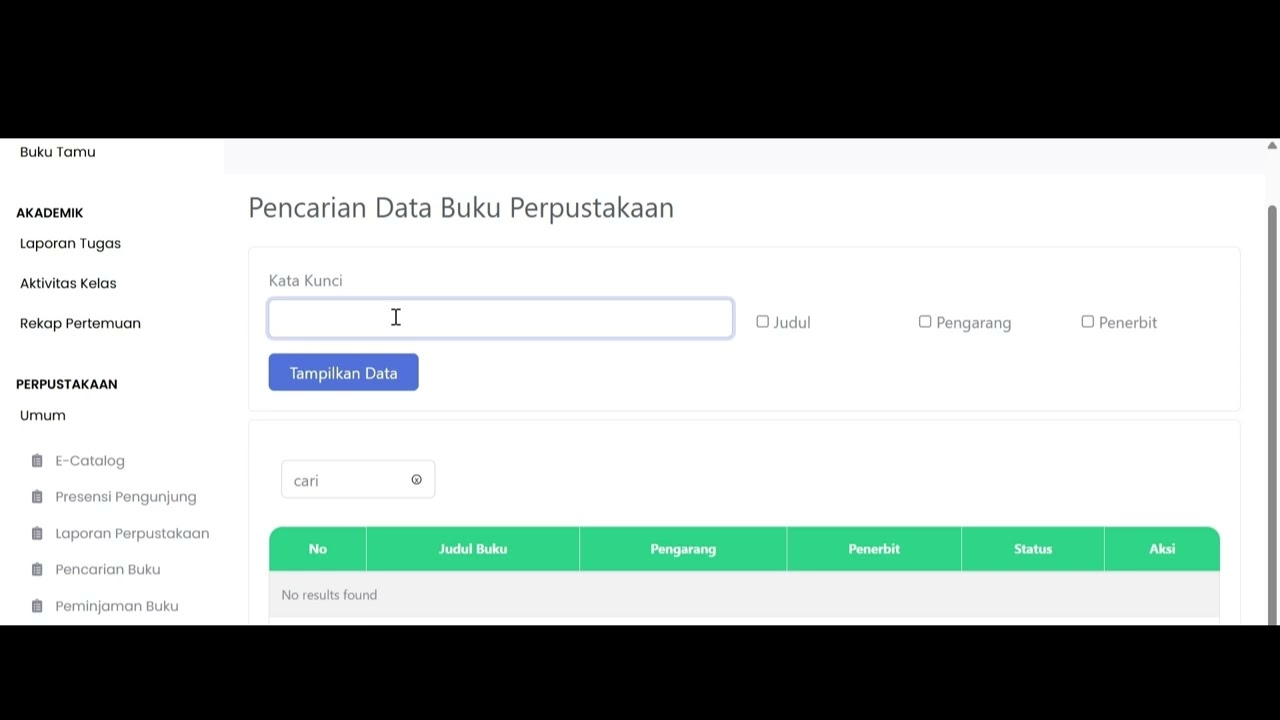
- Step 1: Menu Navigation [00:10]: From the left sidebar, select Library > General > Book Search.
- Step 2: Entering Keywords [00:23]: Type keywords in the Keyword field and check filter options such as Title, Author, or Publisher.
- Step 3: Displaying Search Results [00:48]: Click the blue 'Show Data' button to generate the list of books.
- Step 4: Viewing Book Details [01:00]: Click the blue 'Detail' button in the Action column to view full book specifications (ISBN, publisher, stock, etc.).
- Step 5: Returning to Main Page [01:10]: Click the 'Back' button in the bottom right corner to close the book details.
Related Videos
Pengembalian Buku
127 views • 8 months ago
Ecatalog
80 views • 8 months ago
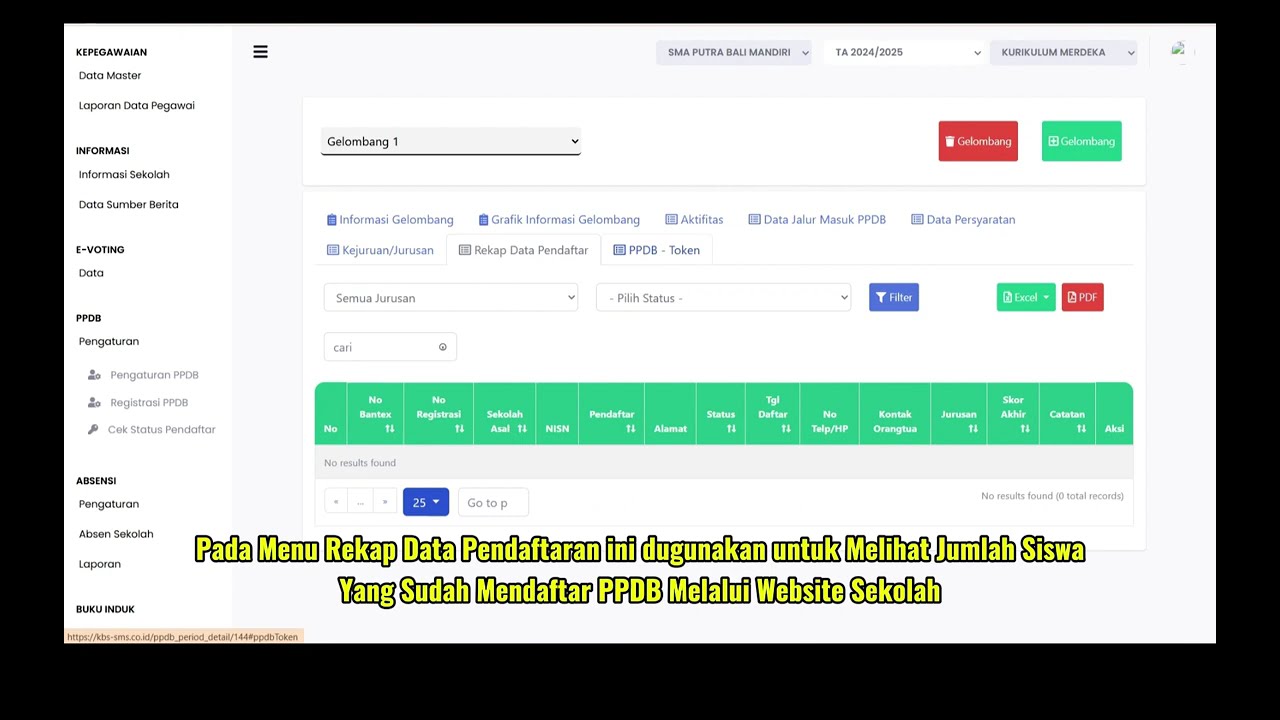
PPDB Settings and Registration
231 views • 8 months ago
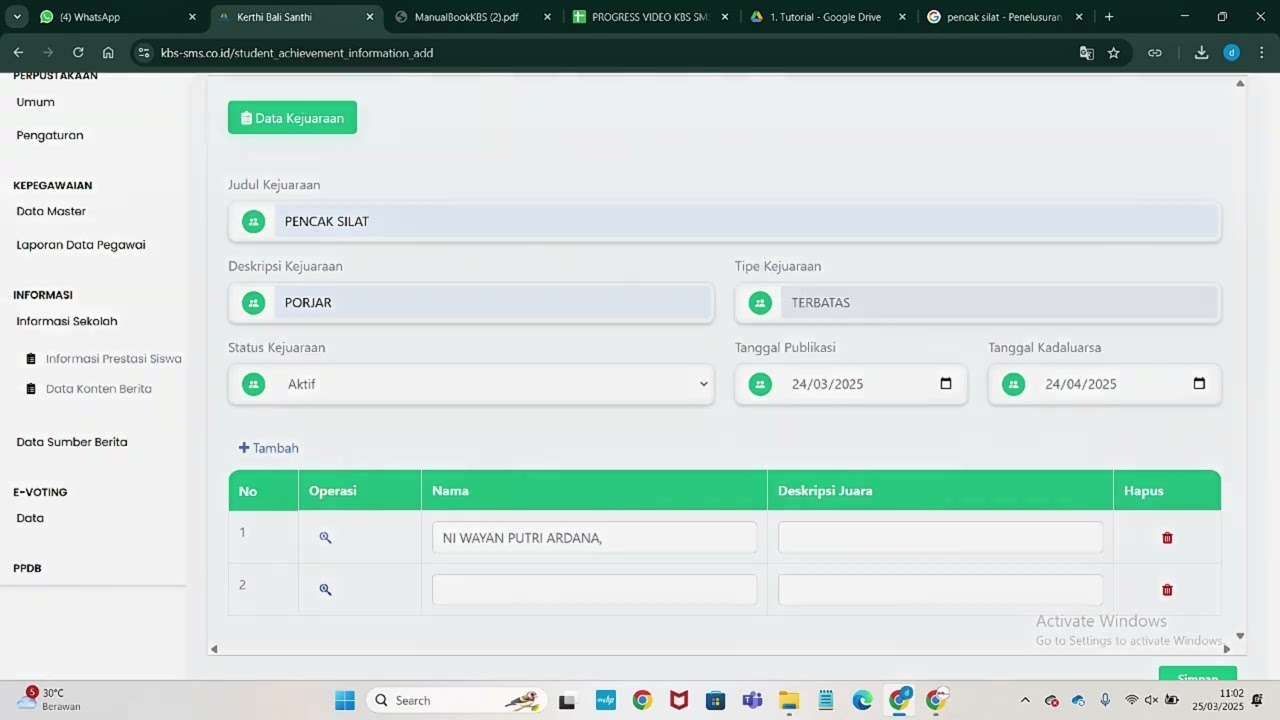
Informasi Presentase siswa
218 views • 8 months ago
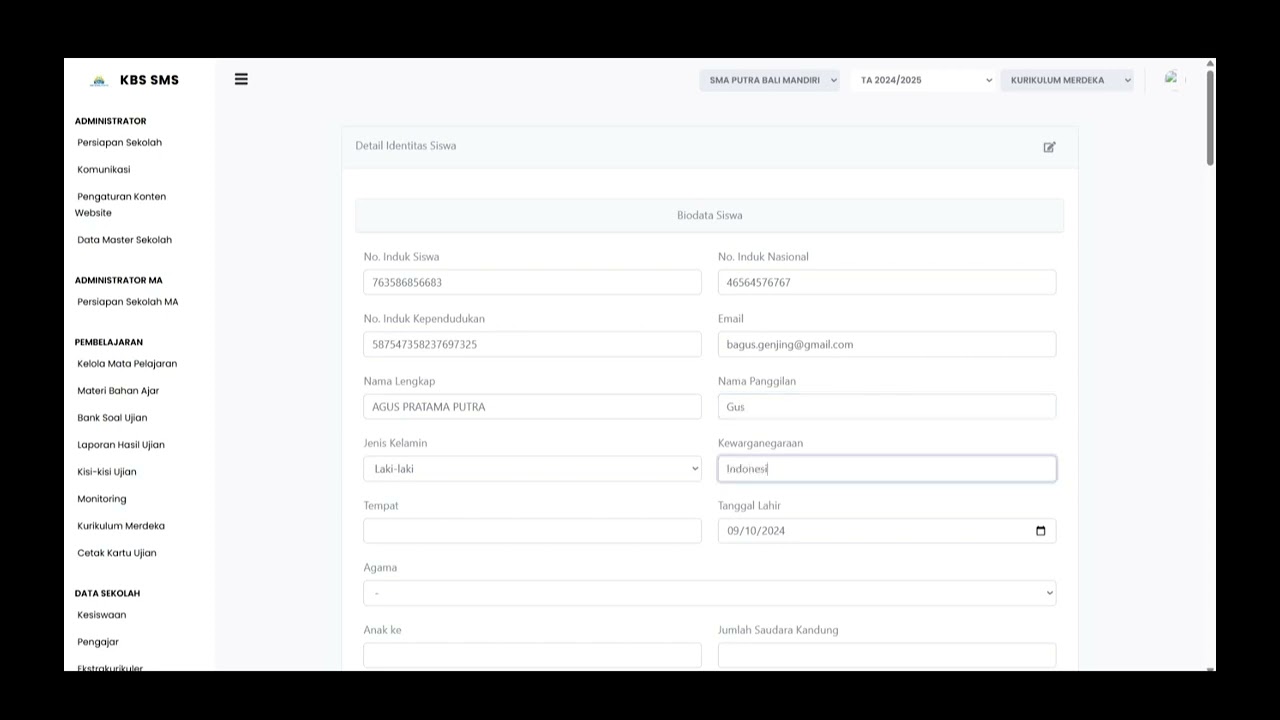
Buku induk siswa
138 views • 8 months ago
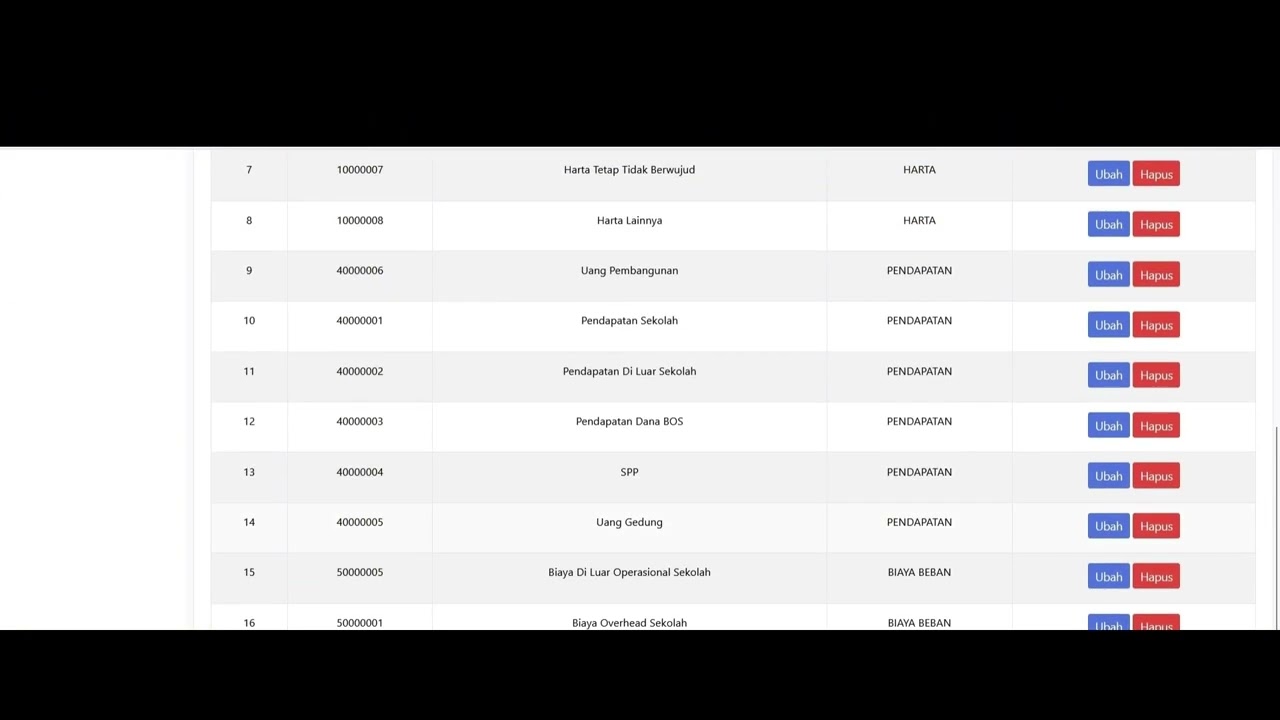
Dafatar akun keuanggan
129 views • 8 months ago