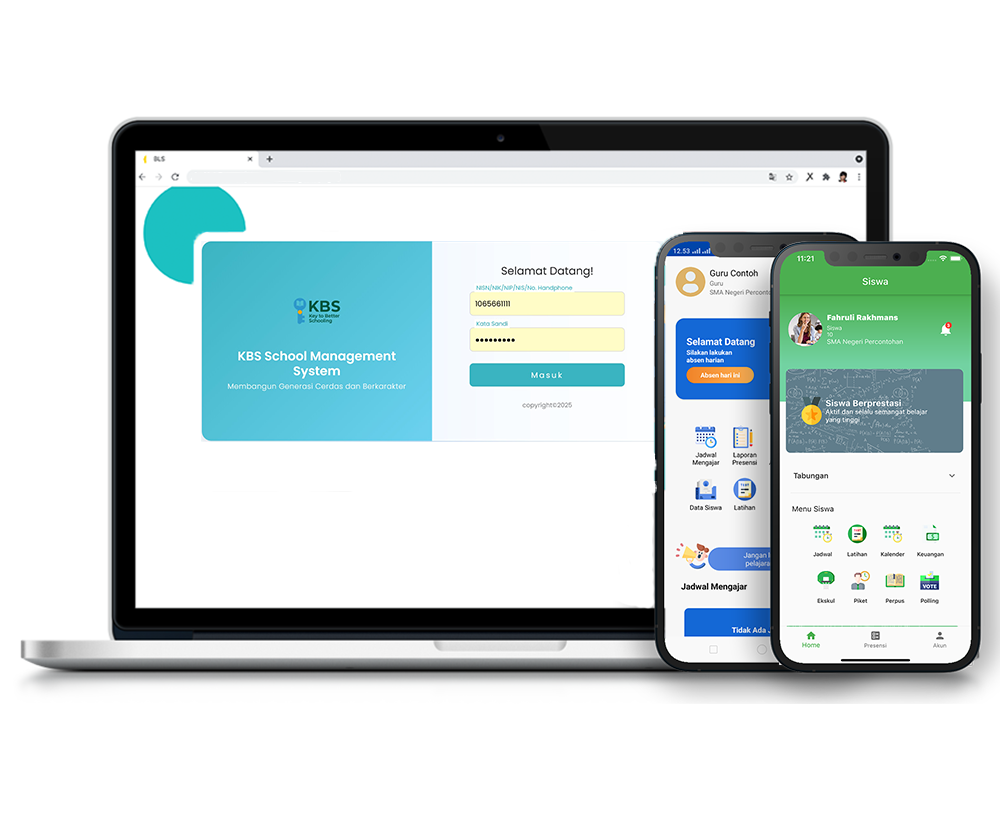
Buku induk siswa
Description
The Student Master Ledger feature in the KBS SMS system is designed to store and manage permanent student records in a centralized, secure, and structured manner. Through this feature, managing personal identities, parent/guardian data, and student educational profiles can be performed accurately.
This tutorial video provides a comprehensive guide for Users to manage the Student Master Ledger menu, starting from filtering student data by class, viewing detailed student profiles, updating/editing personal and parent information, to saving changes into the school database.
Timestamps / Video Sections:
- Introduction to Feature [00:00]: Explaining the function of the Student Master Ledger as permanent student records.
- Step 1: Filtering Class Data [00:20]: Select Grade Level and Class from the dropdown menu, then click 'Show'.
- Step 2: Opening Student Details [00:33]: Click the 'Detail' button on the student's row to view the full profile sheet.
- Step 3: Enabling Edit Mode [00:43]: Click the 'Edit' icon in the top right corner of the form to enable editing.
- Step 4: Updating & Completing Data [00:48]: Update personal student details, email, religion, or parent information.
- Step 5: Saving Data Changes [02:02]: Scroll to the bottom, click 'Save Changes', then click 'OK' on the success confirmation pop-up.
Student Registry
1 videos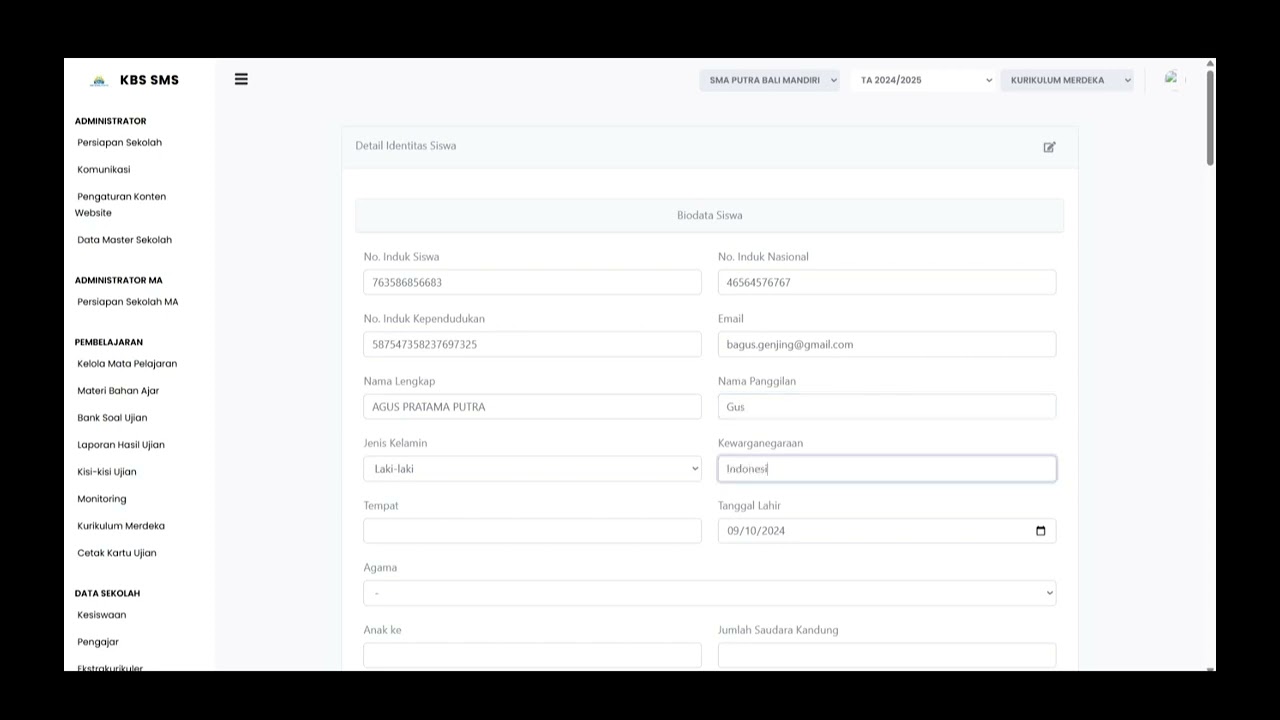
Related Videos
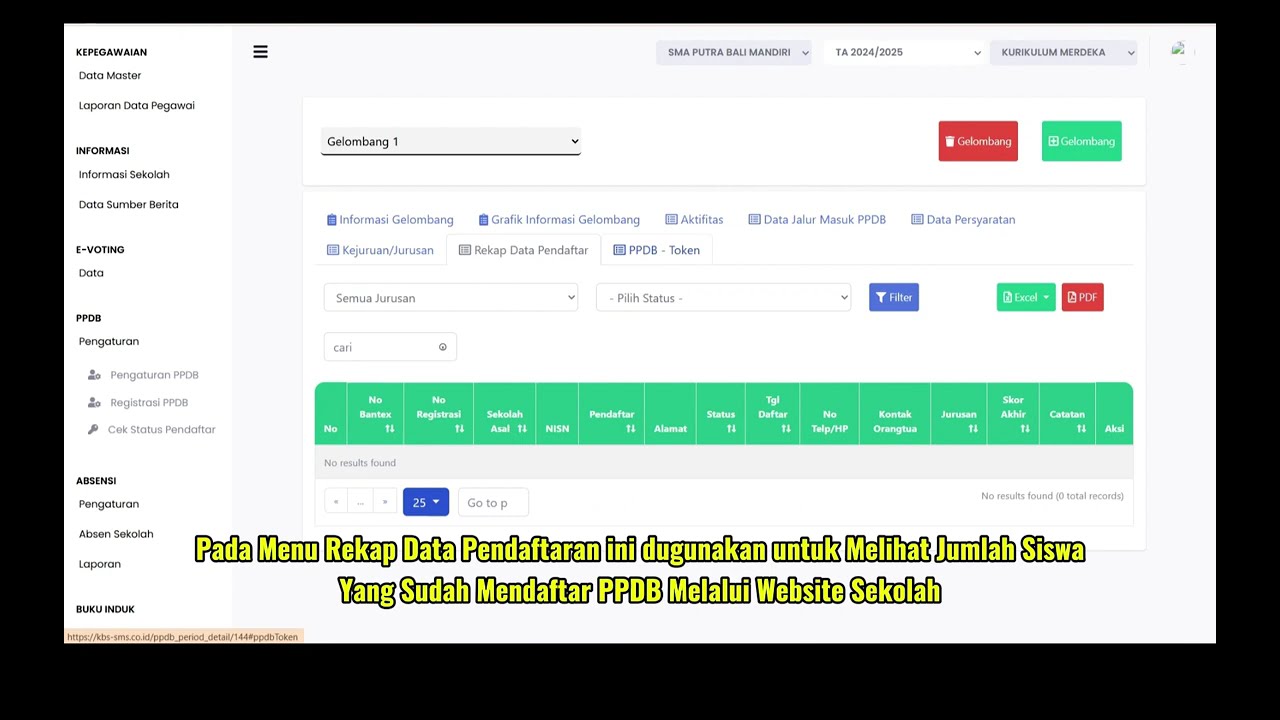
PPDB Settings and Registration
231 views • 8 months ago
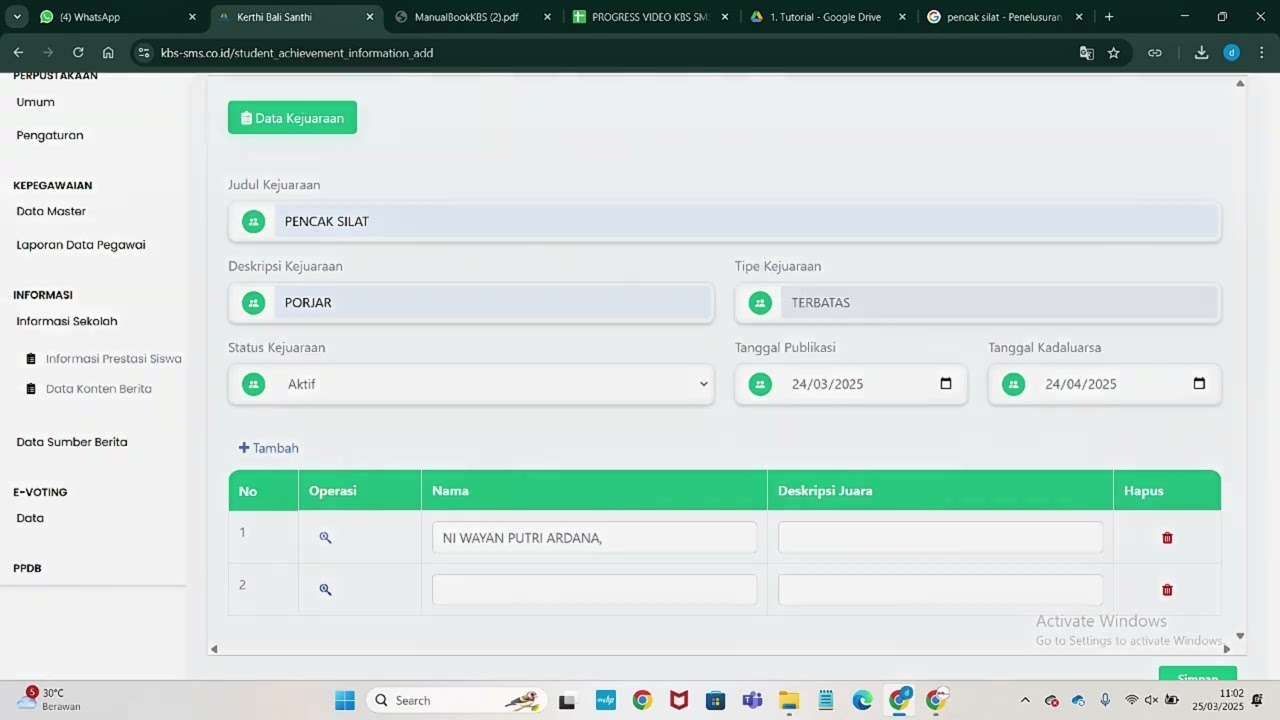
Informasi Presentase siswa
218 views • 8 months ago
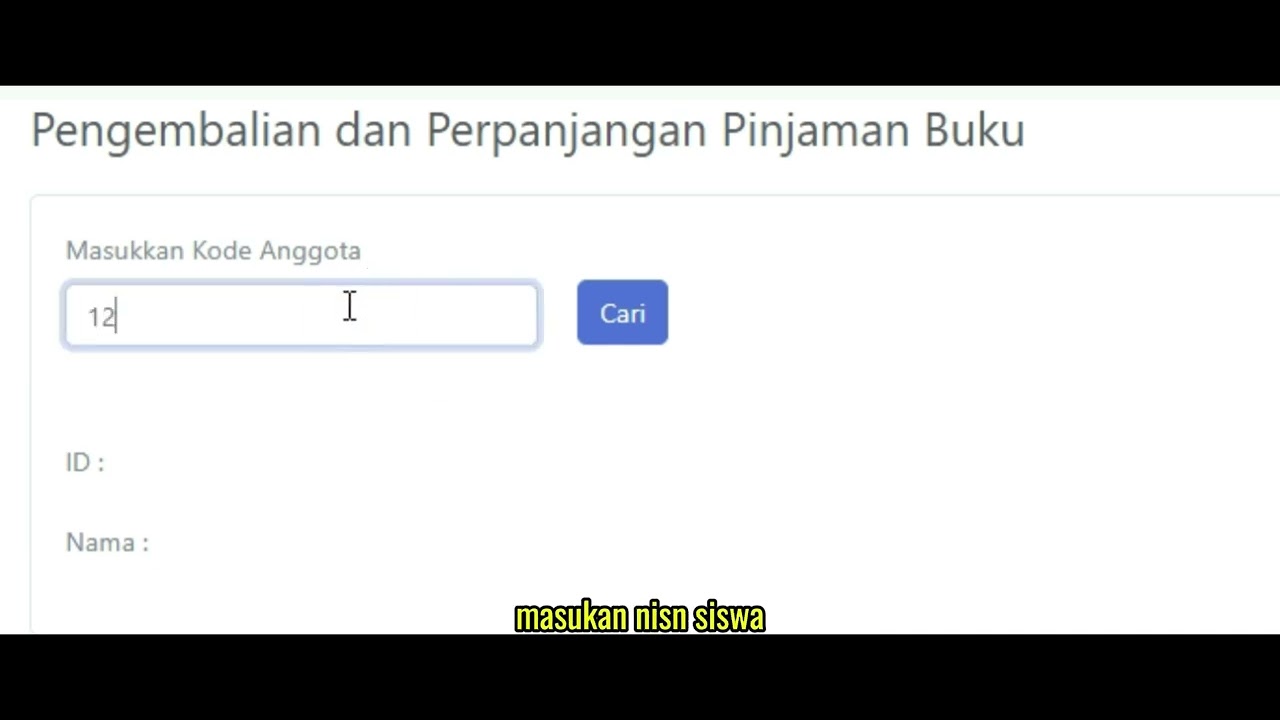
Pengembalian Buku
127 views • 8 months ago
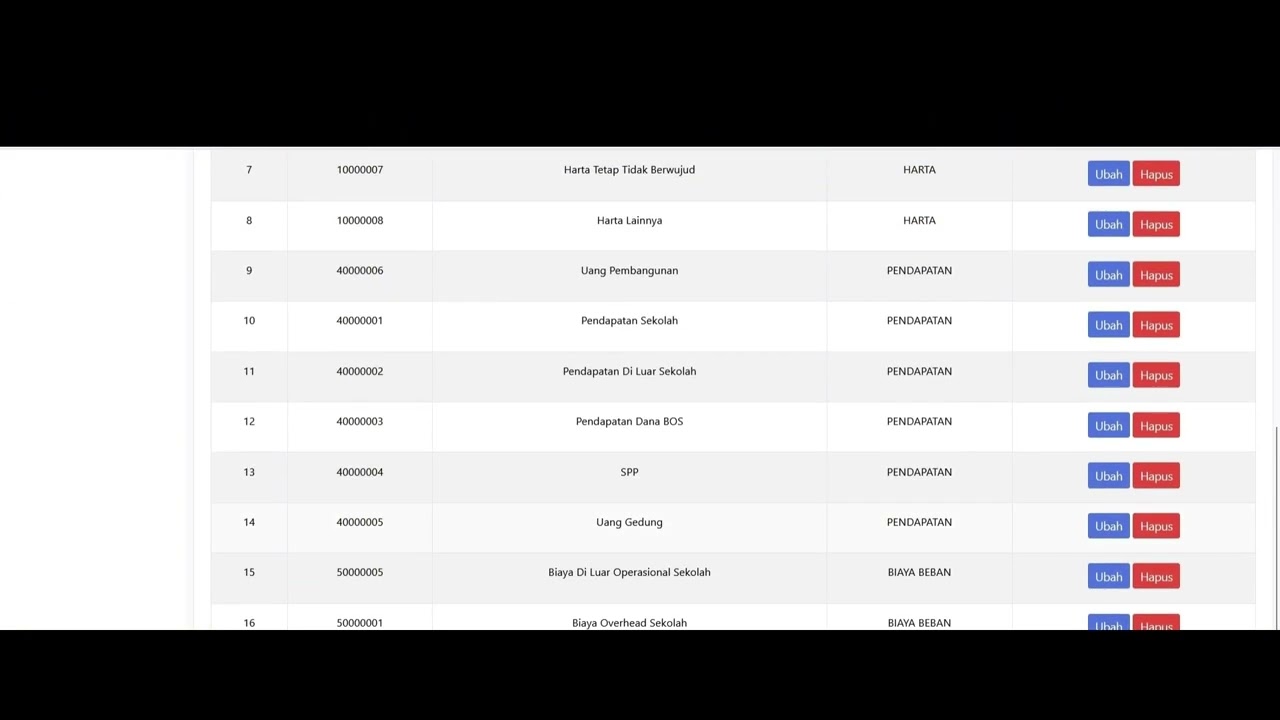
Dafatar akun keuanggan
129 views • 8 months ago
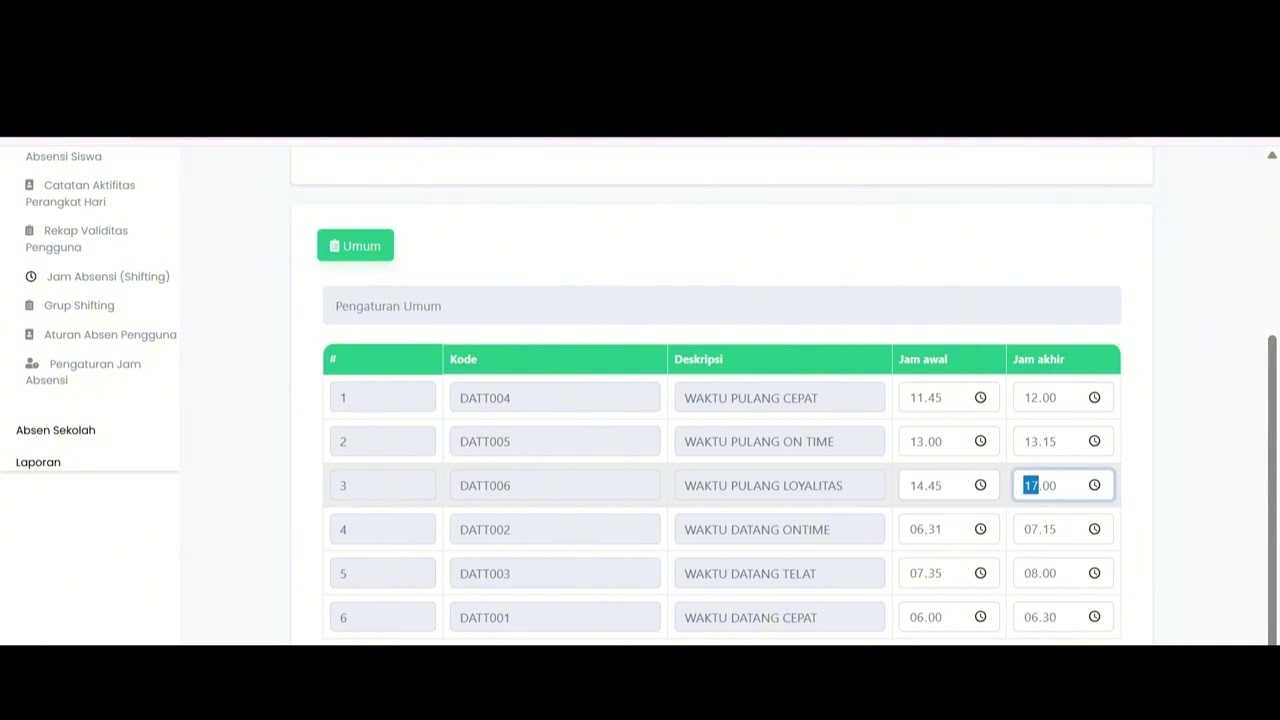
Student Attendance Time Settings
194 views • 8 months ago
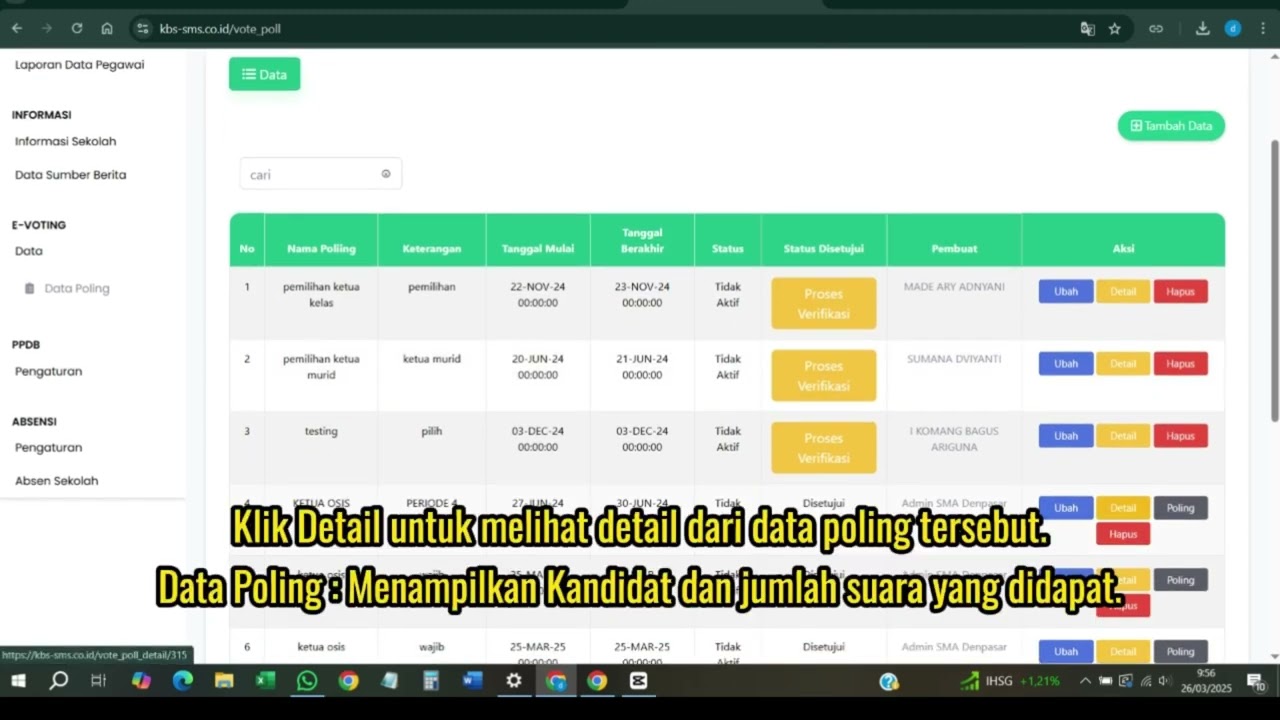
Evoting
122 views • 8 months ago