Pengembalian Buku
Description
The Library feature in the KBS SMS system is designed to help school staff efficiently manage and organize all library circulation. Through this feature, recording book loans and return transactions can be performed quickly and accurately.
This tutorial video provides a practical guide for Library Staff to operate the Book Return menu, starting from searching for member data using Student ID (NISN), viewing active loans, processing book returns, to extending loan periods.
Timestamps / Video Sections:
- Introduction to Feature [00:00]: Explaining the use of the Book Return feature in the Library module.
- Step 1: Menu Navigation [00:08]: From the left sidebar menu, select Library > General > Book Return.
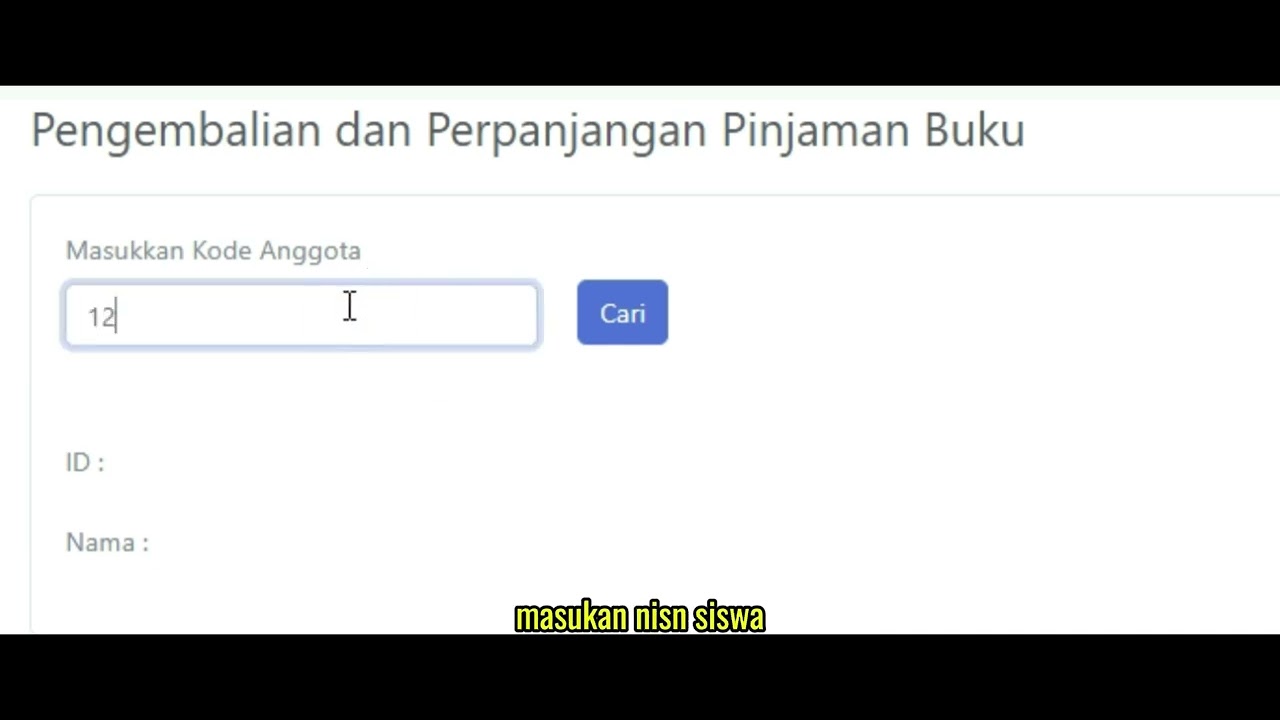
- Step 2: Searching Member Data [00:19]: Enter the student's NISN in the 'Enter Member Code' field, then click the 'Search' button.
- Step 3: Checking Loan List [00:27]: Reviewing student details and the table of currently borrowed books.
- Step 4: Processing Book Returns [00:38]: Click the 'K' button in the Operation column to return a book, then click 'OK' on the confirmation pop-up.
- Step 5: Processing Loan Extensions [00:48]: Click the 'P' button in the Operation column to extend the loan period, then click 'OK' on the confirmation pop-up.
Related Videos
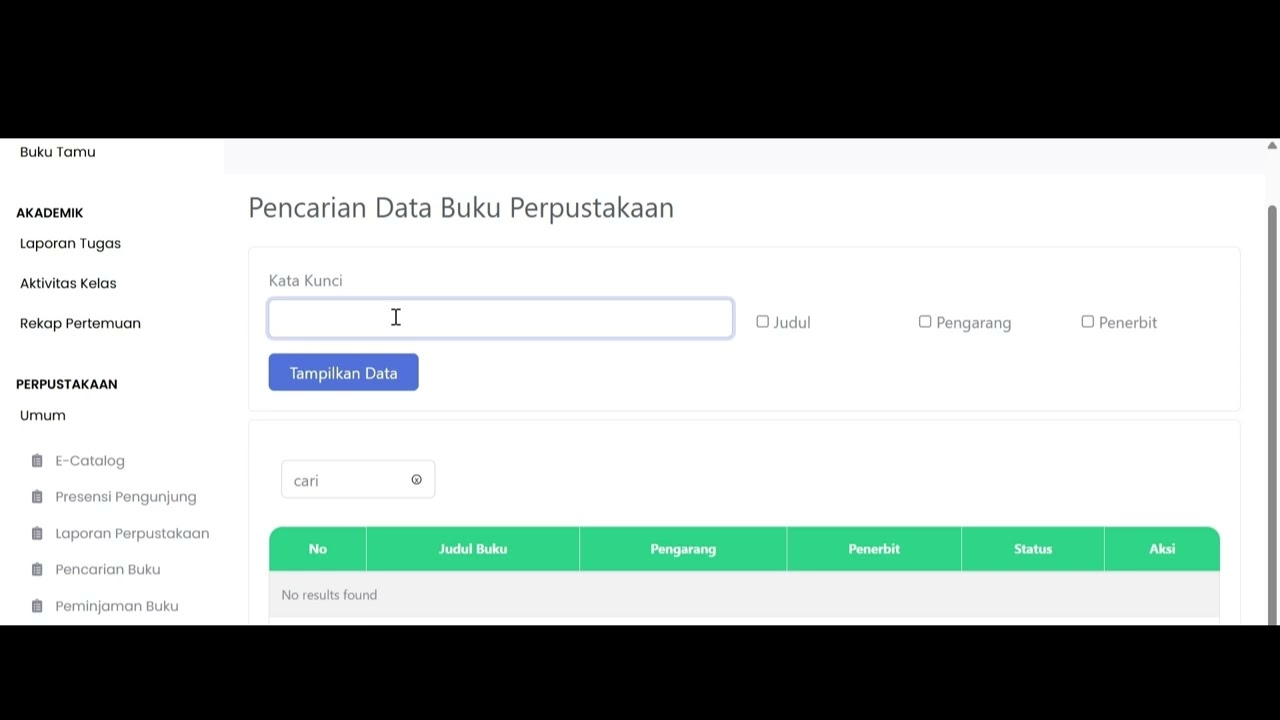
Tutorial Pencarian Buku
94 views • 8 months ago
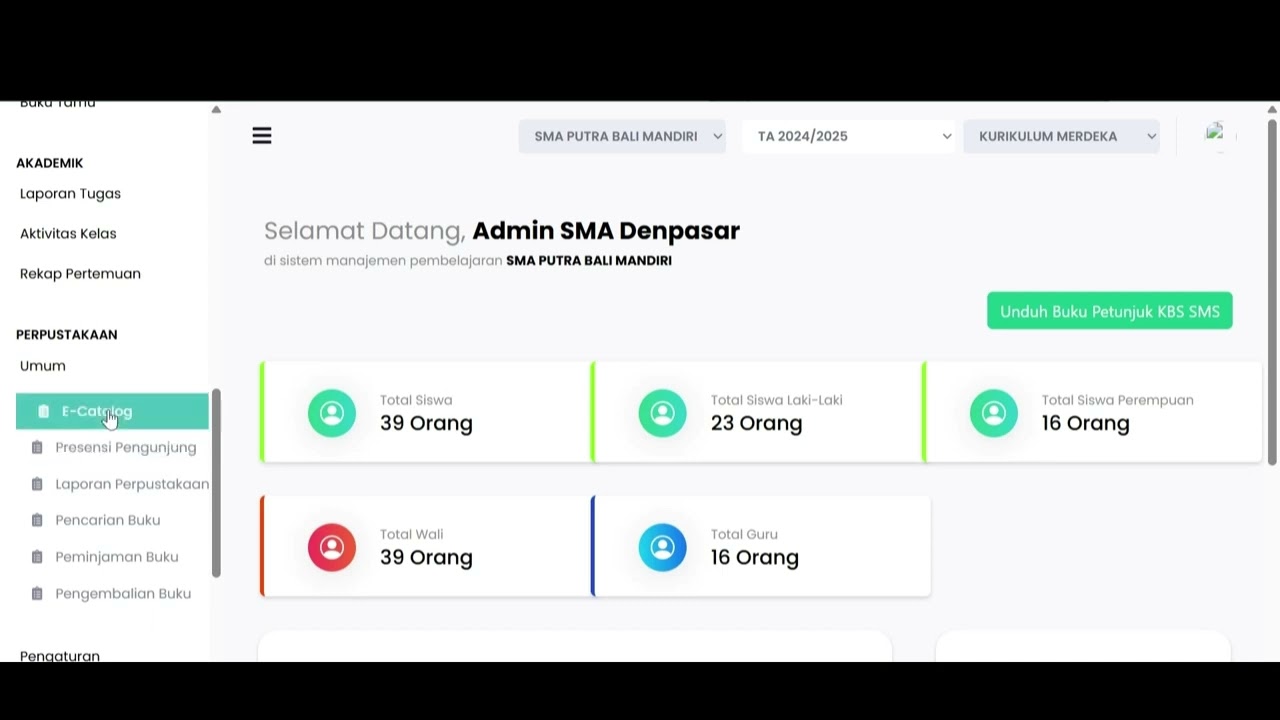
Ecatalog
79 views • 8 months ago
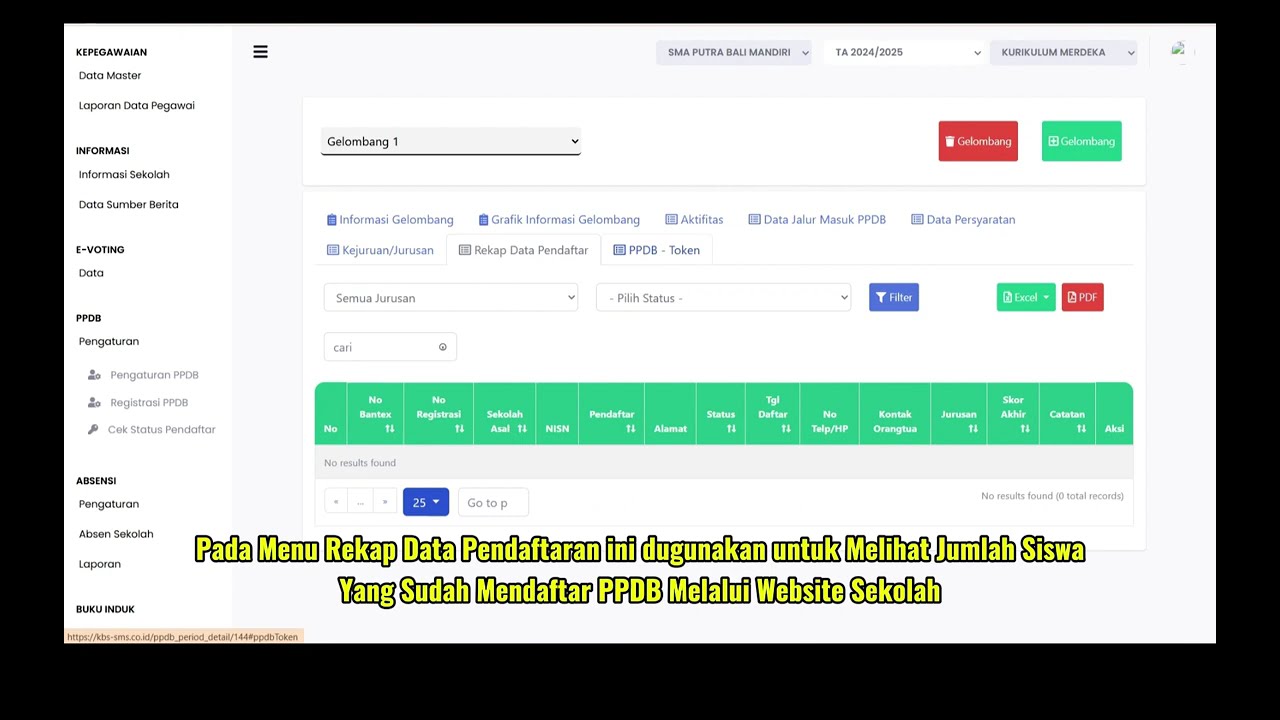
PPDB Settings and Registration
231 views • 8 months ago
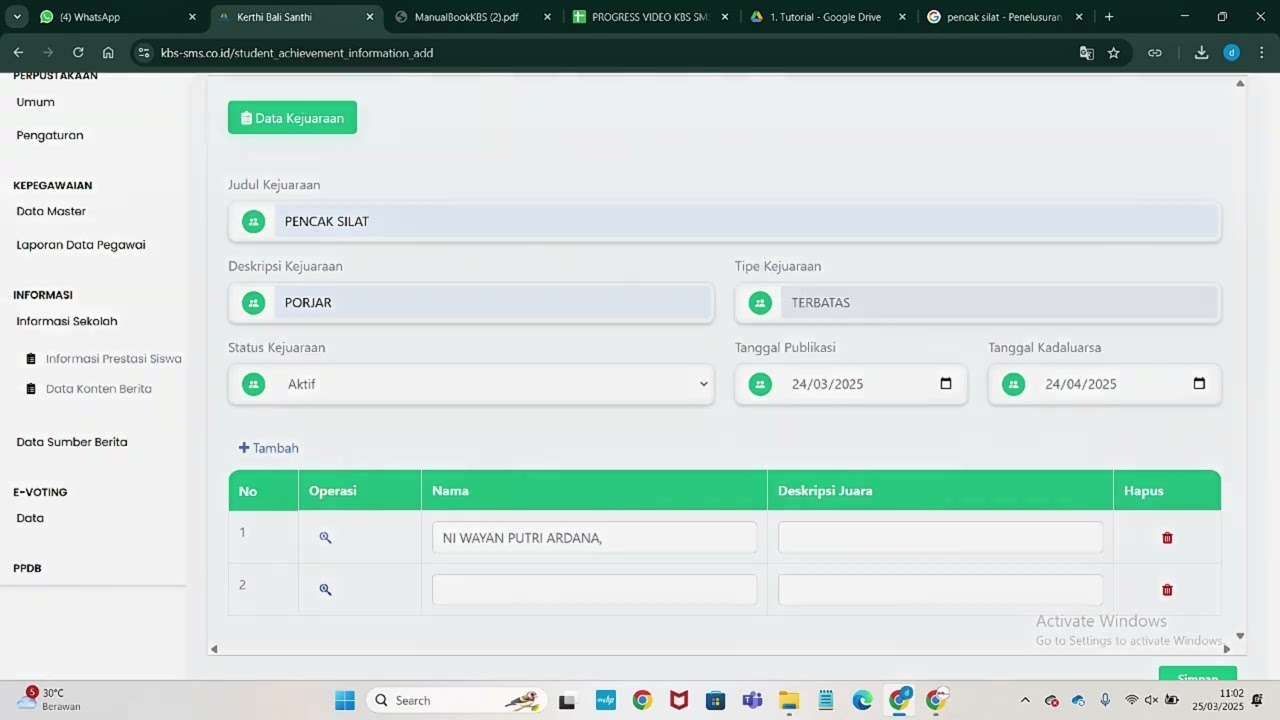
Informasi Presentase siswa
217 views • 8 months ago
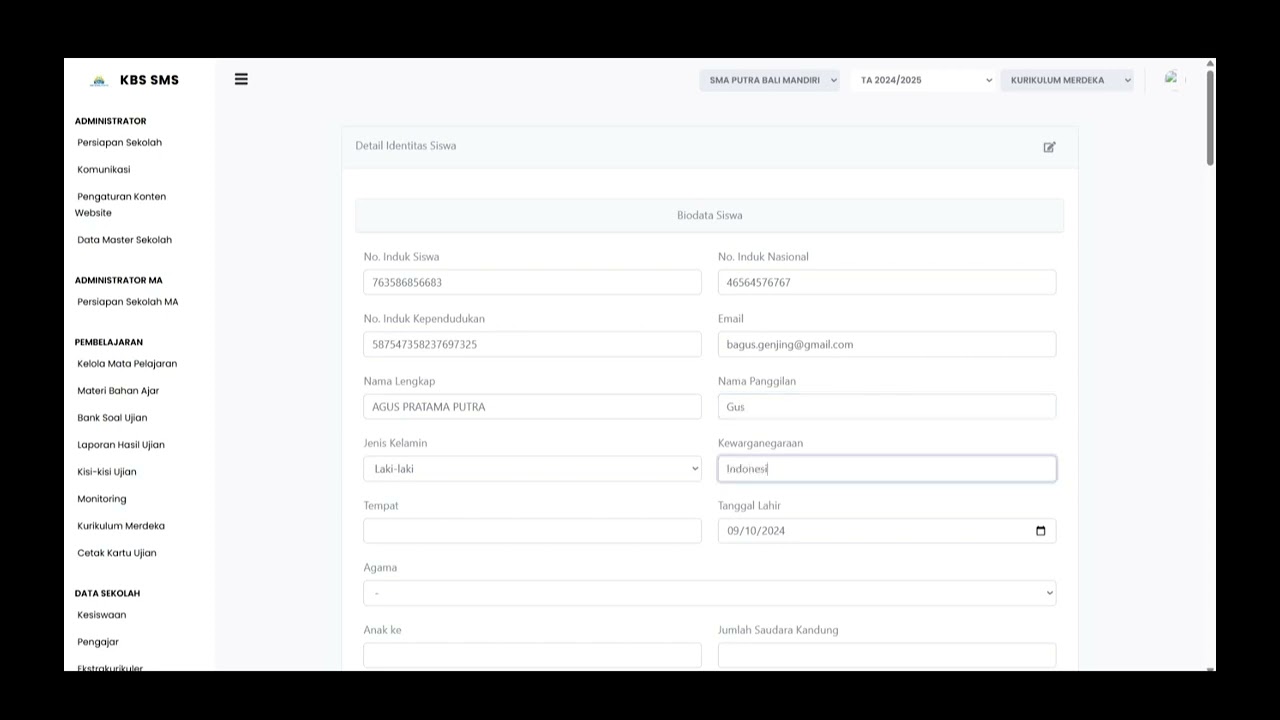
Buku induk siswa
137 views • 8 months ago
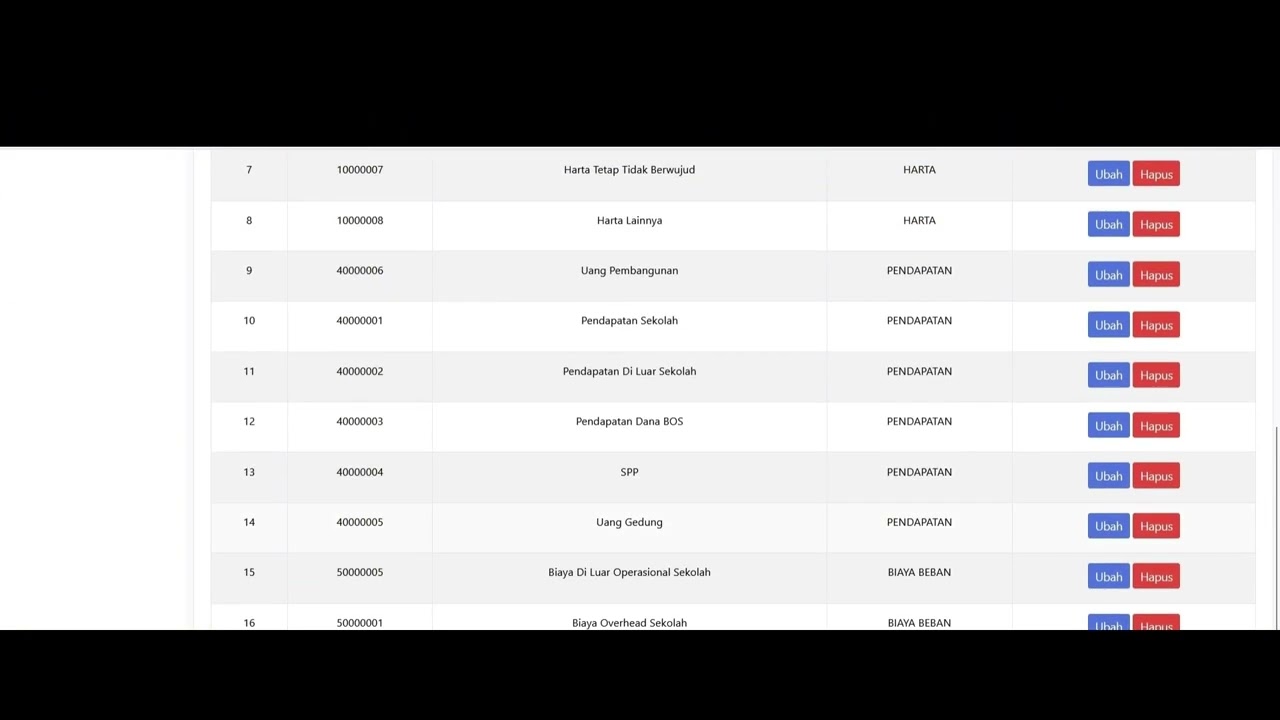
Dafatar akun keuanggan
128 views • 8 months ago