Informasi Presentase siswa
Description
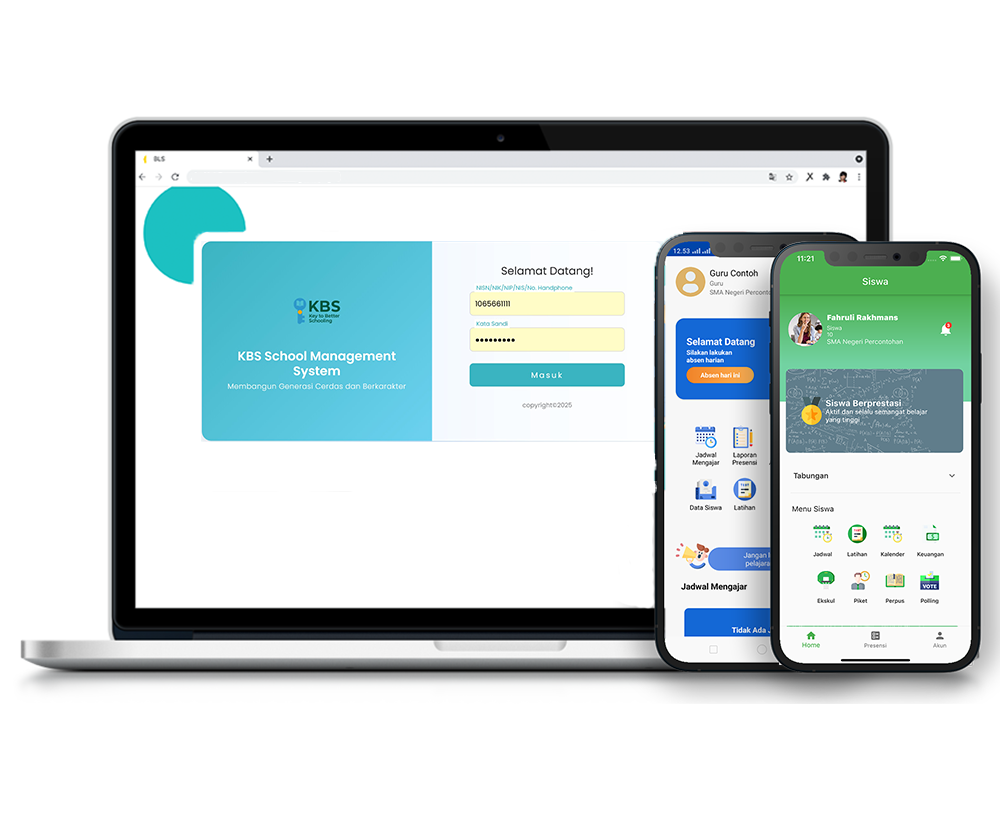
The Information feature in the KBS SMS system is designed to strengthen internal school communication through the digital dissemination of announcements, news, and notifications. All school members — students, teachers, staff, and parents — can receive information directly through their respective accounts in real-time.
This tutorial video presents a comprehensive guide for Users to optimize the Student Achievement Information menu, starting from searching student names, filling in achievement detail data, uploading documentation photos, to viewing the final recapitulation of student achievements.
Timestamps / Video Sections:
- Introduction to Feature [00:00]: Explaining the procedure for adding student achievement data into the KBS SMS system.
- Step 1: Menu Navigation [00:06]: From the main dashboard, select Information > Student Achievement Information.
- Step 2: Opening Add Data Form [00:15]: On the Student Achievement Information page, click the 'Add Data' button.
- Step 3: Selecting Student Data [00:23]: Enter and select the student's name in the 'Student' field.
- Step 4: Filling Achievement Details & Saving [01:25]: Input the achievement description (e.g., 1st PLACE), then click the 'Save' button.
- Step 5: Verification & Viewing Data Details [01:49]: Click the 'Detail' button to review the saved student data and achievement recapitulation.
Information
2 videos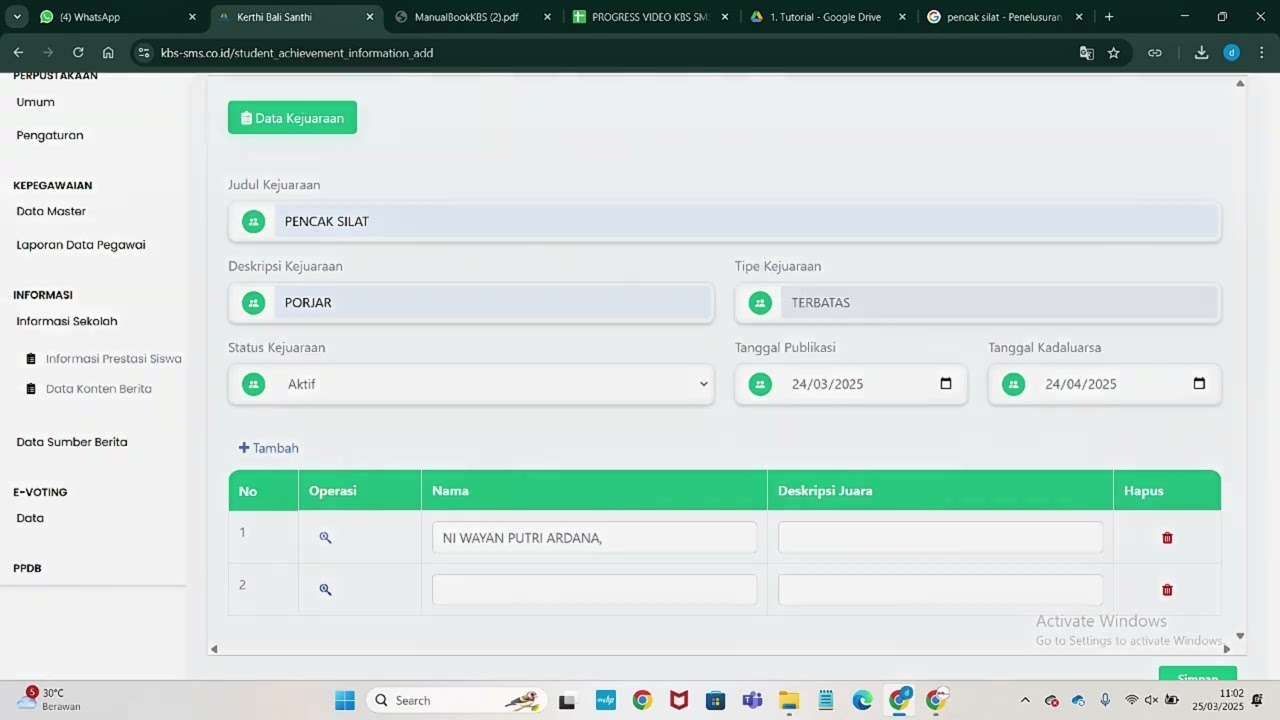
Related Videos
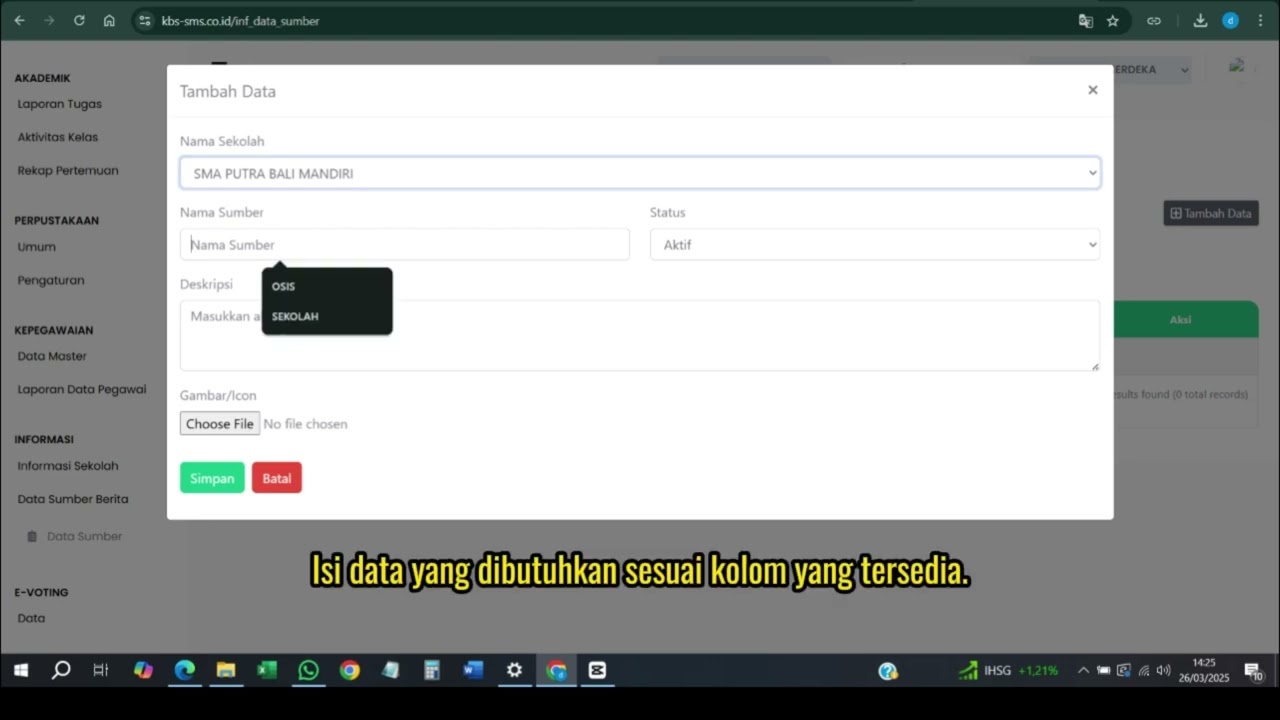
Data Sumber
108 views • 8 months ago
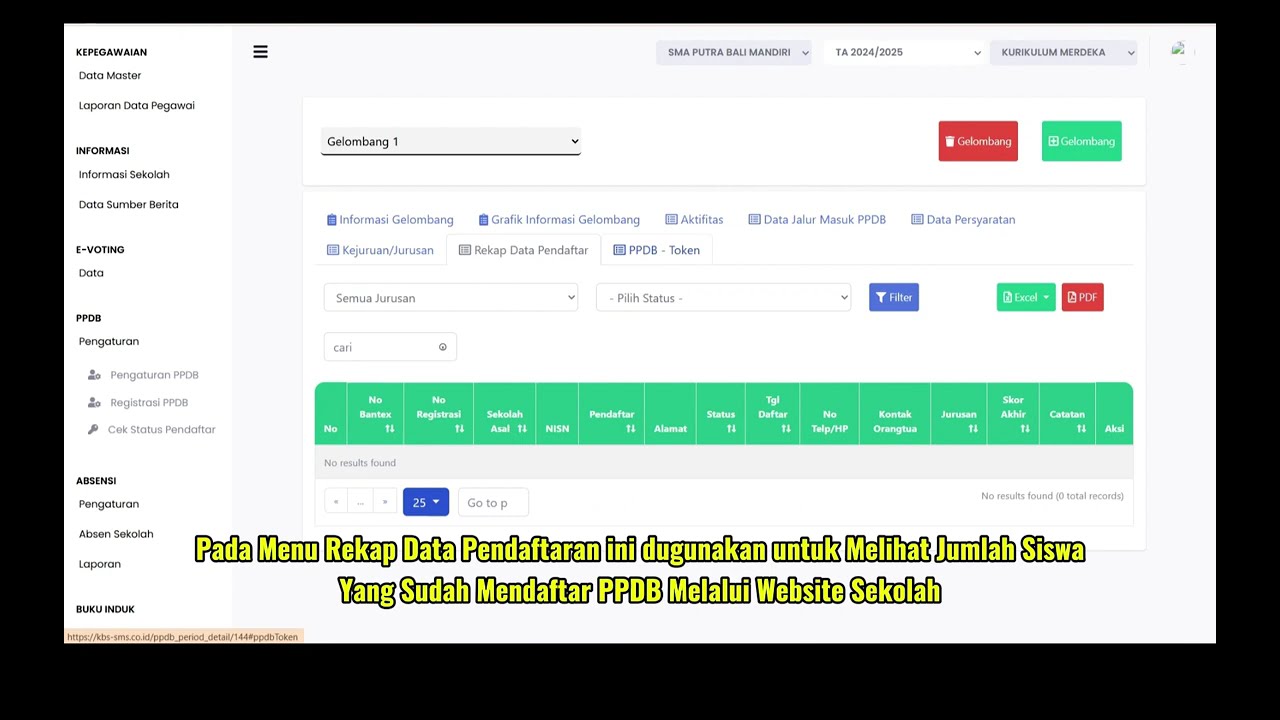
PPDB Settings and Registration
231 views • 8 months ago
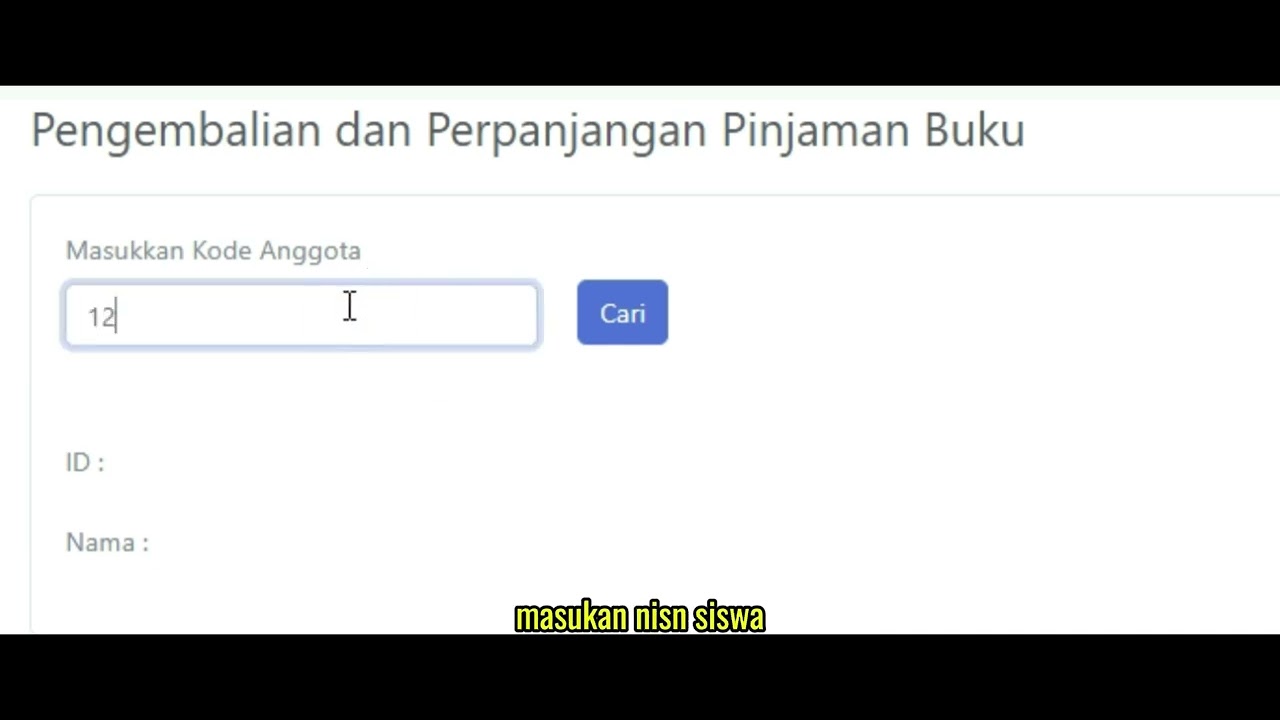
Pengembalian Buku
127 views • 8 months ago
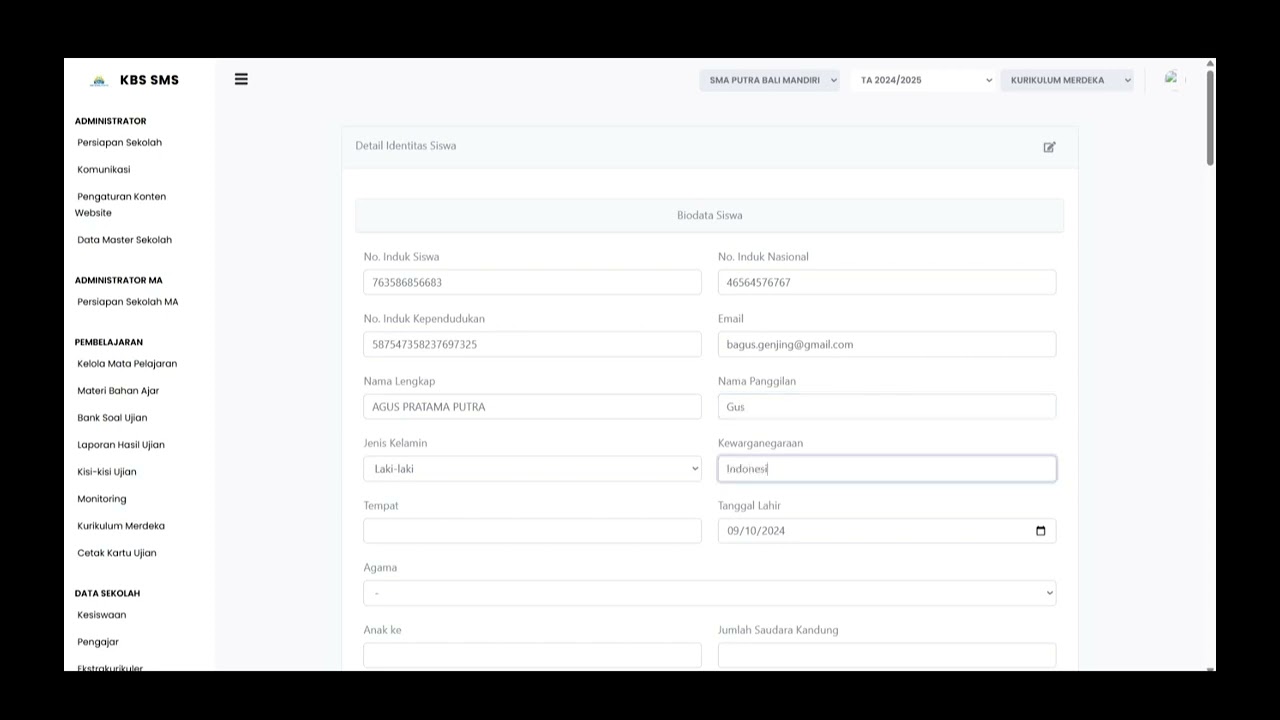
Buku induk siswa
137 views • 8 months ago
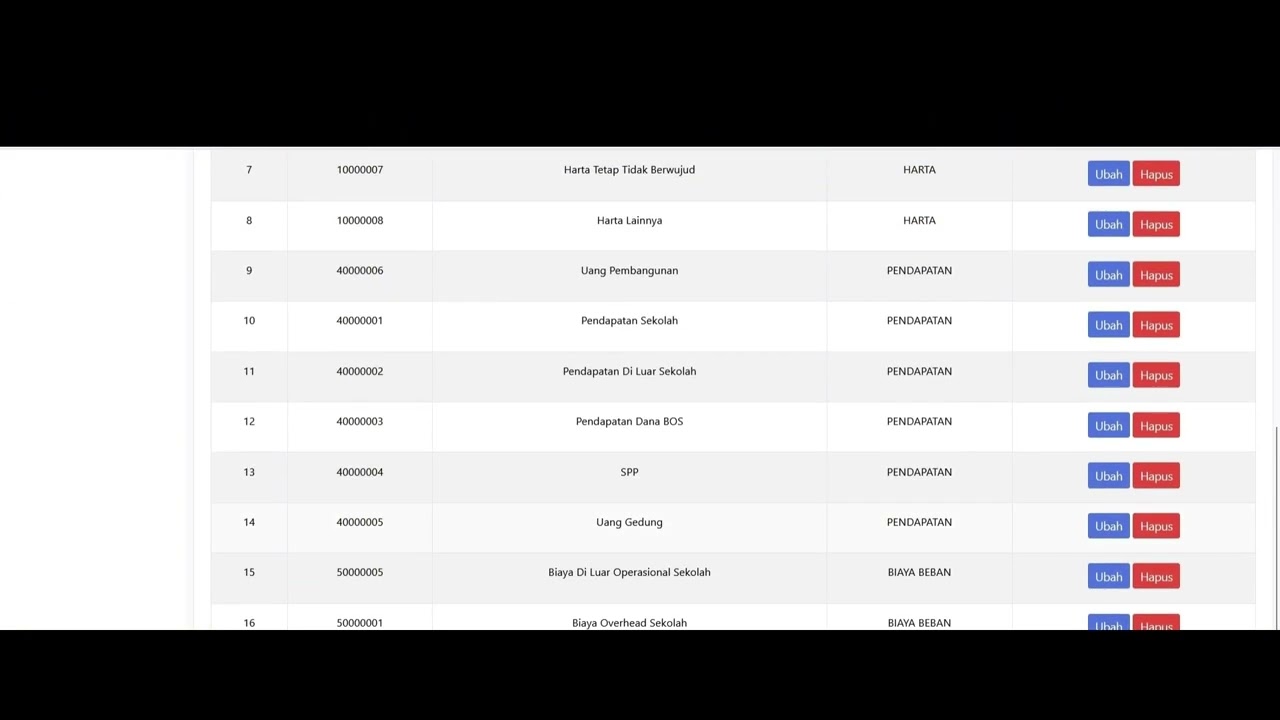
Dafatar akun keuanggan
128 views • 8 months ago
Student Attendance Time Settings
194 views • 8 months ago