Data Sumber
Description
The Source Data feature in the KBS SMS system is used by school administrators to add and manage news source data (organizations, divisions, or news creator entities) into the system so that news can be organized by its source.
This tutorial video presents a practical guide for Users to optimize the News Source Data menu, starting from navigating to the menu, filling in source details, setting statuses, uploading source logos/icons, to saving and verifying data in the main table.
Timestamps / Video Sections:
- Introduction to Feature [00:00]: Explaining the procedure for adding news source data into the KBS SMS system.
- Step 1: Menu Navigation [00:06]: From the main dashboard, select Information > News Source Data > Source Data.
- Step 2: Opening Add Data Form [00:14]: On the Manage News Sources page, click the 'Add Data' button.
- Step 3: Filling News Source Details [00:20]: Complete the School Name, type the Source Name (e.g., OSIS), set Status to Active, and fill in the Description.
- Step 4: Uploading Image/Icon & Saving [00:43]: Click the 'Choose File' button to upload a logo/photo, then click the 'Save' button.
- Step 5: Verifying Results [00:49]: After the success confirmation pop-up appears, click 'OK' and check the saved data in the main table.
Information
2 videos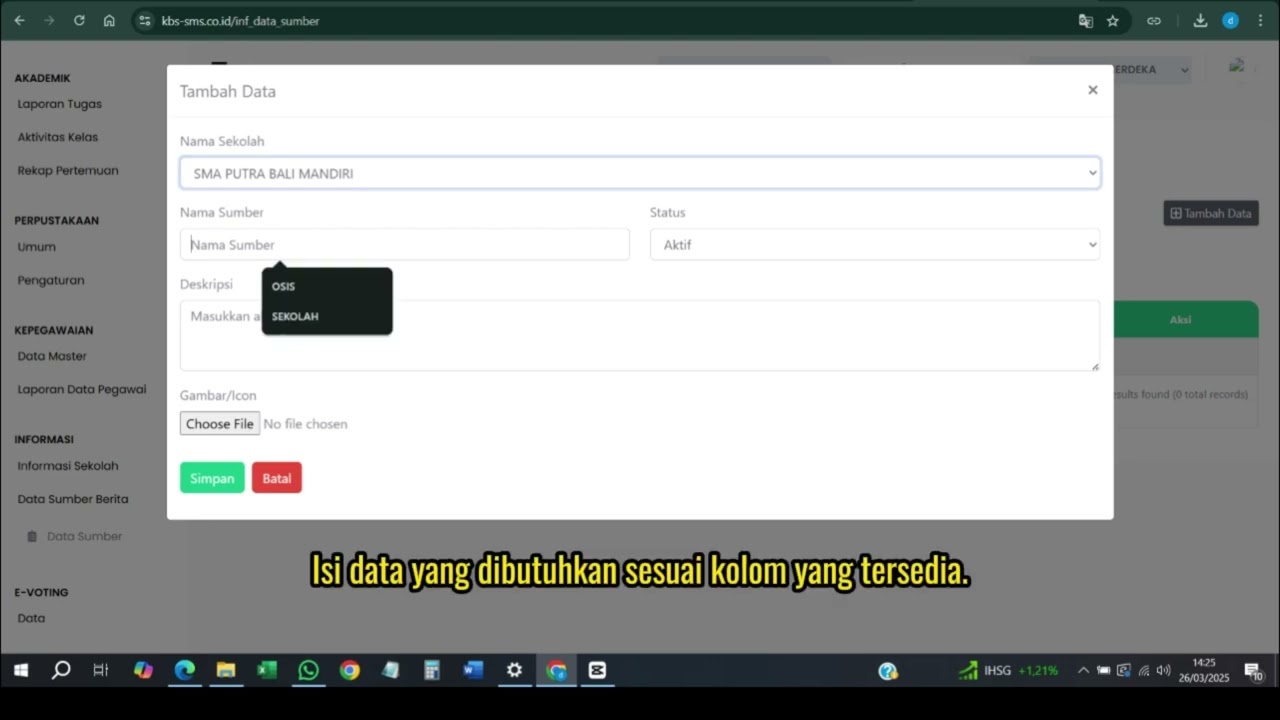
Related Videos
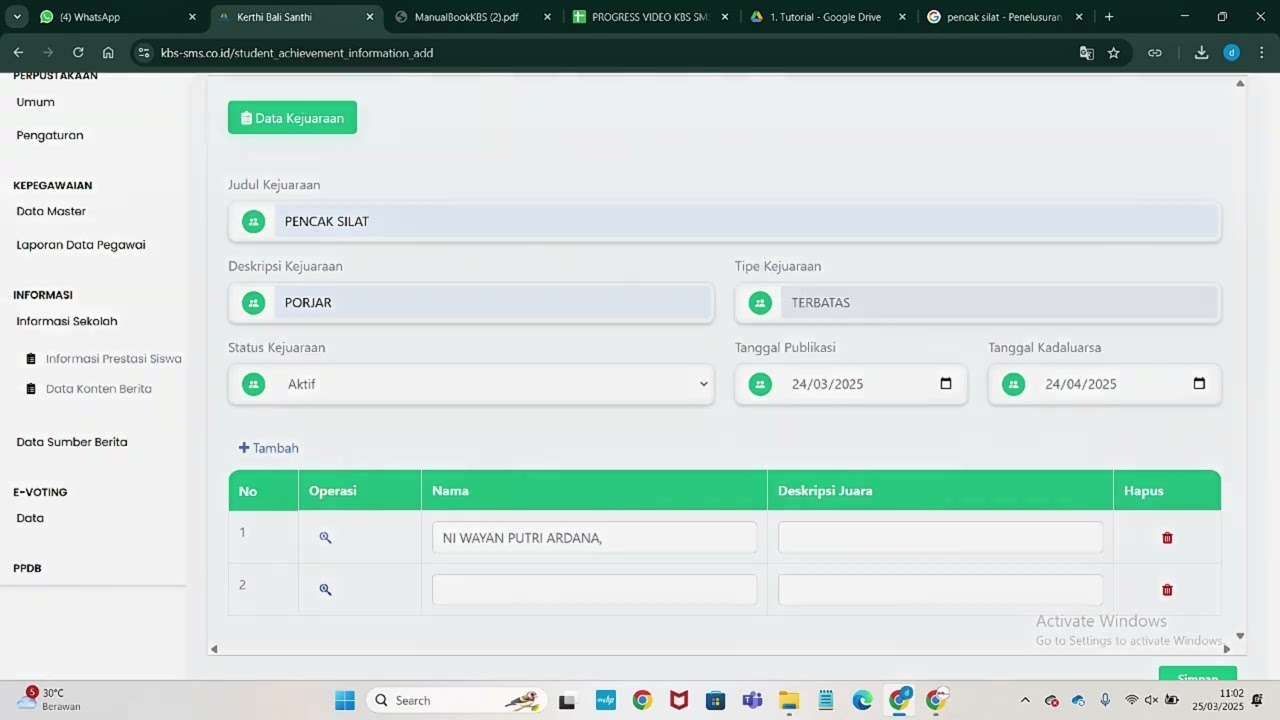
Informasi Presentase siswa
218 views • 8 months ago
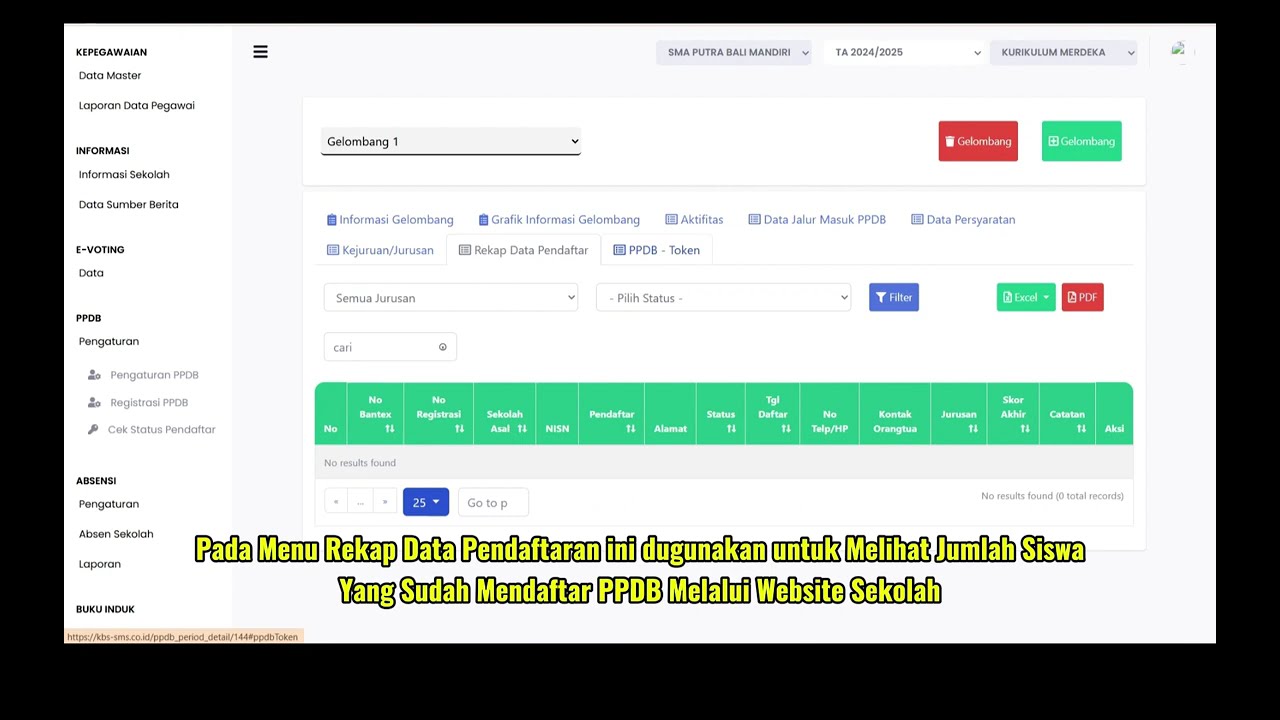
PPDB Settings and Registration
231 views • 8 months ago
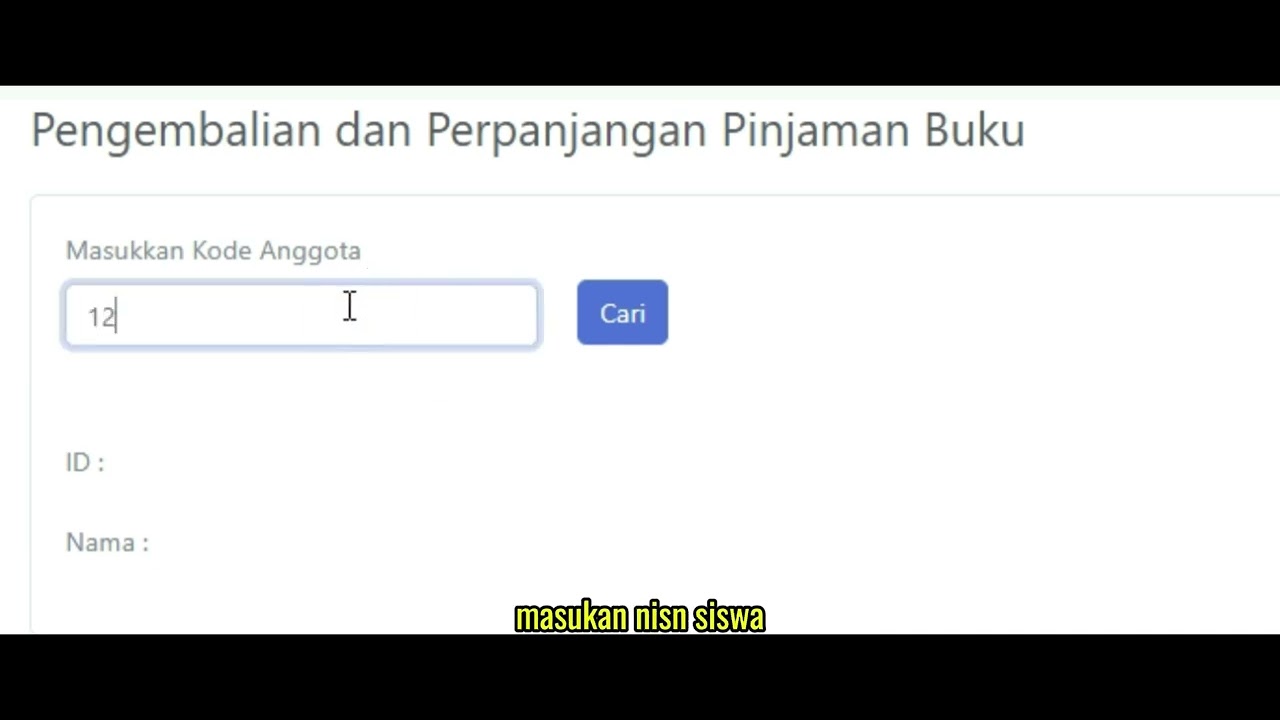
Pengembalian Buku
127 views • 8 months ago
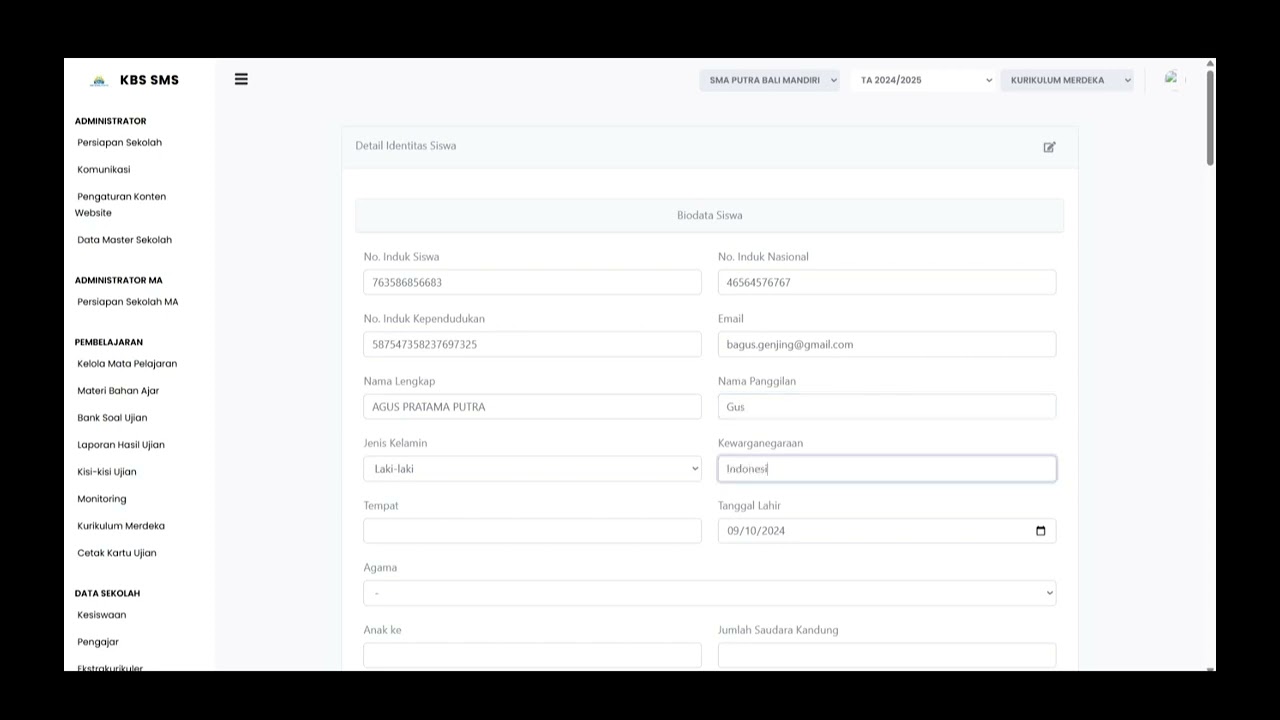
Buku induk siswa
138 views • 8 months ago
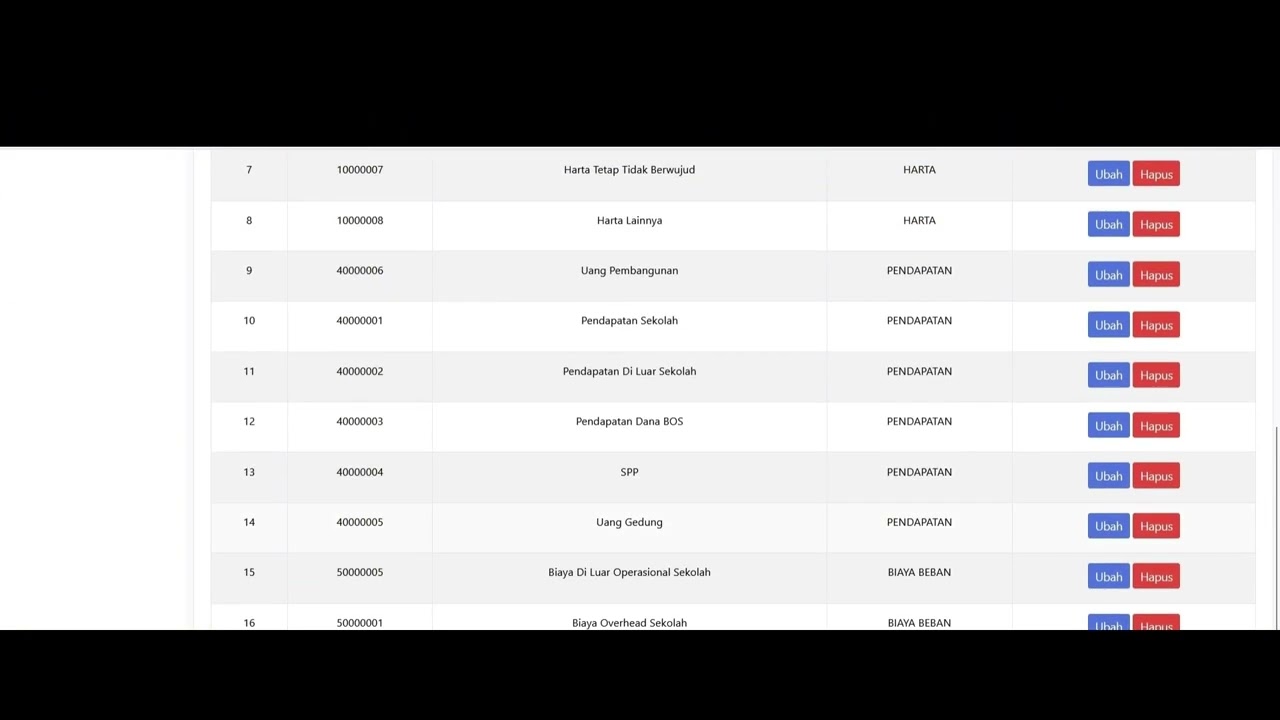
Dafatar akun keuanggan
129 views • 8 months ago
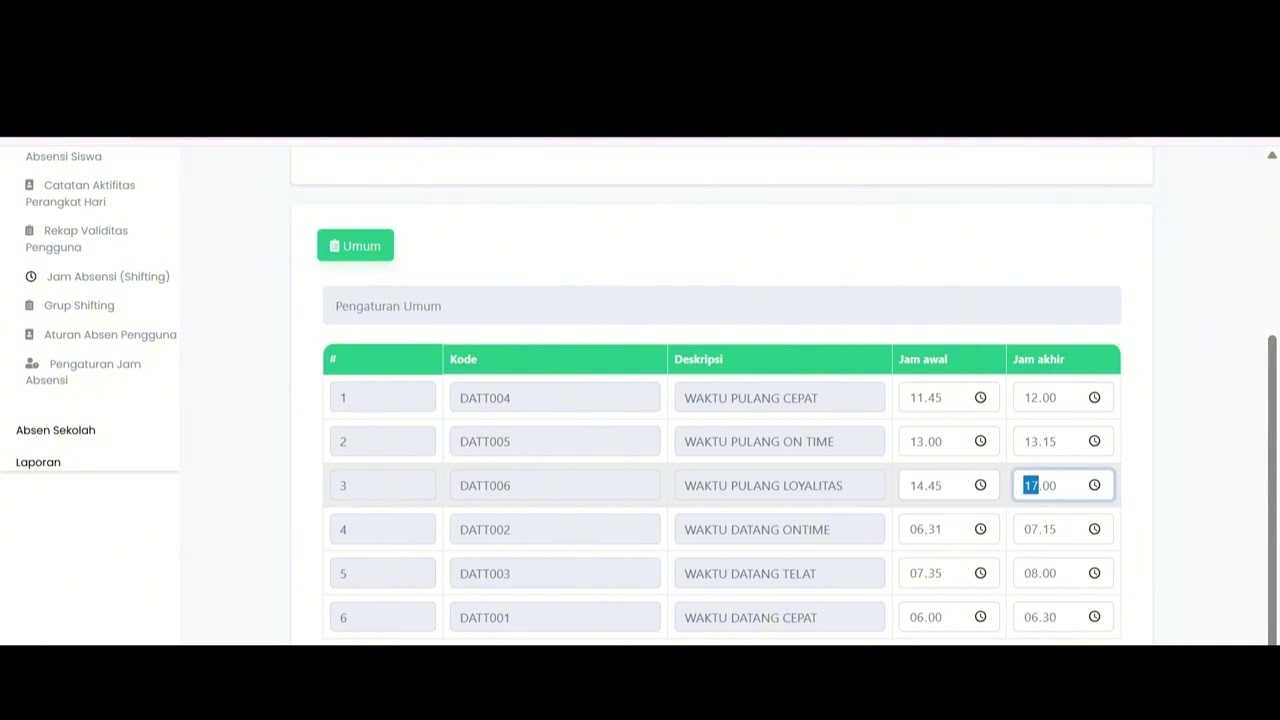
Student Attendance Time Settings
195 views • 8 months ago