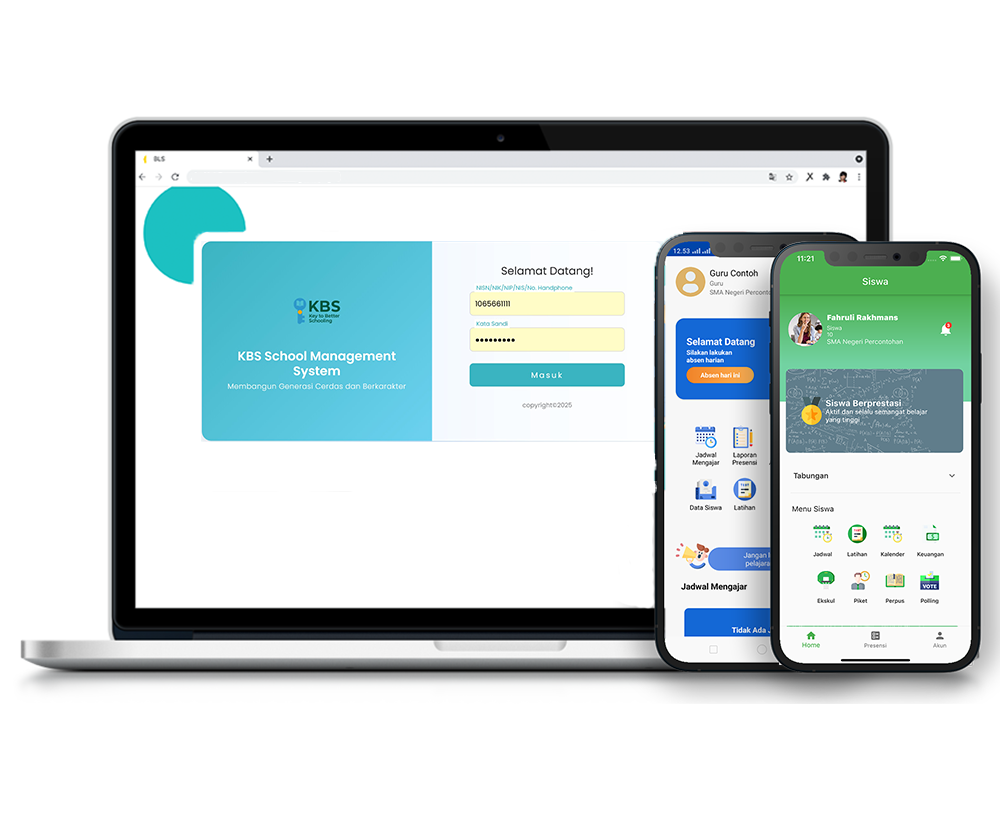
Student Attendance Time Settings
Description
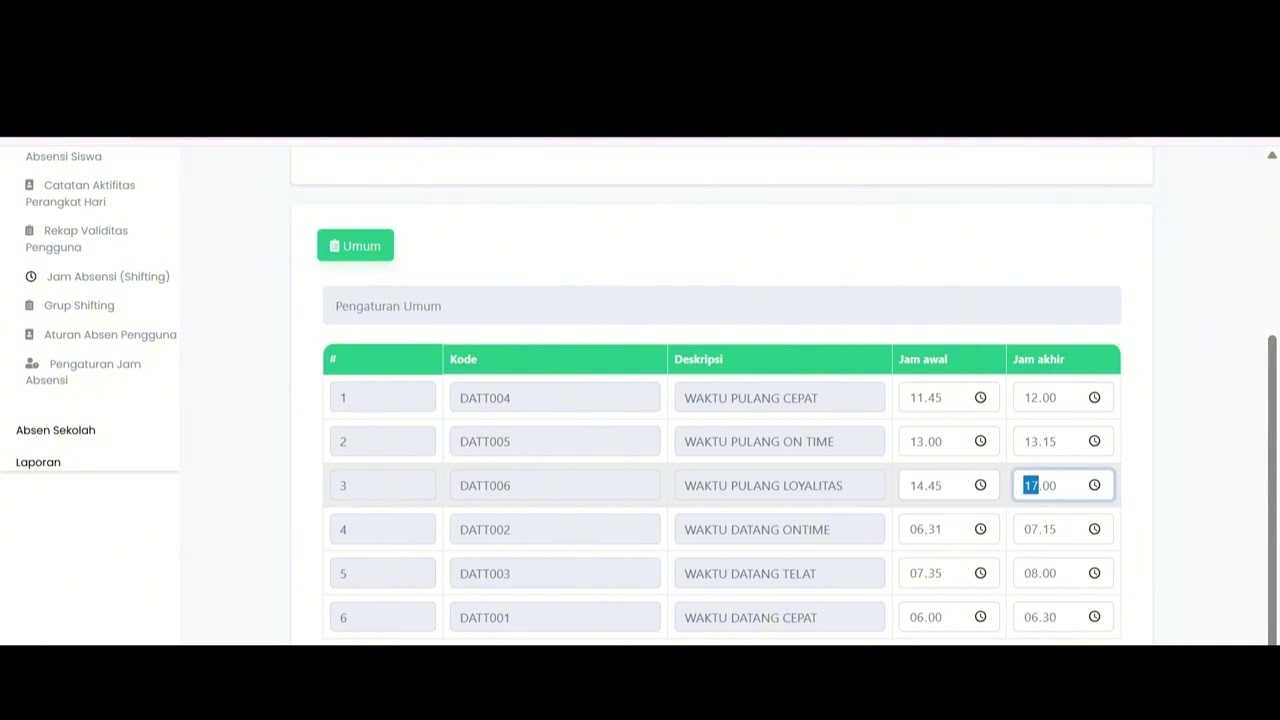
The Student Attendance Time Settings feature is designed to review, configure, and manage student check-in and check-out time thresholds within the system. With this feature, school administrators can accurately define attendance windows—such as on-time arrival, late arrival boundaries, and early departure times—in accordance with school regulations.
This step-by-step tutorial video guides administrators through navigating the settings menu, adjusting entry and exit time limits, and saving configurations to ensure seamless application across the system.
Timestamps / Video Outline:
-
Feature Overview: Introduction to the Student Attendance Time Settings feature for managing attendance schedules.
-
Step 1: Menu Navigation: Navigating to Attendance (Absensi) > Settings (Pengaturan) > Student Attendance Time Settings.
-
Step 2: Configuring Arrival & Departure Times: Setting the start and end time boundaries for each attendance category (on-time, late, early dismissal, etc.).
-
Step 3: Saving Settings: Clicking the 'Save' button and waiting for the success notification confirming that the data has been updated.
Important Note: Carefully verify and configure both the start and end times for every attendance status category according to school policies before clicking the "Save" button.
Related Videos
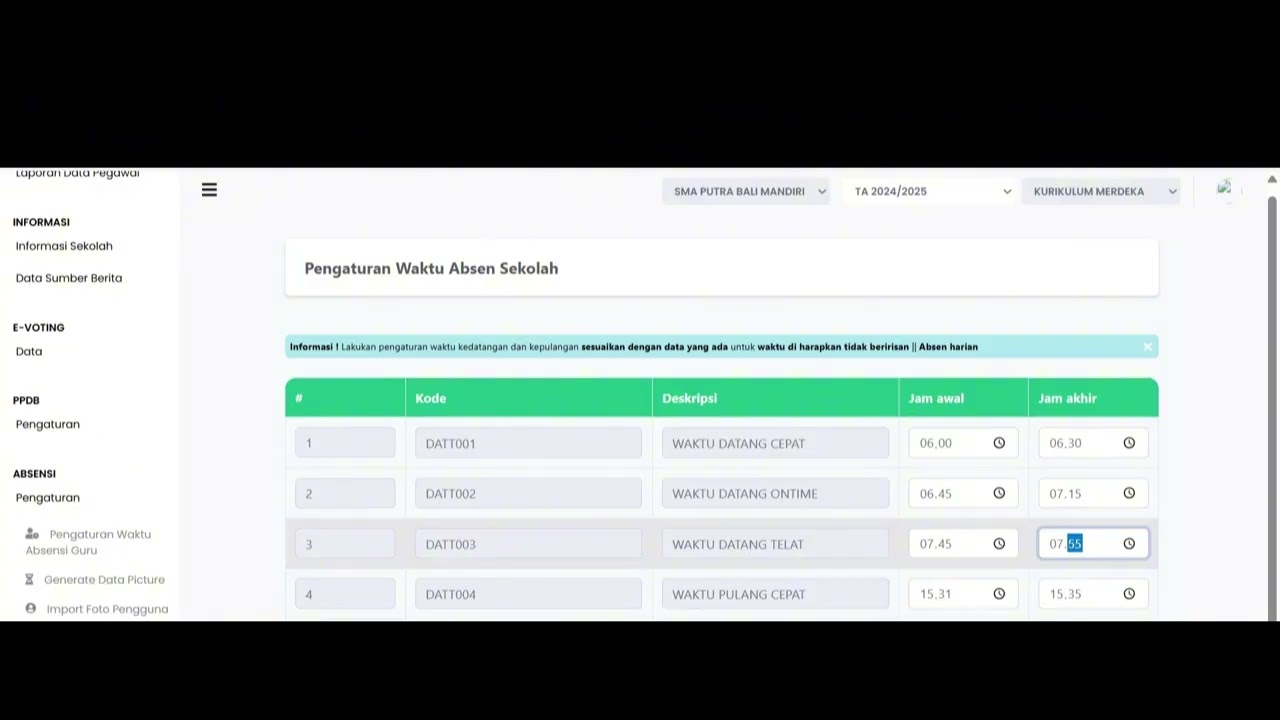
Teacher Attendance Time Settings
91 views • 8 months ago
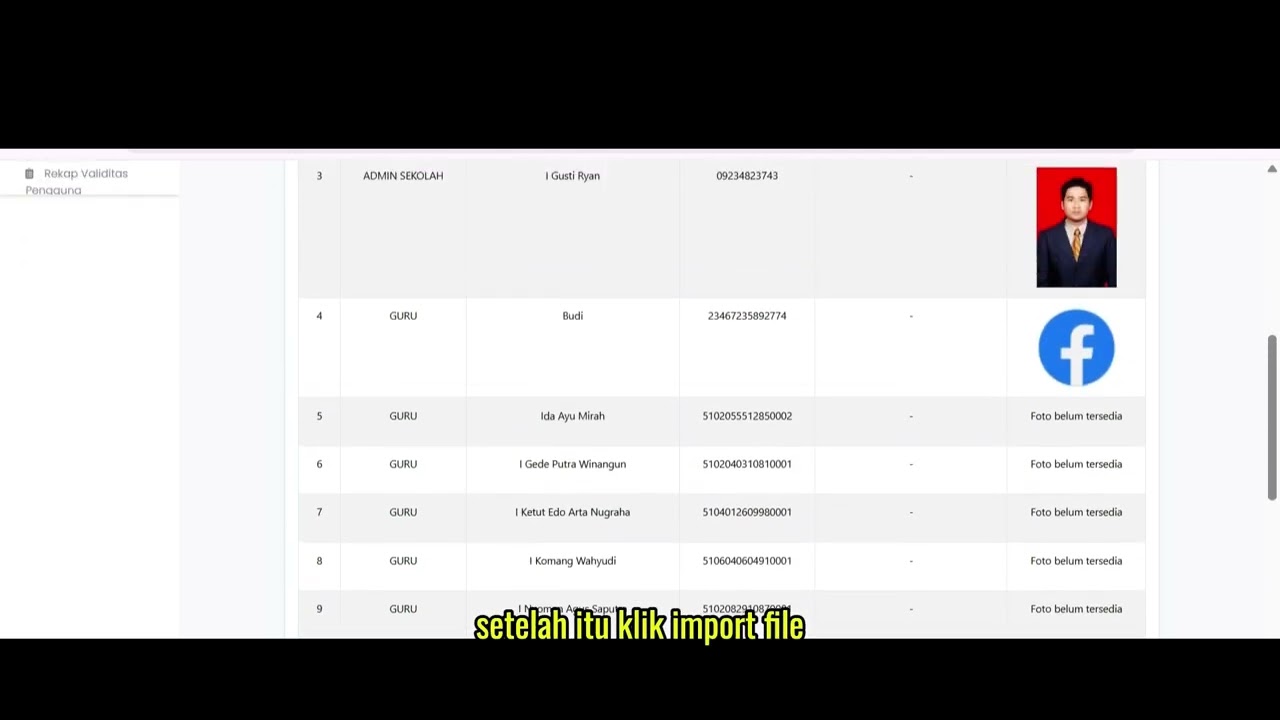
Import User Photo
85 views • 8 months ago
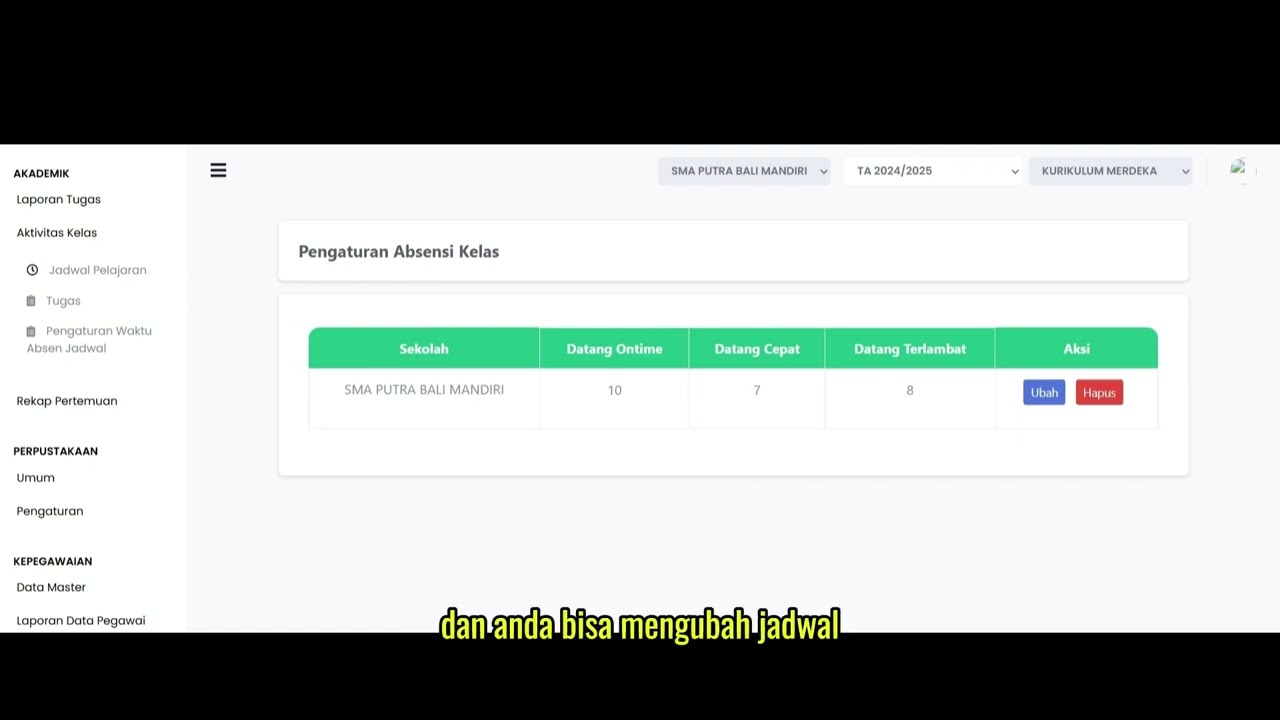
Scheduled Attendance Time Settings
108 views • 8 months ago
Fitur Absen QR Code
113 views • 8 months ago
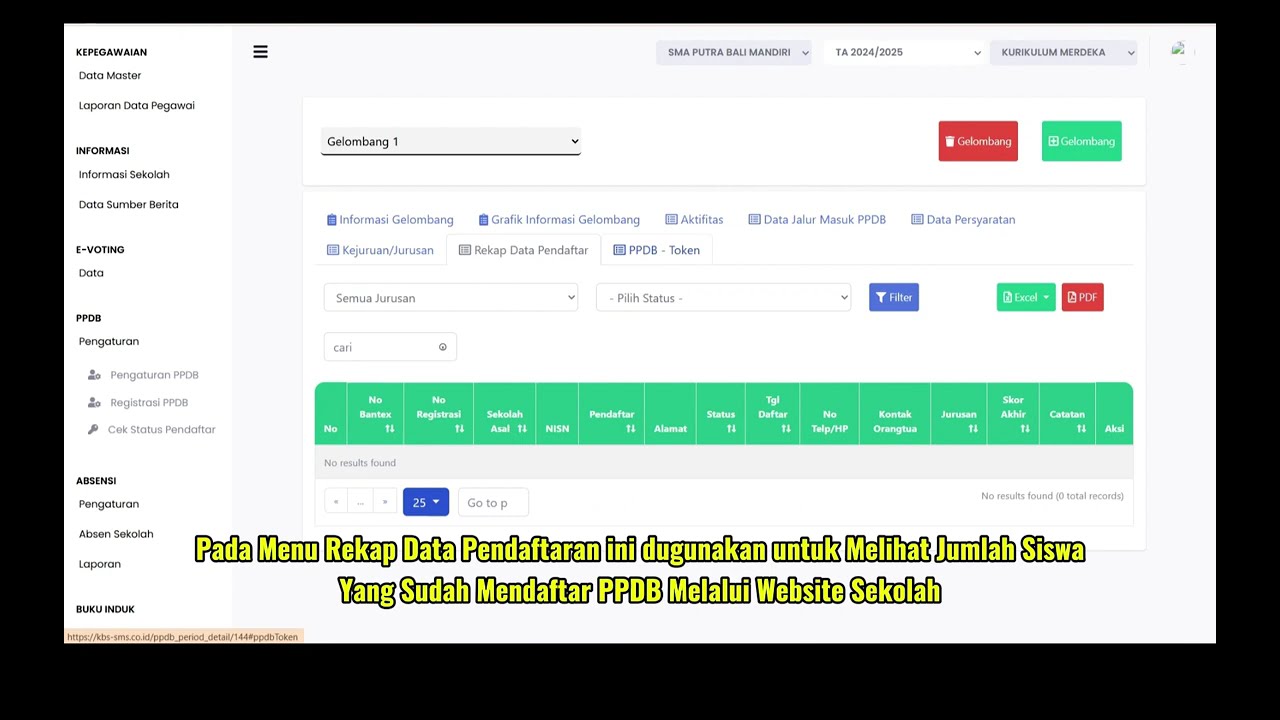
PPDB Settings and Registration
231 views • 8 months ago
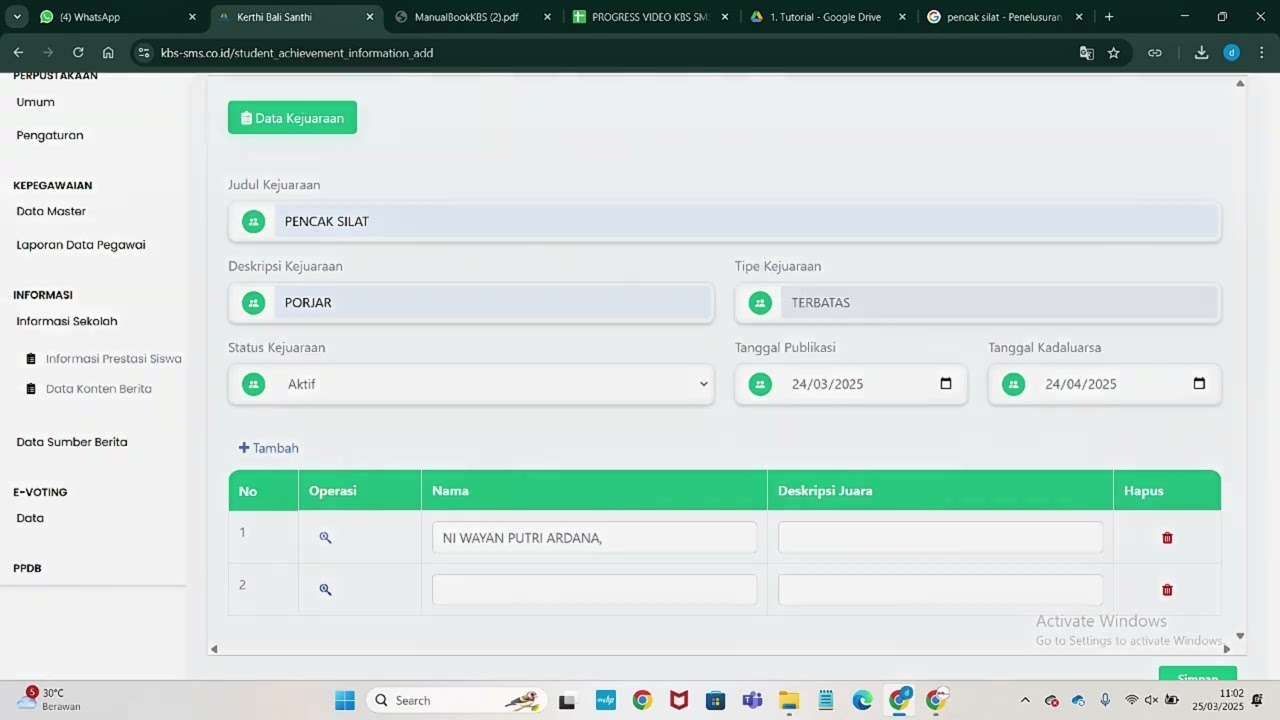
Informasi Presentase siswa
218 views • 8 months ago