
Cash Disbursement
Description
The Cash Disbursement feature is used to record and process various school operational expenses, such as utility bills (water, electricity), waste management fees, and school project financing. With this feature, users can maintain transparent expense tracking, manage internal or external payees, view accounting journal entries, and print payment receipts for physical documentation.
This tutorial video provides a step-by-step guide on recording cash disbursements, selecting funding accounts, filling in project and allocation details, and printing disbursement receipts.
Timestamps / Video Outline:
-
Feature Overview: Introduction to the Cash Disbursement feature for operational expenses and school projects.
-
Step 1: Adding Cash Disbursement & Payee: Clicking 'Add Cash Disbursement' and selecting the recipient. Check the 'External Party' (Luar Sekolah) box for non-school entities.
-
Step 2: Selecting Funding Source: Choosing the source account/bank in the 'From Account' (Dari Akun) field.
-
Step 3: Entering Date & Description: Setting the transaction date and specifying expense details in the 'Description' field.
-
Step 4: Specifying Project Details: Filling in the 'Project' field if the expenditure is tied to a specific school project.
-
Step 5: Adding Account Allocation & Amount: Adding account detail rows (account code auto-fills) and entering the expenditure amount in the 'Total' column.
-
Step 6: Saving the Transaction: Clicking 'Save' and waiting for the success notification.
-
Step 7: Viewing Details & Journal Entries: Selecting 'Detail' to review transaction specifics or 'Journal' to view accounting entries.
-
Step 8: Printing Receipts: Clicking the 'Print Receipt' (Cetak Resi) button to view and print the payment receipt.
Important Notes:
-
Always check the "Luar Sekolah" option if the payee is an external party to enable manual name entry.
-
Ensure you wait for the success notification after clicking "Save" to guarantee the transaction is successfully recorded in the system.
School Finance
14 videos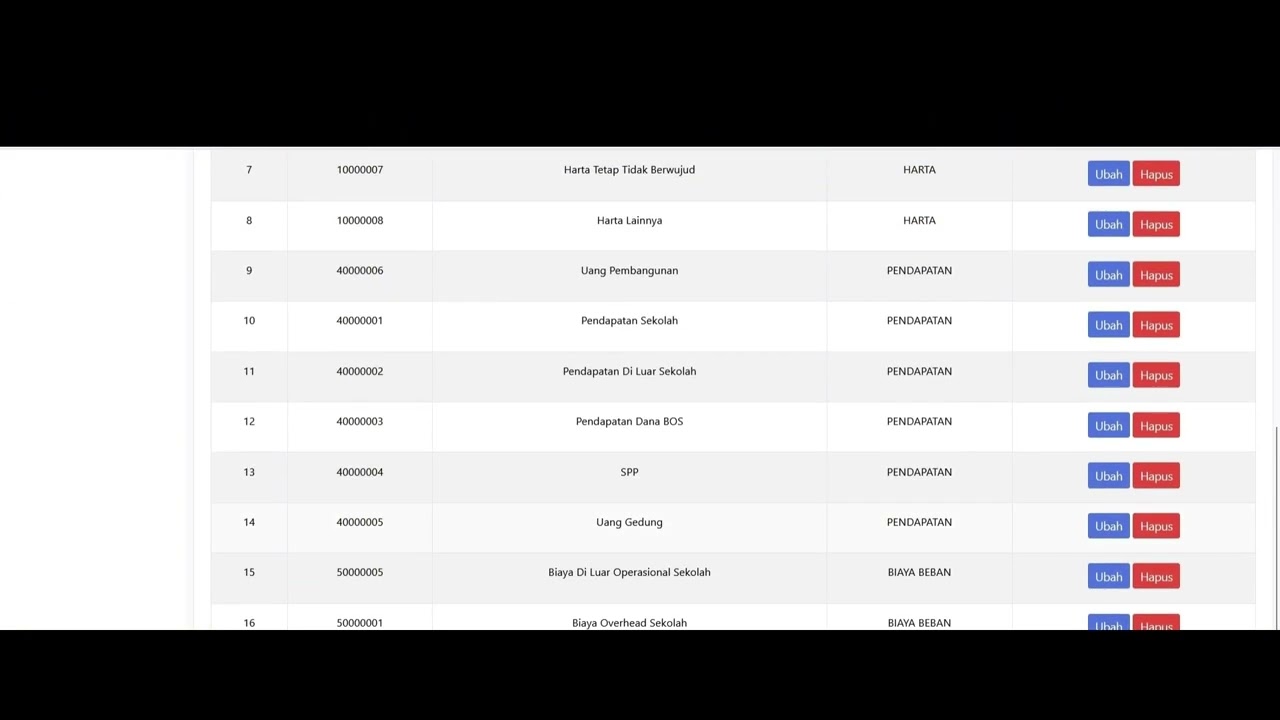 3:22
3:22
Dafatar akun keuanggan
129 views
 9:56
9:56
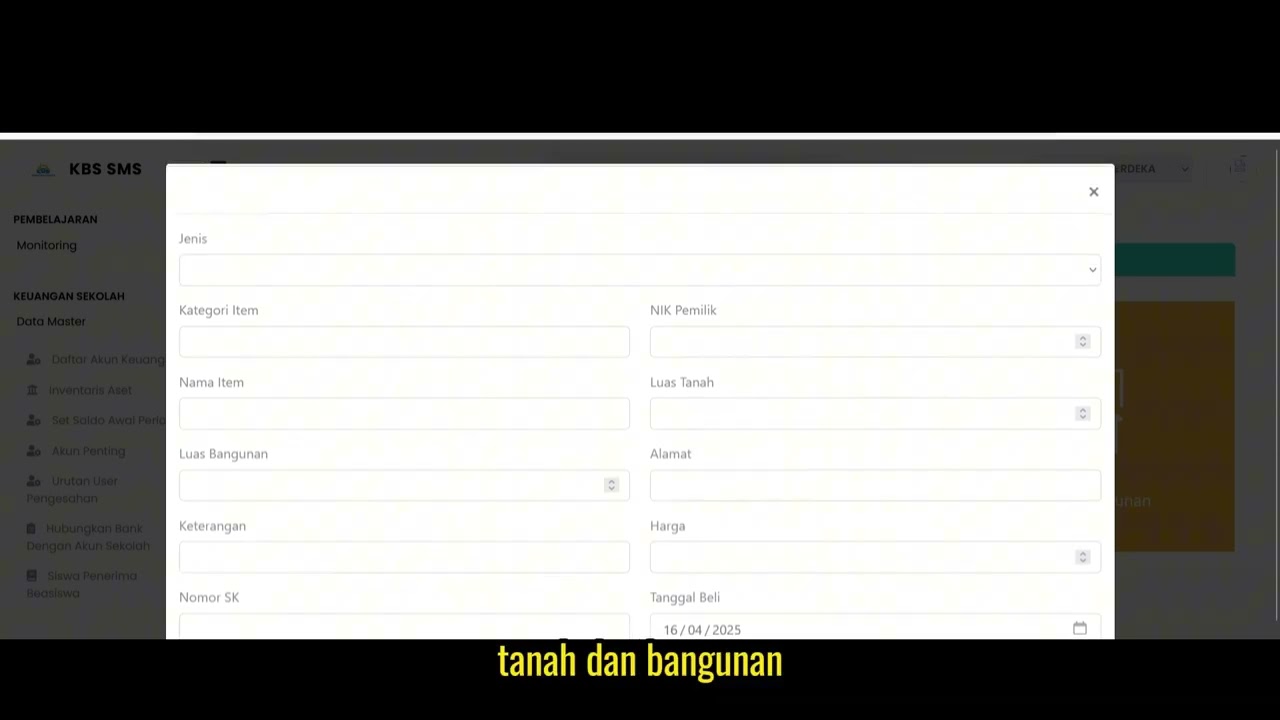
Inventaris Aset
96 views
 1:13
1:13
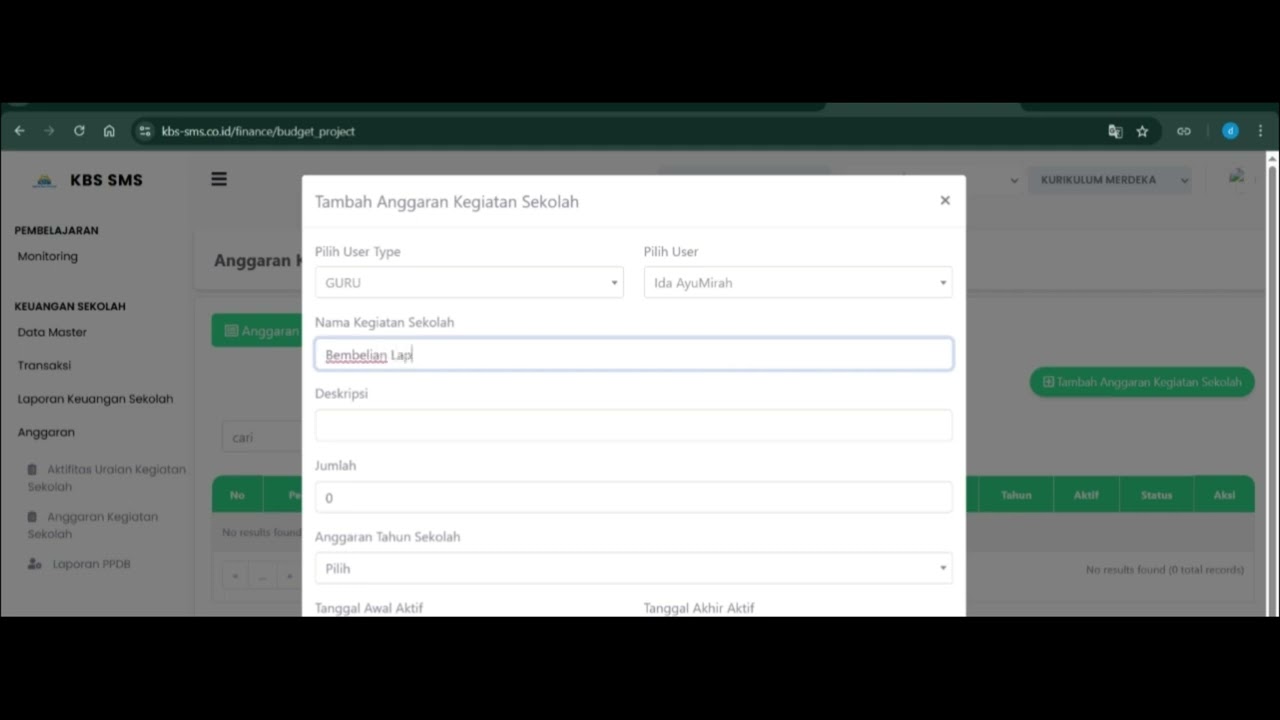
Angaran Kegiatan Sekolah
105 views
 1:10
1:10
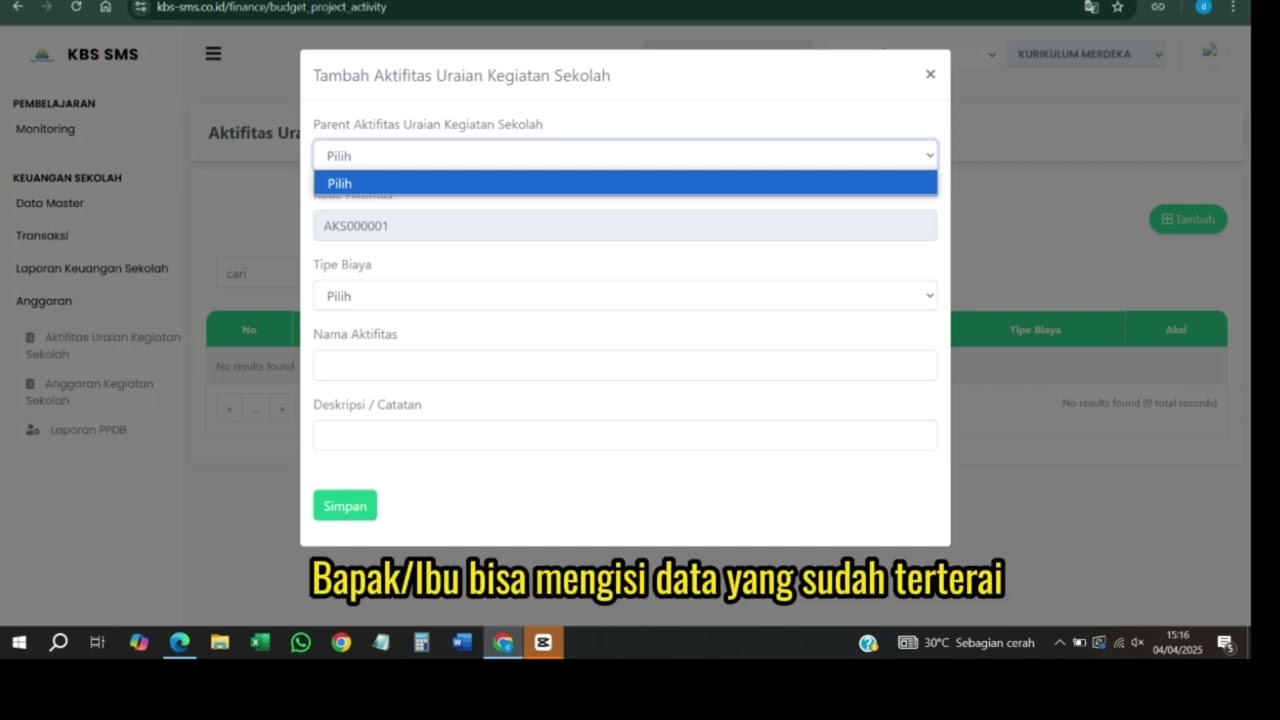
Aktifitas urian kegiatan sekolah
88 views
 1:13
1:13
Cetak Tungakan Siswa
97 views
 0:49
0:49
Laporan Presentase Dana
106 views
 3:29
3:29
Financial Report
89 views
 1:24
1:24
Bill Recapitulation
104 views
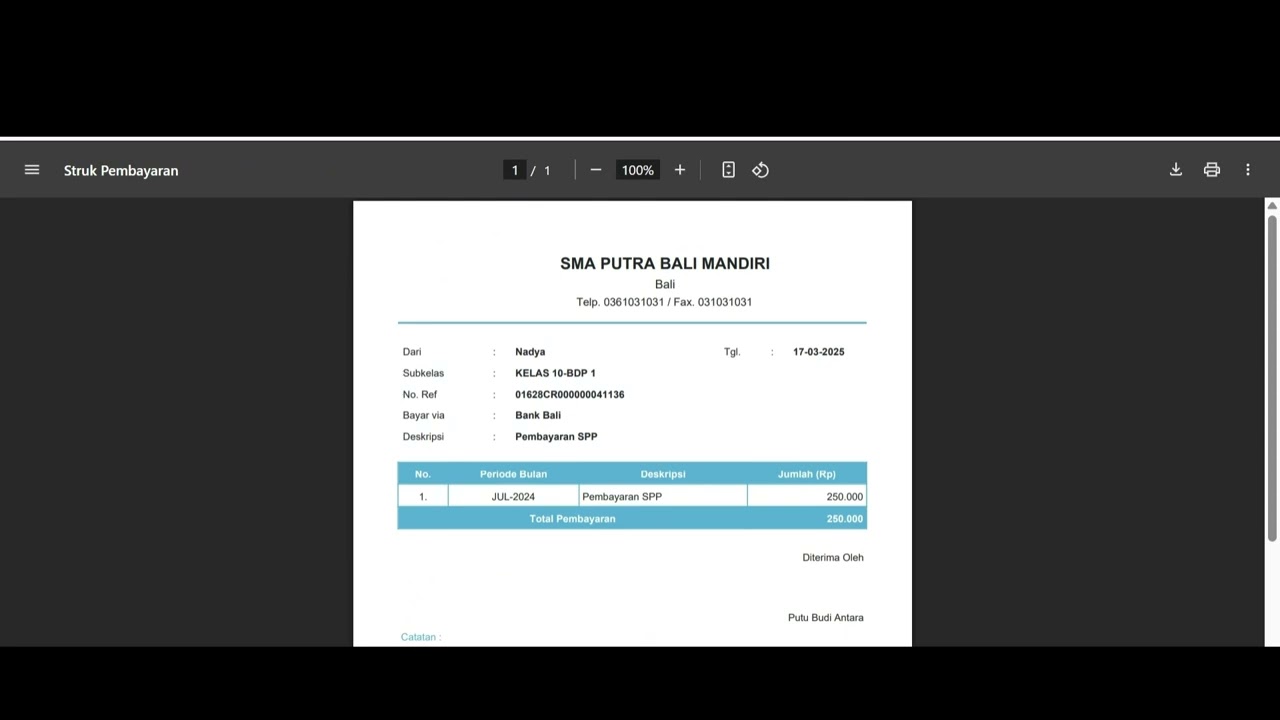 1:40
1:40
Bill Payment
92 views
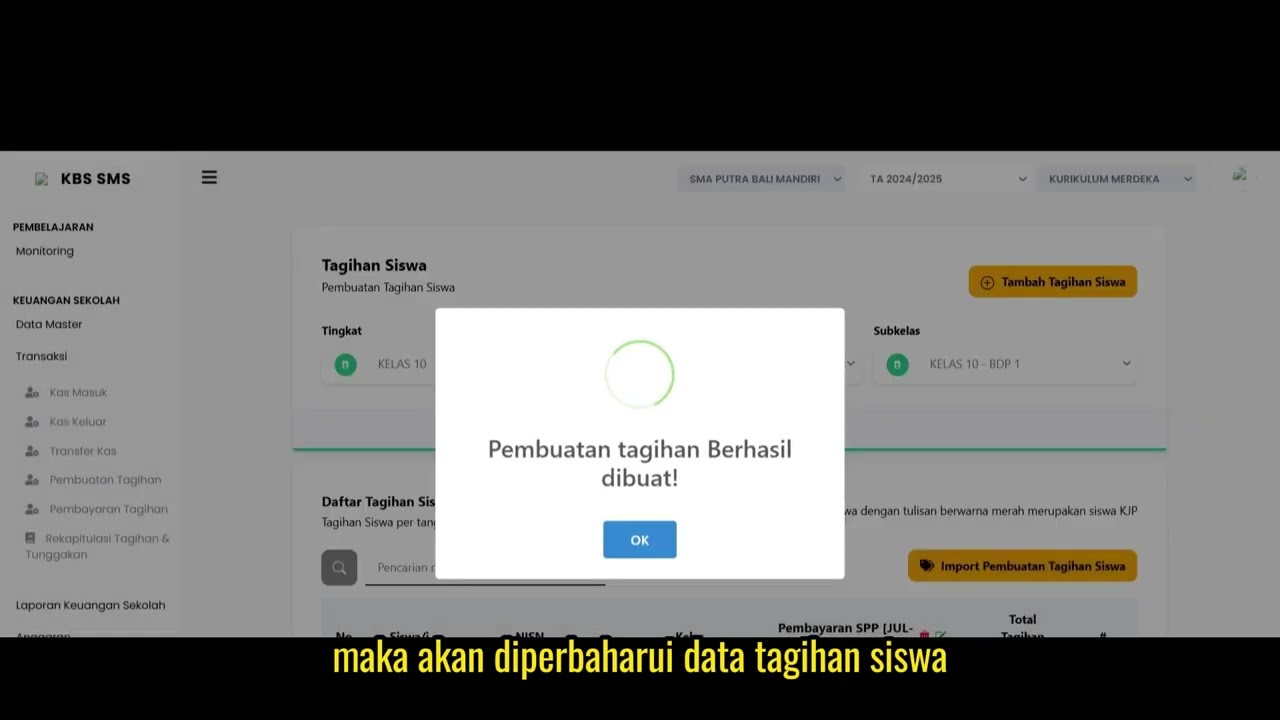 1:50
1:50
The Bill Creation
89 views
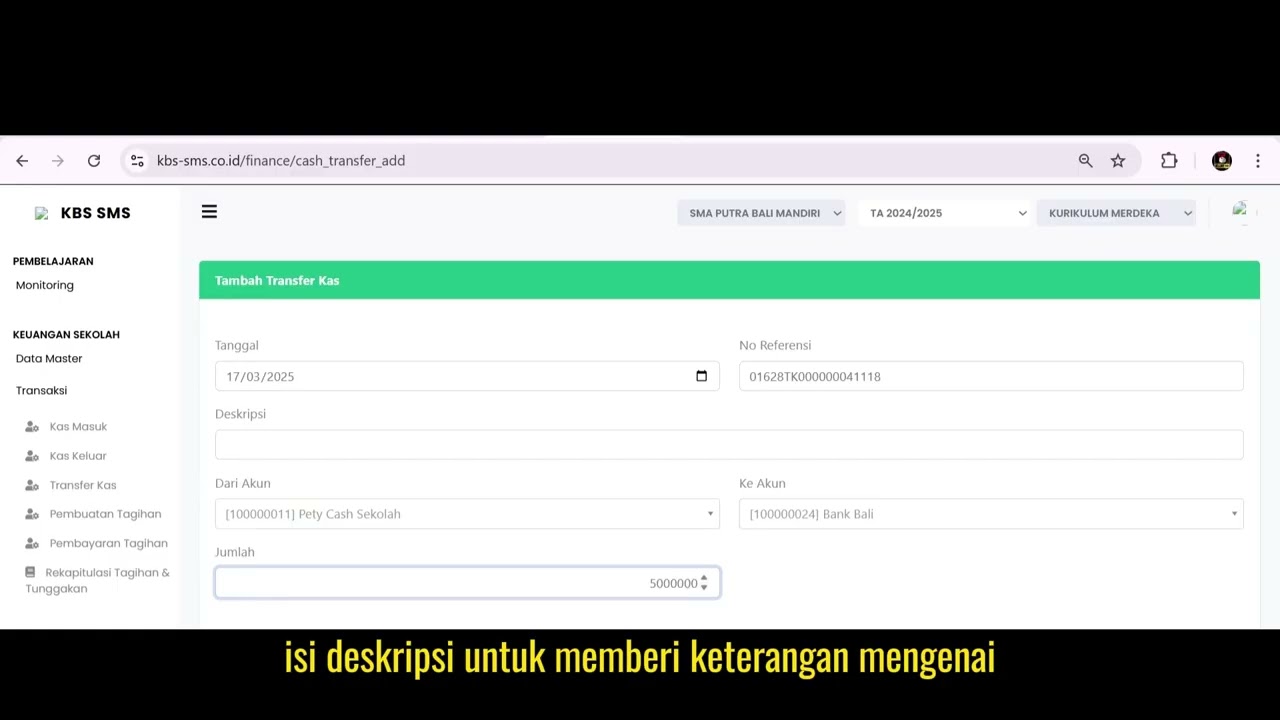 1:53
1:53
Cash Transfer 1
94 views
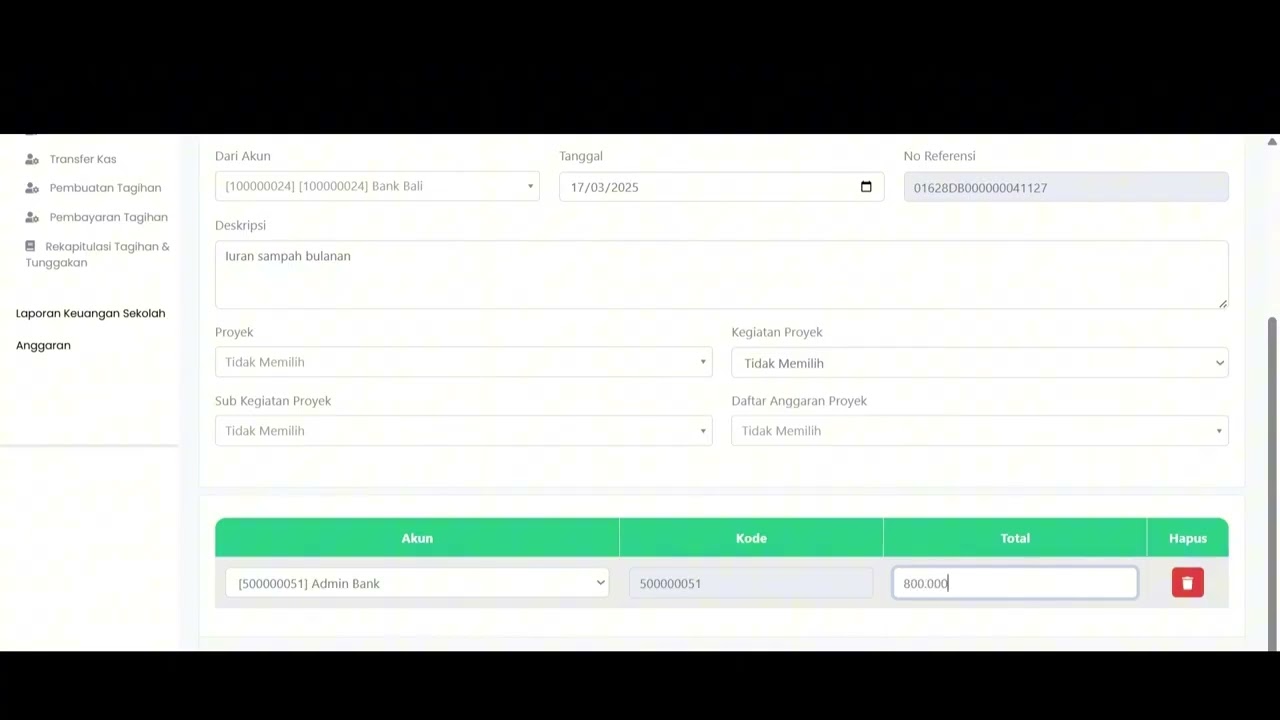
Cash Disbursement
83 views
 1:06
1:06
Cash Receipt
80 views
 1:17
1:17
Scholarship Student Recipients
94 views
Related Videos
Dafatar akun keuanggan
129 views • 8 months ago
Inventaris Aset
96 views • 8 months ago
Angaran Kegiatan Sekolah
105 views • 8 months ago
Aktifitas urian kegiatan sekolah
88 views • 8 months ago
Cetak Tungakan Siswa
97 views • 8 months ago
Laporan Presentase Dana
106 views • 8 months ago