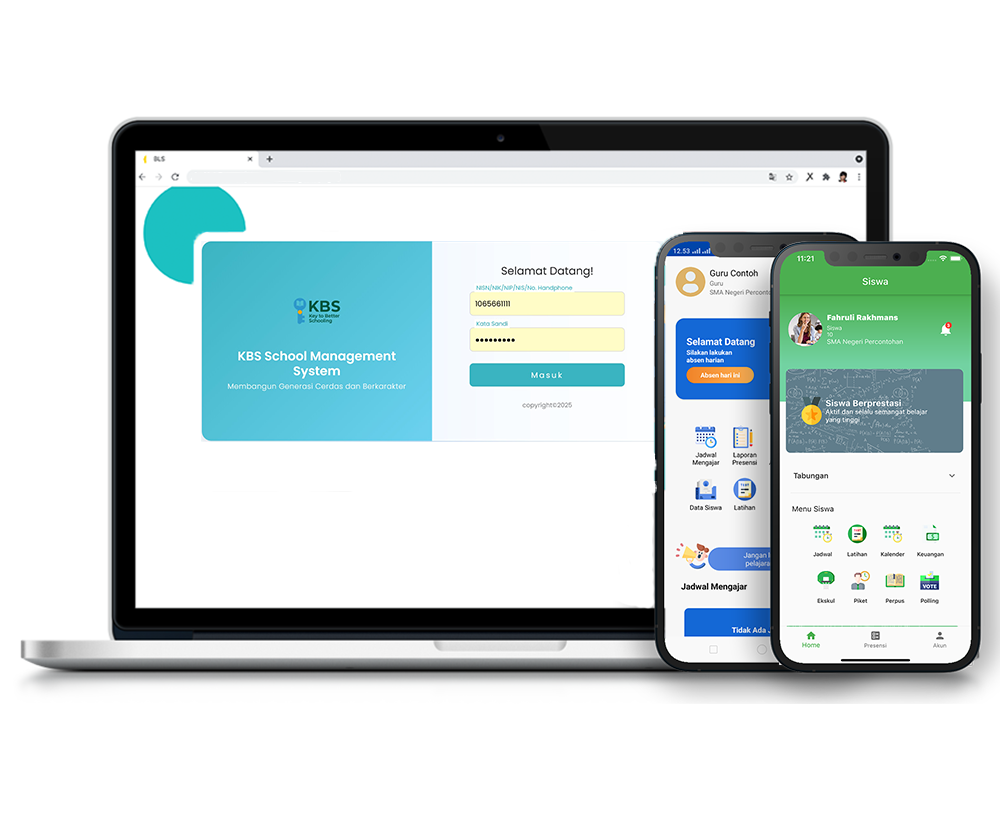
Assignment Upload Feature
Description
Managing the assignment of tasks or homework to students by teachers, starting from selecting the class and subject, setting the start date and deadline, to embedding the task material link via Google Drive. Teachers can also monitor assignments that have been submitted by students, view the files, provide notes, and enter grades directly into the system.
- Feature Introduction [00:00]: This assignment feature allows teachers to assign homework to students.
- Step 1: Menu Navigation [00:09]: Open the Academic menu, then select the Class Activities sub-menu. First, select the class you wish to display.
- Step 2: Starting Assignment Data Entry [00:17]: Click the Assignment Data Entry button, select the assignment type, specify the class, and select the subject.
- Step 3: Entering the Assignment Name [00:36]: Check the box for the class column, then enter the details in the assignment name section.
- Step 4: Setting Assignment Duration [00:52]: Set the assignment's start date and end date to establish the submission deadline.
- Step 5: Configuring the Google Drive Link [01:04]: To input the assignment link, access the Google Drive application. Before copying the link, change the privacy settings to "accessible by anyone" so the file can be opened.
- Step 6: Entering the Link and Description [02:30]: Paste the link into the Assignment Link field, then fill in the description field to explain the assignment details to students.
- Step 7: Saving the Assignment [02:52]: Click the Submit button and wait for the image or notification indicating that the data has been successfully saved.
- Step 8: Checking Student Work [03:05]: To see if any students have uploaded their assignments, click the Details button.
- Step 9: Viewing Files and Grading [04:33]: If a student has submitted work, click View File to open the assignment. Afterward, enter details in the notes field [04:47], assign a grade [04:57], and click the Save button until the success notification appears.
Academic
7 videos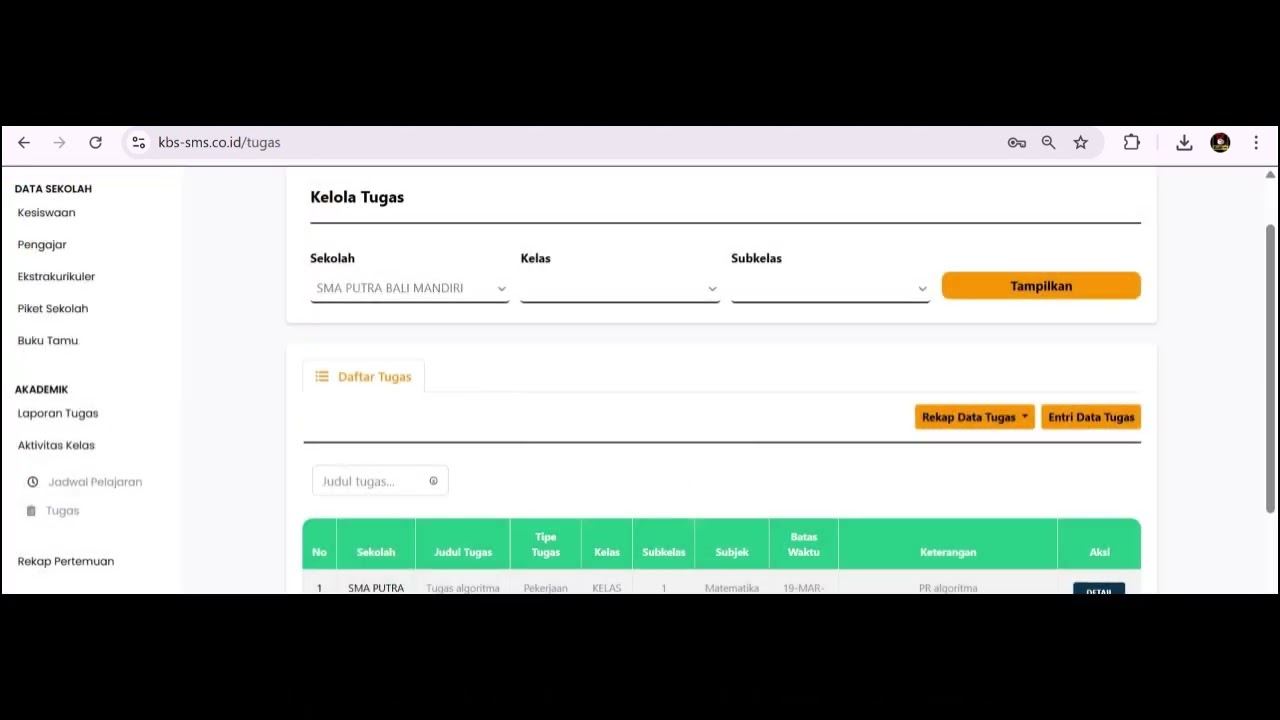
Related Videos
Upload Tugas
165 views • 8 months ago
Jadwal Pelajaran Aktivitas Kelas
95 views • 8 months ago
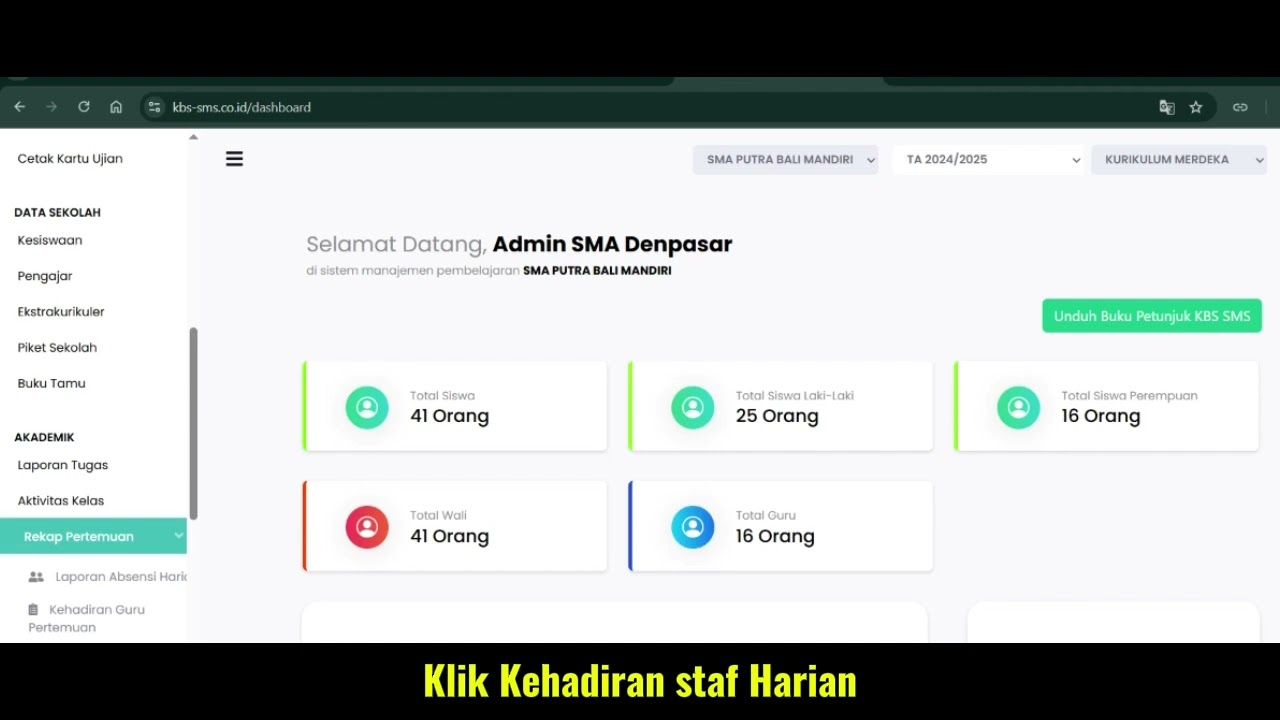
Fitur Kehadiran Staff Harian
98 views • 8 months ago
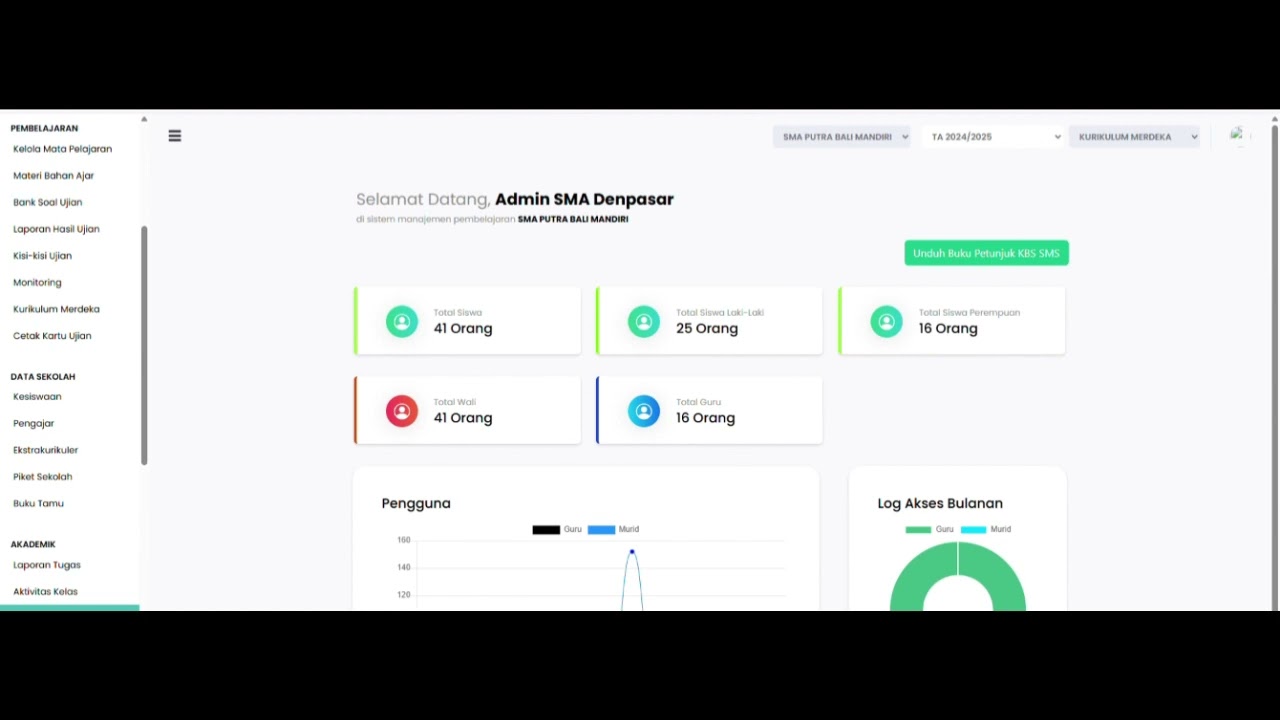
Teacher Meeting Attendance Feature
105 views • 8 months ago
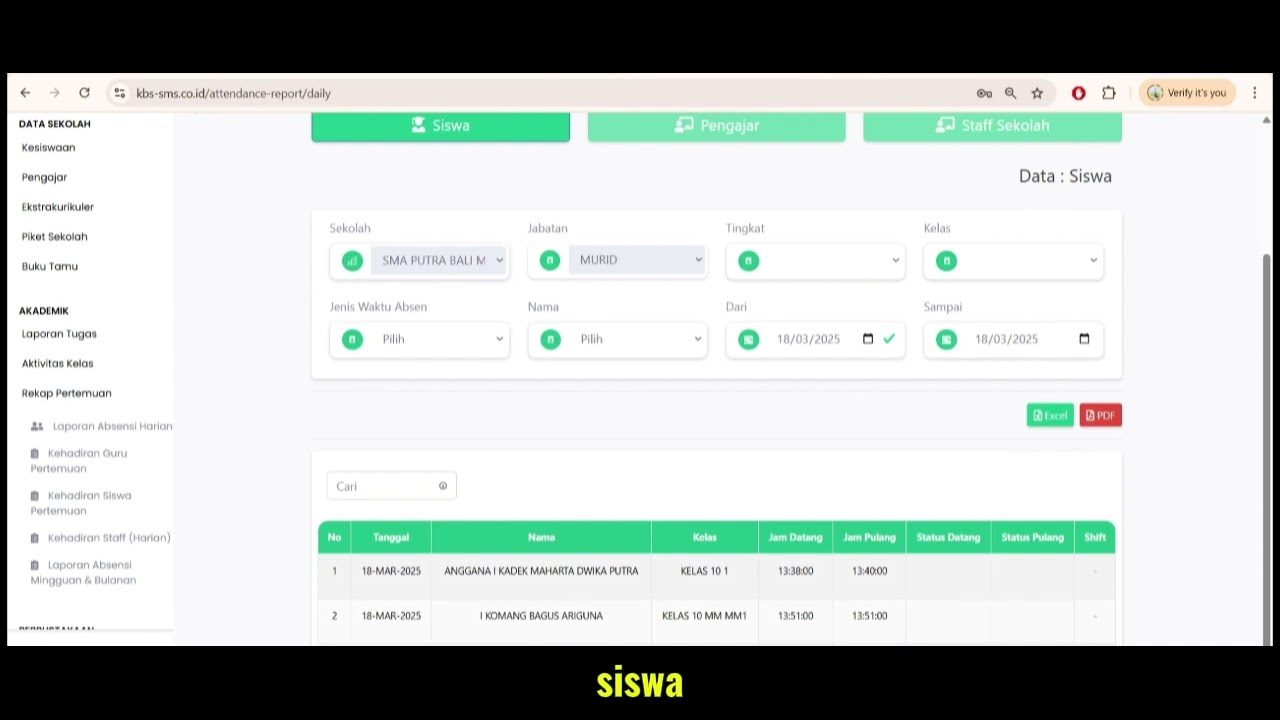
Daily Attendance Report Feature
104 views • 8 months ago
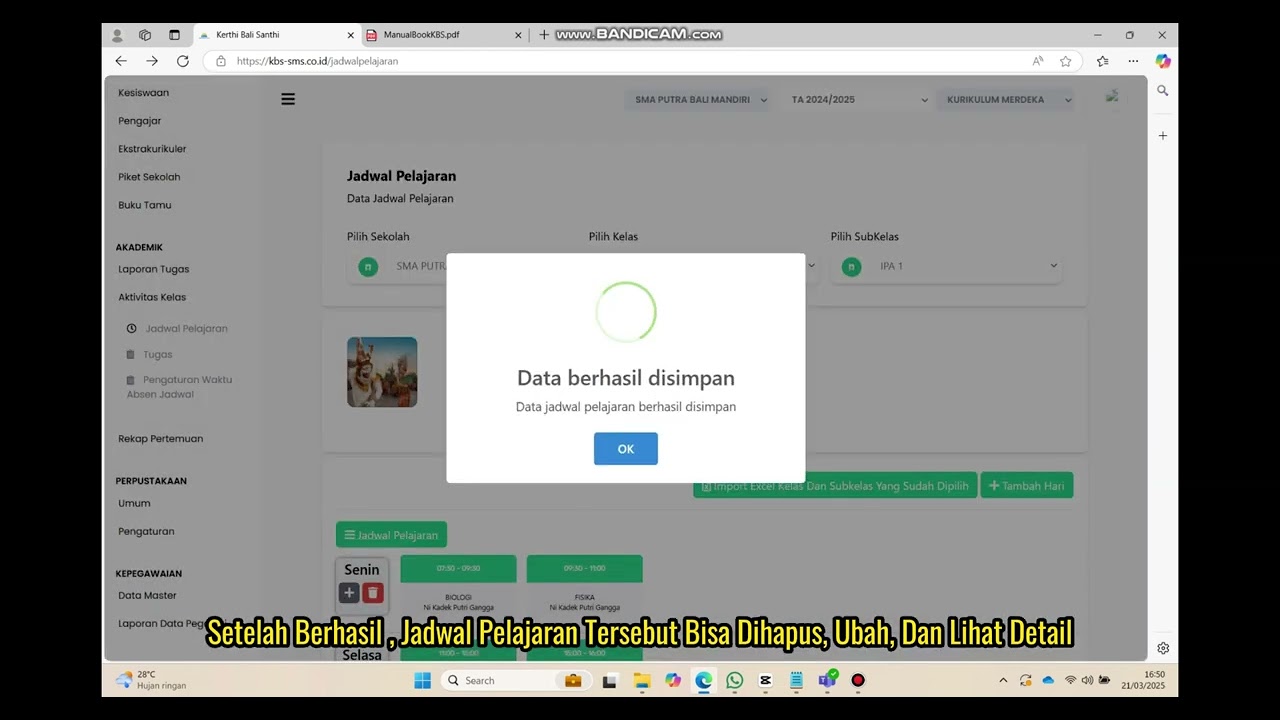
Class Schedule Feature
90 views • 8 months ago